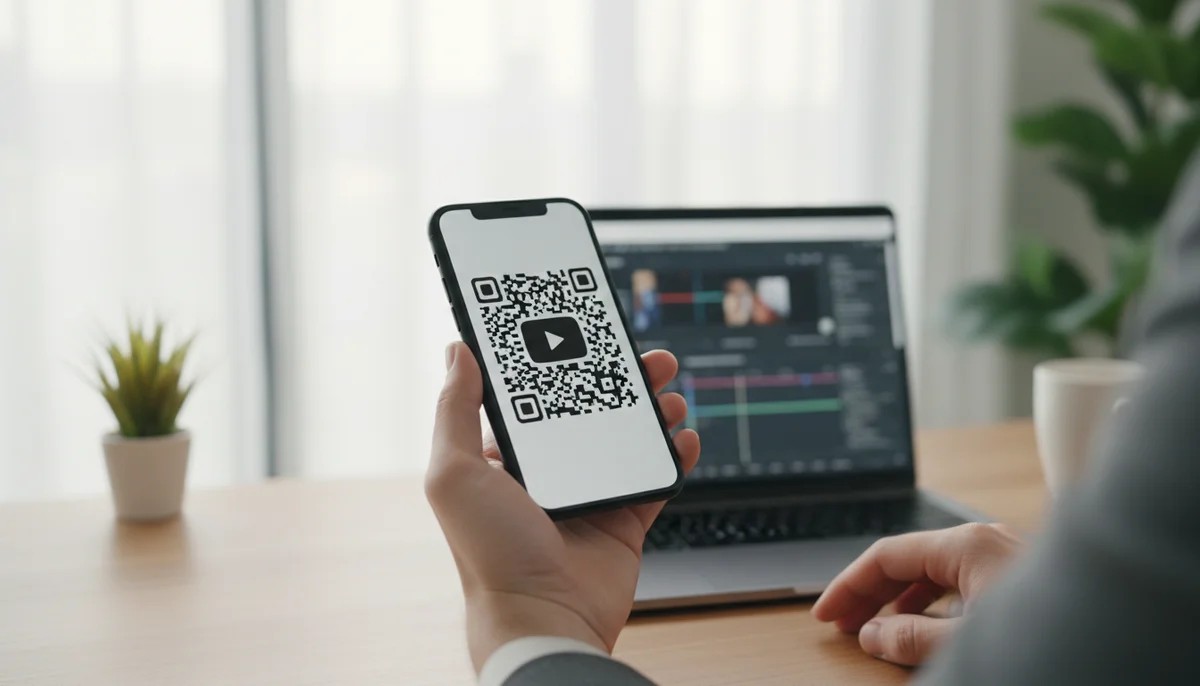
Create a YouTube QR Code: Your Free Generator Guide
Learn how to create a YouTube QR code easily with our free generator. Share videos, channels, and playlists instantly. Track scans and update links anytime with dynamic Q
How to Create a QR Code for YouTube
While sharing a YouTube link is straightforward, transforming that link into a trackable, brand-aligned marketing asset for offline and physical channels presents a unique challenge. This guide shows you exactly how to use a youtube qr code generator to bridge the digital and physical divide, making your video content more accessible and your marketing efforts more effective.
In this comprehensive article, we'll walk you through the process of creating custom YouTube QR codes, explore their strategic advantages, and provide practical examples for integrating them into your marketing campaigns. Whether you're a content creator, a small business owner, or a large enterprise, mastering this tool is essential for boosting engagement and driving measurable results.
Why Your YouTube Content Needs QR Codes
Integrating QR codes with your YouTube videos isn't just a trend; it's a strategic move that enhances accessibility, drives engagement, and provides invaluable data.
- Instant, Seamless Access: A QR code bypasses the need for manual URL typing, taking users directly to your YouTube video or channel with a single scan. This eliminates friction, making it incredibly easy for your audience to consume your content on the go, from printed materials, product packaging, or digital displays.
- Enhanced Engagement & Reach: By placing QR codes on physical assets like posters, flyers, business cards, or event banners, you extend your digital content's reach into the real world. This encourages interaction from audiences who might not otherwise discover your videos online.
- Trackable Performance with Dynamic QR Codes: Unlike static links, dynamic QR codes allow you to track crucial metrics like scan location, time, and device type. This QR code analytics data is vital for optimizing your QR code campaigns, understanding audience behavior, and proving ROI. If you ever need to change the linked YouTube video, dynamic codes let you update the destination URL without reprinting the QR code, ensuring your campaigns remain agile and cost-effective.
- Professional Branding: Customizing your YouTube QR codes with your brand colors, logo, and unique frames reinforces brand identity across all touchpoints. A well-designed QR code not only looks professional but also builds trust and encourages more scans.
Understanding Static vs. Dynamic YouTube QR Codes
Before diving into the creation process, it's crucial to understand the fundamental difference between static and dynamic QR codes, especially when working with a youtube qr code generator.
Static YouTube QR Codes
A static QR code permanently stores the destination URL directly within its pattern. Once created, the embedded information cannot be changed.
- Pros: Simple to generate, no subscription required for basic functionality, good for permanent links that will never change.
- Cons: No tracking or analytics capabilities, impossible to edit the destination URL after creation, offers no flexibility for evolving campaigns.
- Best Use: For personal use cases or short-term promotions where the video link is guaranteed not to change and tracking isn't a priority.
Dynamic YouTube QR Codes
A dynamic QR code uses a short URL that redirects to your actual YouTube video link. The short URL is stored on the QR code generator's server, allowing you to change the final destination URL at any time without altering the QR code itself.
- Pros:
- Editable Content: Update the linked YouTube video or channel anytime without reprinting.
- Comprehensive Analytics: Track scans, locations, devices, and more through QR code analytics.
- Flexibility: Ideal for long-term QR code marketing campaigns that may require content updates or A/B testing.
- Professional Appearance: Dynamic codes are typically smaller and cleaner because they store a shorter URL, even for very long YouTube links.
- Cons: Often requires a subscription to a QR code service for ongoing management and analytics.
- Best Use: For all professional marketing, business, and content creation scenarios where tracking, flexibility, and long-term utility are paramount.
For most business and marketing applications, we highly recommend using dynamic QR codes for YouTube to leverage their advanced features. You can explore creating your own Dynamic QR Codes to experience the benefits firsthand.
How to Create a QR Code for YouTube: A Step-by-Step Guide
Creating a QR code for your YouTube video or channel is a straightforward process using a reliable QR code generator. Here's how to do it:
Step 1: Obtain Your YouTube URL
First, you need the direct link to the YouTube content you want your QR code to lead to.
- For a specific video: Go to the video on YouTube, click the "Share" button, and copy the provided URL.
- For your channel: Go to your channel page, copy the URL from your browser's address bar (e.g.,
https://www.youtube.com/@YourChannelName). - For a playlist: Navigate to your playlist, and copy its URL.
Step 2: Choose a Reliable QR Code Generator
Select a trusted QR code generator that offers both static and dynamic options. Many platforms, including our Free QR Code Generator, provide intuitive interfaces for this purpose.
Step 3: Select the "Video" or "URL" QR Code Type
Once on the generator platform, you'll typically find various QR code types. For YouTube, you can often use:
- Video QR Code: Some generators offer a dedicated "Video" type specifically optimized for platforms like YouTube, which might provide additional features. You can find this option under Video QR Codes.
- URL QR Code: This is the most common and versatile option. Select the "URL" or "Website" type, which allows you to input any web address. Our platform provides specific URL QR Codes.
Step 4: Paste Your YouTube URL
In the designated field, paste the YouTube URL you copied in Step 1.
- Example:
https://www.youtube.com/watch?v=dQw4w9WgXcQorhttps://www.youtube.com/@MyAwesomeChannel
Step 5: Choose Between Static and Dynamic (Recommended)
Most professional youtube qr code generator platforms will prompt you to choose between static and dynamic.
- For marketing campaigns: Always choose dynamic QR codes. This unlocks editing capabilities and crucial QR code analytics to track performance.
- For simple, permanent links: A static QR code might suffice, but you'll miss out on valuable insights.
Step 6: Customize Your QR Code (Branding is Key!)
This is where you make your QR code visually appealing and brand-consistent. Effective customization can significantly increase scan rates and brand recall. Our Custom QR Design options allow for extensive personalization.
- Colors: Change the foreground and background colors to match your brand palette.
- Logo: Embed your company or channel logo in the center of the QR code. This reinforces brand identity and makes the QR code instantly recognizable.
- Frame/Call-to-Action: Add a custom frame with a clear call-to-action (e.g., "Scan to Watch," "Watch Now," "Subscribe"). This tells users exactly what to expect when they scan.
- Shape and Pattern: Experiment with different data point shapes and frame designs to make your QR code stand out.
Pro Tip: When integrating your logo, ensure it's high-resolution and doesn't obscure too much of the QR code's data pattern, which could affect scannability. Test thoroughly after customization.
Step 7: Generate and Test Your QR Code
After customizing, click the "Generate" or "Create" button. Once generated, download your QR code in a suitable format (PNG for digital, SVG/EPS for print).
Crucially, test your QR code repeatedly with different devices (iOS and Android) and various QR code scanner apps. Ensure it scans quickly and accurately redirects to the correct YouTube video or channel. Testing in various lighting conditions and print qualities is also recommended for physical placements.
Practical Examples: Integrating YouTube QR Codes into Your Marketing
Here's how businesses and creators are effectively using YouTube QR codes in real-world scenarios:
1. Retail & Product Packaging
- Use Case: A beauty brand launches a new skincare line. They print a YouTube QR code on each product box.
- Outcome: Customers scan the code to watch a tutorial video on how to use the product, see real customer testimonials, or access behind-the-scenes content about the product's development. This adds value and enhances the post-purchase experience.
- Business Impact: Increased product engagement, reduced customer support queries about usage, and stronger brand loyalty.
2. Events & Conferences
- Use Case: A tech company hosts a booth at a trade show. They place a large display with a YouTube QR code next to a demo station.
- Outcome: Attendees scan the code to watch a comprehensive product demo video, interviews with the developers, or highlights from previous events, even if they can't stay for a live presentation.
- Business Impact: Captures leads who are interested but time-constrained, provides evergreen content for event attendees, and extends the event's reach digitally.
3. Print Advertising & Marketing Materials
- Use Case: A real estate agent creates brochures for open houses. Each brochure includes a YouTube QR code for a virtual tour of the property.
- Outcome: Prospective buyers can instantly access a high-quality video walkthrough, saving time and providing a richer experience than static photos alone.
- Business Impact: Qualifies leads more effectively, differentiates the agent from competitors, and provides a convenient, engaging way to showcase properties.
4. Restaurants & Hospitality
- Use Case: A restaurant wants to showcase their signature dishes and ambiance. They place a YouTube QR code on their physical menus (or use specific Restaurant Menu QR Codes) or table tents.
- Outcome: Diners scan the code to watch short, engaging videos of dishes being prepared, chef interviews, or a virtual tour of the restaurant's unique interior.
- Business Impact: Enhances the dining experience, helps customers make informed choices, and promotes the restaurant's brand story and atmosphere.
5. Social Media & Cross-Promotion
- Use Case: An influencer wants to drive traffic from their Instagram stories to a longer-form YouTube video.
- Outcome: Instead of just a "link in bio," they use a QR code graphic in their story, prompting users to screenshot and scan, or even simply display the QR code in a live video.
- Business Impact: Diversifies traffic sources, creates a cohesive content ecosystem, and allows for more dynamic cross-platform promotion beyond direct links. Similarly, you could link to Social Media QR Codes for a unified presence.
Advanced Strategy and Implementation for YouTube QR Code Campaigns
Beyond basic creation, smart implementation elevates your QR code marketing.
1. Leverage Dynamic QR Codes for A/B Testing
With dynamic QR codes, you can change the destination URL at any time. This is invaluable for A/B testing:
- Video Content: Link your QR code to Video A for a period, then switch it to Video B (a different edit, thumbnail, or intro) and compare the scan-to-watch rates and engagement metrics using your QR code analytics.
- Call-to-Action: Print two sets of flyers, each with the same QR code but different calls-to-action (e.g., "Watch Our Demo" vs. "Learn More"). Track which QR code (via its associated campaign ID in your analytics) performs better.
2. Integrate with Other Digital Assets
Don't limit QR codes to print. They can be powerful within digital contexts too:
- Email Signatures: Add a QR code to your email signature that links to your latest YouTube product update or a company overview video.
- Presentations: Include a QR code on slides during virtual presentations. Attendees can scan it to instantly access a deeper dive video without fumbling for links.
- Digital Signage: Use QR codes on digital displays in waiting rooms, lobbies, or retail environments to passively engage audiences with video content.
3. Plan Your QR Code Campaigns
Effective QR code use isn't just about sticking them everywhere. Consider a targeted approach:
- Define Objectives: What do you want to achieve? More subscribers, product sales, brand awareness, event registrations?
- Target Audience: Where will your audience encounter the QR code? What content will resonate most with them at that moment?
- Placement Strategy:
- Physical: Where will the QR code be placed (e.g., business cards, packaging, posters, direct mail)? Ensure it's easily scannable and at eye-level.
- Digital: How will it appear online (e.g., social media banners, website pop-ups, email footers)?
- Tracking & Optimization: Use QR code analytics to monitor performance. If a campaign isn't meeting goals, dynamically update the linked video or refine your physical placement. For managing multiple QR codes, consider a Team Workspace to collaborate and view unified analytics.
4. Consider Advanced Use Cases
For large-scale operations or complex needs, integrate QR code generation directly into your systems:
- Bulk Generation: If you need thousands of unique QR codes for products or marketing materials, a Bulk QR Generator can automate this process.
- API Integration: For developers, a QR Code API allows for programmatically creating and managing QR codes directly from your own applications, useful for personalized product inserts or dynamic event badging.
5. Maintain Quality and Scannability
- Resolution: Always download your QR codes in high-resolution formats, especially for print.
- Quiet Zone: Ensure there's enough clear space (a "quiet zone") around the QR code, typically 4x the module size, so scanners can easily detect its boundaries.
- Size: Make sure the QR code is large enough to be easily scanned from the intended distance. A general rule of thumb is a minimum size of 1 inch x 1 inch (2.5 cm x 2.5 cm) for close-range scans.
By thoughtfully applying these strategies, your YouTube QR codes will move beyond simple links to become powerful, data-driven components of your overall marketing ecosystem.
Conclusion
Creating a QR code for YouTube is a powerful, yet simple, way to bridge your digital video content with the physical world. By leveraging a high-quality youtube qr code generator, you empower your audience with instant access to your videos, enhance engagement, and gain invaluable insights into your campaign performance.
Remember, the true power lies in dynamic QR codes. These allow for seamless content updates and robust QR code analytics, transforming a mere scan into a measurable touchpoint. A simple QR code gets a click; a dynamic QR code from a platform like QR-Build builds a data-driven marketing campaign, providing the flexibility and intelligence modern marketers need to thrive. Start integrating YouTube QR codes into your strategy today to unlock new levels of reach and engagement for your video content.
Ready to Get Started?
Explore our tools to enhance your QR code workflow
Free QR Code Generator
Create unlimited QR codes for free with our easy-to-use generator. No signup required.
Start CreatingTeam Workspace
Collaborate with your team on QR code projects. Share templates, manage permissions, and track usage.
Explore TeamsQR Code API
Integrate QR code generation into your applications with our RESTful API. Unlimited requests, high performance.
Explore APIAll tools are available with a free plan to get you started
Frequently Asked Questions
Find quick answers to common questions about this topic
What is a YouTube QR code?
A YouTube QR code is a scannable graphic that links directly to a YouTube video, channel, or playlist, making it incredibly easy to share content with a single scan.
Can I update my YouTube QR code after printing?
Yes, if you use a dynamic YouTube QR code, you can easily change the linked video or channel URL even after the QR code has already been printed and distributed.
How do I create a free YouTube QR code?
You can create a free static YouTube QR code by entering your YouTube URL into a QR code generator, then downloading the generated image. Dynamic codes offer more features.
What are the benefits of using QR codes for YouTube?
Benefits include instant access to your content, improved audience engagement, easy sharing on print materials, and the ability to track scan analytics for dynamic codes.
Can I track scans of my YouTube QR code?
Yes, with dynamic YouTube QR codes, you can access real-time analytics to see how many times your code has been scanned, as well as geographic location and time of scan.
Related Articles
Continue exploring QR code strategies and best practices
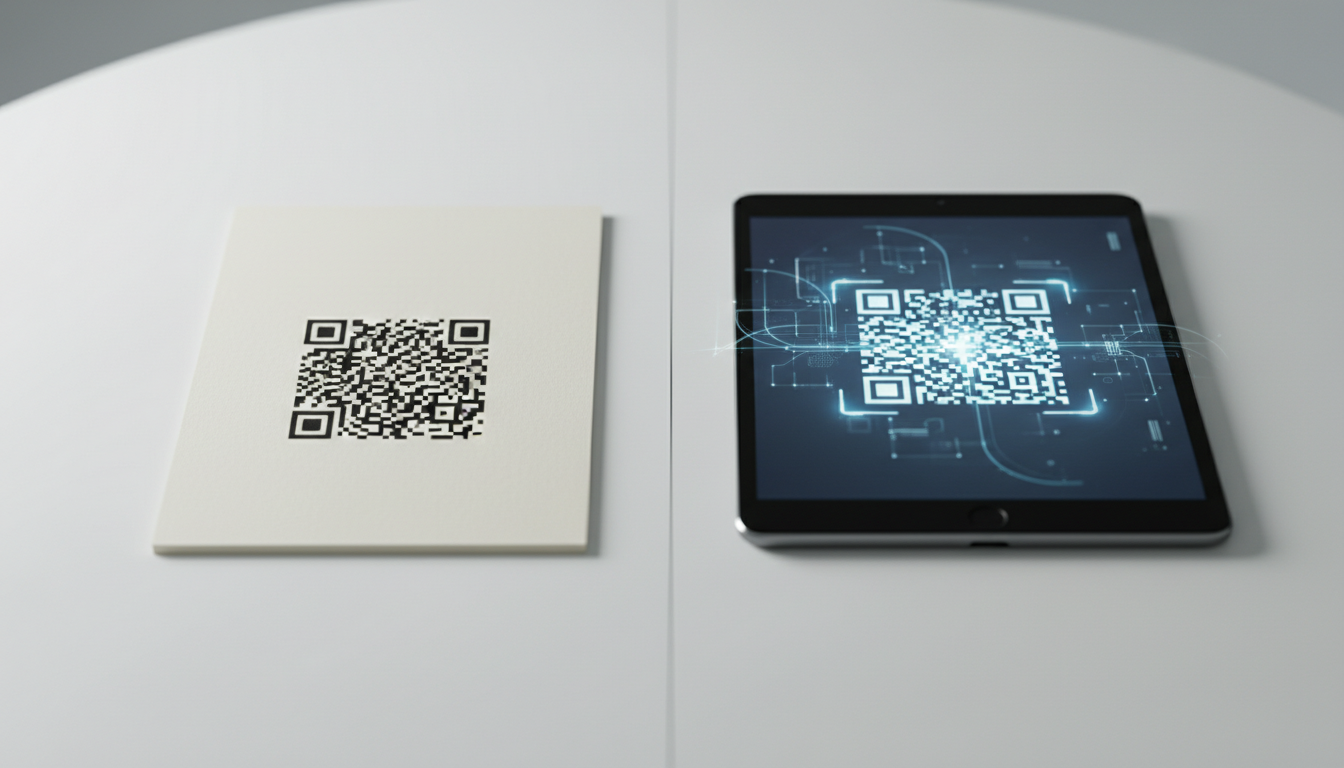
Static vs Dynamic QR Code Explained: Benefits of Dynamic QR
Understand static vs. dynamic QR codes. Learn the benefits of dynamic QR codes for marketing, tracking, and content updates. Essential for modern campaigns.

Dynamic QR Code Explained: What It Is, How It Works, & Benefits
Discover what a dynamic QR code is, how it works, and its key advantages for marketing and business. Learn why editable QR codes are essential for modern campaigns with Q
Boost Your Business: Creative QR Code Marketing Ideas for Success
Uncover 15 innovative QR code marketing ideas to transform your campaigns and engage customers. Learn how to leverage QR codes for promotions, lead generation, and enhanc
Unlock Growth: QR Codes in Business for Modern Engagement
Discover how QR codes revolutionize business operations, marketing, and customer engagement. Explore essential QR code business uses to drive efficiency and boost your br
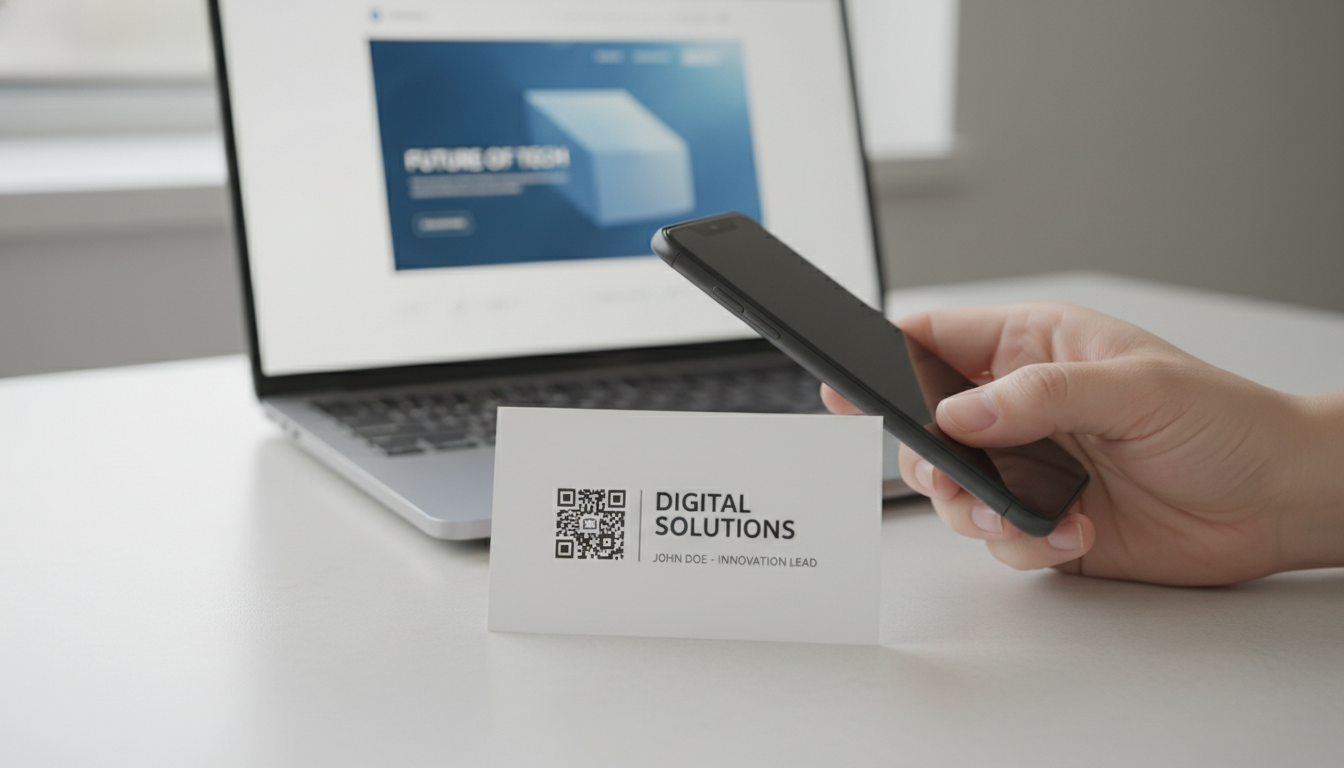
Create a QR Code for Your Website: The Ultimate Guide
Unlock easy access to your website with a QR code. Learn how to create a website QR code, customize it, and deploy it effectively to boost traffic and user engagement. Si
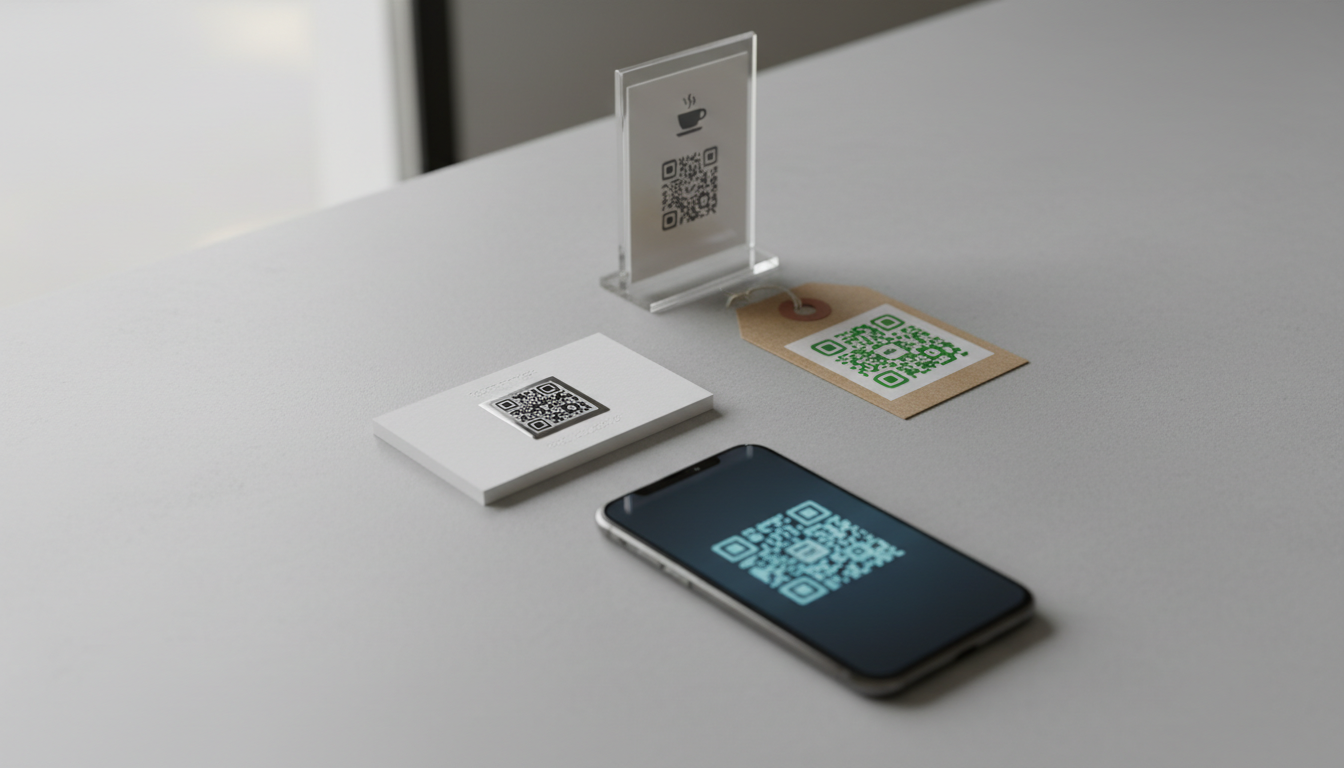
What are the Main QR Code Types? Static, Dynamic & More
Explore the different QR code types, from static to dynamic. Learn their unique features, benefits, and best uses for business with QR-Build.

Technical Writer
David combines his background in software engineering with clear technical writing. He creates comprehensive guides and tutorials for developers.