
How QR Code Scanner Technology Works: A Simple Explanation
Ever wondered how QR code scanner technology deciphers those complex patterns? Discover the simple process of scanning, from optical readers to data conversion. Learn wha
How QR Code Scanning Works: Understanding the Technology Behind Your Campaigns
In today's fast-paced digital landscape, businesses constantly seek innovative ways to connect with customers and bridge the gap between physical and digital touchpoints. QR codes have emerged as a powerful, versatile tool for this very purpose. But for marketers and business owners, truly leveraging their potential goes beyond simply generating a code; it requires understanding the sophisticated qr code scanner technology that makes these interactions possible.
This article pulls back the curtain on how QR code scanning works, from the code's intricate anatomy to the step-by-step process your smartphone uses to interpret it. We'll explore why some scans fail, how dynamic QR codes offer unparalleled flexibility, and provide practical examples of how understanding this technology empowers more effective QR code campaigns. By the end, you’ll have the expert knowledge to deploy QR codes with confidence and precision.
The Anatomy of a QR Code: More Than Just Pixels
Before a QR code can be scanned, it must first be designed. While they appear as simple patterns of black and white squares, each element plays a critical role in its functionality and readability.
- Finder Patterns: These three large, identical squares located at the corners (excluding the bottom-right) are the code's anchors. They tell the scanner where the code is, its orientation, and help define its boundaries.
- Alignment Patterns: Smaller than the finder patterns, these squares (present in larger QR codes) ensure the scanner can correctly read the code even if it's distorted or viewed at an angle.
- Timing Patterns: Alternating black and white modules run between the finder patterns. They help the scanner determine the exact grid coordinates of each data module, even if the code's size varies.
- Quiet Zone: This essential clear border surrounds the entire QR code. It separates the code from its surroundings, preventing interference from other visual elements that could confuse the scanner. Without a sufficient quiet zone, scanning often fails.
- Data Modules: These are the vast majority of the black and white squares within the code, encoding the actual information (URLs, text, contact details, etc.) through their specific pattern.
- Error Correction Keys: QR codes are designed with built-in redundancy, thanks to Reed-Solomon error correction. This allows a code to be scanned successfully even if up to 30% of its surface is damaged, obscured, or includes a logo.
Decoding the Digital: The QR Code Scanner Technology Explained
When you point your smartphone camera at a QR code, a sophisticated sequence of events unfolds in milliseconds. This is the heart of qr code scanner technology, transforming a visual pattern into actionable digital information.
Here’s a step-by-step breakdown of how a QR code is scanned:
- Image Capture: Your device's camera captures an image of the QR code. Modern smartphone cameras are highly optimized for this, often automatically detecting QR codes in the viewfinder.
- Preprocessing: The scanner software processes the captured image. This might involve adjusting brightness and contrast, sharpening edges, and correcting for perspective distortion if the code is viewed at an angle.
- Pattern Recognition: The software's primary task is to locate the three distinct finder patterns. These patterns are unique and instantly signal the presence and orientation of a QR code.
- Grid Formation: Once the finder patterns are identified, the scanner uses the timing and alignment patterns to establish a precise grid over the entire code. This grid maps out where each individual data module should be located.
- Data Extraction: The scanner then reads the state of each module within the grid – whether it's black (representing a binary '1') or white (representing a binary '0'). This converts the visual pattern into raw binary data.
- Error Correction: The extracted data is then passed through an error correction algorithm (typically Reed-Solomon). This process reconstructs any missing or corrupted data based on the code's built-in redundancy, making the scan resilient to minor damage or smudges.
- Data Interpretation: The corrected binary data is then interpreted according to the QR code's specified data format (e.g., URL, text, vCard, Wi-Fi credentials).
- Action Initiation: Finally, the decoded information triggers an action on your device. For a URL, it opens a web browser. For a vCard QR Code, it prompts you to save contact details. For a Restaurant Menu QR Code, it displays the digital menu.
Static vs. Dynamic: The Power of Flexibility
Understanding the core scanning mechanism also highlights a crucial distinction in QR code functionality: static vs. dynamic.
-
Static QR Codes: The destination data (e.g., a URL) is directly embedded into the QR code's pattern. Once generated, it cannot be changed. If the destination URL needs to be updated, a new code must be created and reprinted. These are suitable for information that rarely changes, like a Wi-Fi network name or a simple text message. You can create a static URL QR Code or a Plain Text QR Code easily.
-
Dynamic QR Codes: These codes don't directly embed the final destination. Instead, they embed a short, unique URL that points to a server. When scanned, this server-side URL redirects to the actual target content. This powerful feature offers numerous advantages for QR code marketing:
- Editable Content: The destination content can be changed anytime without altering the physical QR code. Update a promotional offer, change a linked PDF, or redirect to a new landing page.
- Trackable Performance: Since every scan goes through a server, valuable QR code analytics can be collected. This data includes the number of scans, location, time, and device used, providing crucial insights into campaign effectiveness.
- Retargeting: Advanced dynamic QR platforms can integrate with marketing tools to enable retargeting campaigns based on scan data.
Leveraging dynamic QR codes is a game-changer for sophisticated QR code campaigns, offering unparalleled flexibility and measurable results. Our platform allows you to create versatile Dynamic QR Codes that adapt to your evolving marketing needs.
Why Scans Sometimes Fail (And How to Prevent It)
Even with advanced qr code scanner technology, codes occasionally fail to scan. Understanding common pitfalls can significantly improve your campaign success rates.
- Insufficient Quiet Zone: This is one of the most frequent culprits. Without a clear border (at least 4 times the width of a single module) around the code, the scanner struggles to identify its boundaries.
- Low Contrast: A QR code needs strong contrast between its dark and light modules. Light gray on white, or a dark color on a similar dark background, can make it unreadable. Black on white is always ideal.
- Distortion or Damage: Wrinkled paper, torn posters, reflections, or heavily skewed angles can make a code unreadable, even with error correction.
- Poor Print Quality/Resolution: Blurry printing, too small a size for the data encoded, or pixelated images can prevent a successful scan. Ensure your code is printed crisply and at an appropriate size for the viewing distance.
- Overly Complex Design: While Custom QR Design can enhance brand identity, integrating too many colors, complex backgrounds, or large logos that obscure critical patterns can impair functionality. Always test customized designs thoroughly.
- Expired or Broken Link: For dynamic QR codes, the underlying link might be broken, expired, or lead to a page that no longer exists, resulting in a frustrating user experience. Regular monitoring is key.
Prevention Tips:
- Always include a quiet zone.
- Prioritize high contrast.
- Print clearly and at an adequate size. Consider the viewing distance: a code on a billboard needs to be much larger than one on a business card.
- Test every code on multiple devices before deployment.
- Utilize features like our Custom QR Design tool to create visually appealing codes without compromising scannability.
Driving Business Outcomes with QR Code Campaigns
The true power of qr code scanner technology lies in its ability to solve real business problems and create seamless customer journeys. Here are practical applications for various industries:
- Retail & E-commerce:
- Problem: Bridging the gap between physical product displays and online information or purchasing.
- Solution: Place Product QR Codes on packaging or shelf tags. A scan could lead to a product's detailed description, customer reviews, a "buy now" link, or even a promotional video. Distribute Coupon QR Codes in-store or through print ads to drive immediate sales and track redemption rates.
- Restaurants & Hospitality:
- Problem: Outdated physical menus, slow ordering processes, or difficulty collecting customer feedback.
- Solution: Offer contactless digital menus with [Restaurant Menu QR Codes]. Diners simply scan to view the menu on their device, or even place an order directly. Use a Form QR Code for quick feedback surveys, improving service quality.
- Events & Entertainment:
- Problem: Manual check-ins, distributing large amounts of information, or directing attendees.
- Solution: For event registration or ticket validation, an Event QR Code streamlines entry. Scan a code for the event agenda, speaker bios, or a map to an exhibit using a PDF QR Code or a Location QR Code.
- Networking & Professional Services:
- Problem: Exchanging contact information efficiently without physical business cards.
- Solution: Use a vCard QR Code on your digital signature, website, or even a presentation slide. A single scan instantly saves your contact details to someone's phone, complete with your name, company, phone, and email.
- Content Marketing & Engagement:
- Problem: Driving traffic from offline materials (print ads, brochures) to online content.
- Solution: Embed [Video QR Codes] on posters to play a product demo or brand story. Link to a specific article or report with a [URL QR Code]. Grow your online community by placing [Social Media QR Codes] that instantly link to your Facebook, Instagram, or LinkedIn profiles.
- App Promotion:
- Problem: Guiding users to the correct app store link (iOS vs. Android).
- Solution: An [App Store QR Code] detects the user's device and directs them to the appropriate app store (Apple App Store or Google Play Store), simplifying the download process.
These examples highlight how versatile QR code campaigns can be. To get started creating your own, leverage a reliable Free QR Code Generator.
Optimizing Your QR Code Marketing Strategy
Deploying QR codes effectively isn't just about technical understanding; it's about strategic implementation. A well-planned approach maximizes engagement and delivers measurable results for your QR code marketing.
- Define Clear Objectives: Before generating any codes, ask: What specific action do I want the user to take? (e.g., visit a website, download an app, save contact information, make a purchase). Clear goals guide content and placement.
- Prioritize User Experience: The journey after scanning should be seamless. Ensure the linked content is mobile-optimized, loads quickly, and provides immediate value. A broken link or slow page will deter users.
- Strategic Placement and Call to Action:
- Visibility: Place codes where they are easily seen and accessible for scanning (e.g., eye-level on posters, not on a moving vehicle).
- Context: The placement should make sense for the content. A menu QR code belongs on a restaurant table.
- Instruction: Always include a clear, concise call to action (e.g., "Scan to view our menu," "Scan for 20% off," "Scan to connect"). Don't assume users know what to do or what they'll get.
- Design for Scannability AND Brand: While function is paramount, aesthetic integration is also important. Use our Custom QR Design features to incorporate brand colors or a logo, but ensure it doesn't compromise the quiet zone or contrast. Always test custom designs rigorously.
- Leverage Dynamic QR Codes for Flexibility and Tracking: The ability to update content and track performance makes dynamic QR codes indispensable. For example, you can create a single code for a recurring promotion and simply update the linked offer each month.
- Monitor and Analyze Performance: For dynamic QR codes, the real power comes from the data. Regularly review your QR code analytics (access data insights through your account). Track scan rates, popular times, and locations to understand what resonates with your audience. This data allows for continuous improvement and optimization of your QR code campaigns.
- Test, Test, Test: Always perform test scans on various devices (iOS and Android) and under different lighting conditions before rolling out a campaign. Check the linked content to ensure it's correct and functional.
For businesses with extensive needs, consider solutions like our Bulk QR Generator for creating multiple codes simultaneously or our QR Code API for seamless integration into existing systems. For teams collaborating on larger projects, our Team Workspace simplifies management and oversight.
Conclusion
Understanding qr code scanner technology is no longer just for tech enthusiasts; it's essential knowledge for any business aiming to thrive in the digital age. From the intricate patterns that enable error correction to the sophisticated software that interprets data, every element plays a role in transforming a simple scan into a powerful engagement point.
By grasping these fundamentals, you can design more effective QR code campaigns, troubleshoot common scanning issues, and harness the full potential of dynamic QR codes for measurable marketing impact. The ability to seamlessly bridge the physical and digital worlds makes QR codes an invaluable asset, driving everything from customer engagement and lead generation to sales and brand loyalty. Equip yourself with this knowledge and empower your business to connect, track, and convert like never before.
Ready to Get Started?
Explore our tools to enhance your QR code workflow
Free QR Code Generator
Create unlimited QR codes for free with our easy-to-use generator. No signup required.
Start CreatingTeam Workspace
Collaborate with your team on QR code projects. Share templates, manage permissions, and track usage.
Explore TeamsQR Code API
Integrate QR code generation into your applications with our RESTful API. Unlimited requests, high performance.
Explore APIAll tools are available with a free plan to get you started
Frequently Asked Questions
Find quick answers to common questions about this topic
How does a smartphone scan a QR code?
Smartphones use their camera to capture the QR code image. The device's software then analyzes the pattern of squares and dots to decode the embedded information, typically a URL or text.
What technology is behind QR code scanning?
QR code scanning relies on image recognition and pattern matching algorithms. The scanner identifies key patterns within the code, like the finder patterns, to orient and then extract the data encoded in the smaller modules.
Can all QR codes be scanned by any device?
Most modern smartphones and dedicated QR code scanners can read standard QR codes. However, very complex or damaged codes might require advanced decoding software, and some older devices may need a specific app.
What types of information can a QR code store?
QR codes can store various types of data, including URLs, plain text, email addresses, phone numbers, SMS messages, WiFi network credentials, vCards, and even geo-locations.
Why are QR codes so fast to scan compared to barcodes?
QR codes are omnidirectional, meaning they can be scanned from any angle. Their larger data capacity and built-in error correction also allow for faster, more reliable reads even if a part of the code is obscured or damaged.
Related Articles
Continue exploring QR code strategies and best practices

What is a QR Code? Understanding How QR Codes Work & Technology
Curious about QR codes? Discover what a QR code is and how it works. This guide explains the ingenious QR code technology, connecting physical to digital information effo
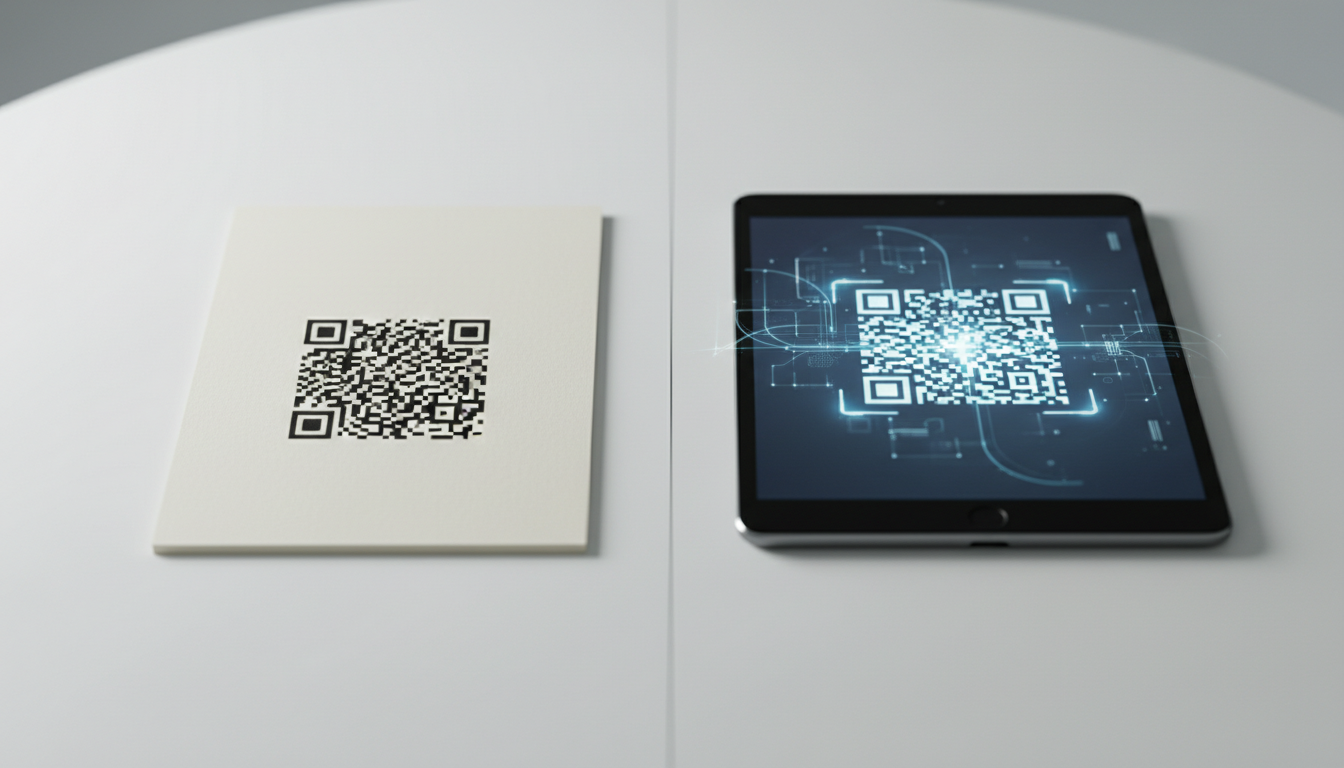
Static vs Dynamic QR Code Explained: Benefits of Dynamic QR
Understand static vs. dynamic QR codes. Learn the benefits of dynamic QR codes for marketing, tracking, and content updates. Essential for modern campaigns.

QR Code Data Types & Information Storage Explained
Unravel the mystery behind QR code data types and how they store information. Learn about numeric, alphanumeric, byte, and Kanji modes, and their impact on data capacity.
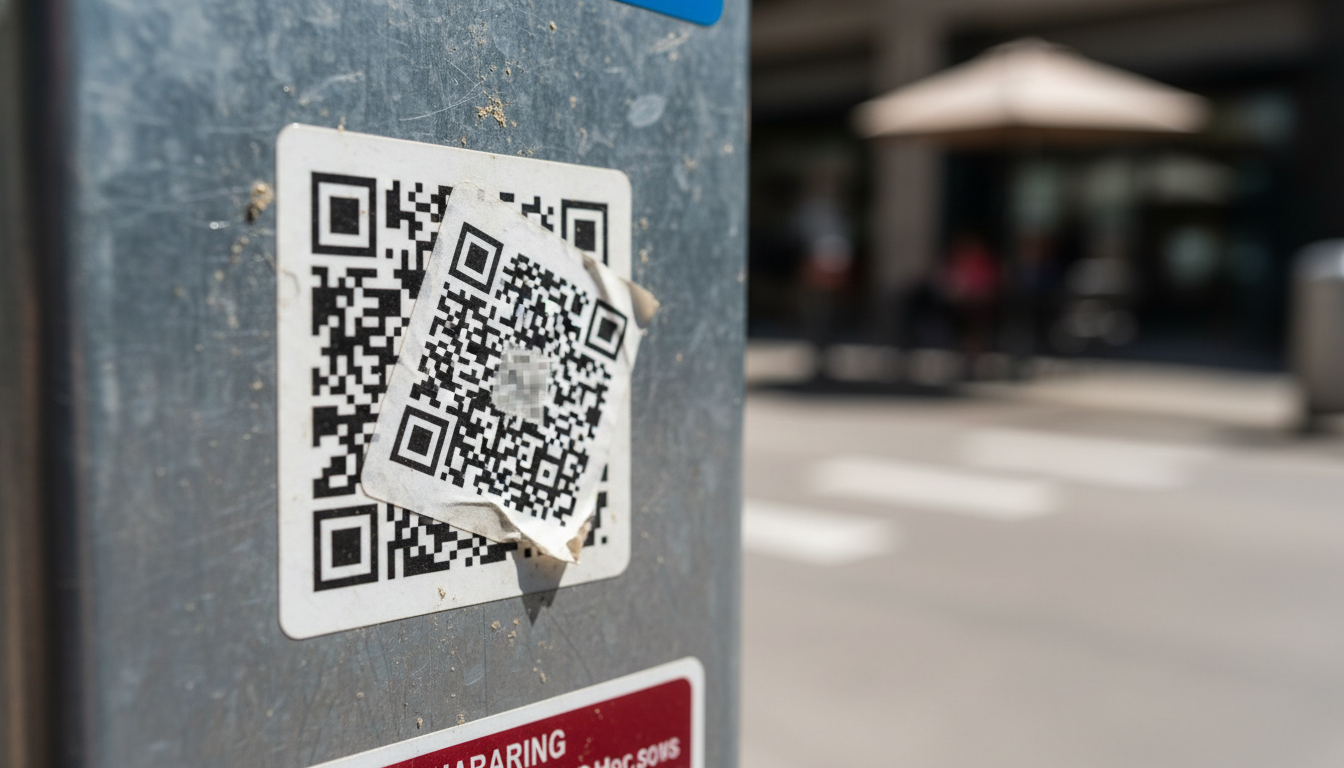
QR Code Security & Safety: Protecting Yourself from Malicious Scans
Discover essential tips for QR code security and safety. Learn how to identify malicious QR codes and protect your personal data from phishing and malware attacks. Stay s

Unlock Growth: QR Codes in Business for Modern Engagement
Discover how QR codes revolutionize business operations, marketing, and customer engagement. Explore essential QR code business uses to drive efficiency and boost your br

Boost Your Business: Creative QR Code Marketing Ideas for Success
Uncover 15 innovative QR code marketing ideas to transform your campaigns and engage customers. Learn how to leverage QR codes for promotions, lead generation, and enhanc

Technical Writer
David combines his background in software engineering with clear technical writing. He creates comprehensive guides and tutorials for developers.