1
Choose vCard or contact QR code
Select the vCard QR type. Contact QR code and contact card QR code are plain-language names for the same phone-contact use case.
Create a vCard QR code to share contact information, digital business cards, and professional profiles instantly. A single scan saves your name, phone number, email address, company details, website, and social links directly to any smartphone.
A contact QR code is the user-friendly name for a QR code that helps someone save contact information. A vCard QR code describes the technical contact format. In most searches and everyday conversations, both terms mean a QR code that opens a contact card on a phone.
QR-Build supports name, phone number, email address, company, job title, website, physical address, LinkedIn, Instagram, portfolio links, booking links, and other public business details in one digital contact card.
The phone still shows a preview and the user chooses whether to save it. That makes a vCard QR code a practical scan-to-save-contact tool for business cards, badges, email signatures, flyers, presentations, and professional profiles.
If you need a different format, compare the available options in the QR code generator directory.
Create a save contact QR code by choosing vCard, entering the contact fields you want to share, customizing the design, testing the contact preview, and downloading the final image for print or digital use.
Select the vCard QR type. Contact QR code and contact card QR code are plain-language names for the same phone-contact use case.
Enter name, phone, email, company, title, website, address, LinkedIn, Instagram, portfolio, booking link, and only the other fields you want to share publicly.
Apply brand colors, a frame, and an optional logo while keeping strong contrast, a clear quiet zone, and enough print size for reliable scanning.
Scan the finished code with both platforms and verify the preview in Apple Contacts, Google Contacts, or the device's default contact app.
Place the tested QR code on business cards, conference badges, email signatures, flyers, sales decks, presentation slides, receipts, or packaging.
A vCard QR code is a digital contact card that works by scanning. When someone scans your contact QR code with their smartphone camera, the phone displays a contact preview with your name, phone number, email, website, and other shared fields so the person can save them to contacts. Think of it as a QR code business card or virtual business card that removes manual typing.
Unlike traditional business cards, a digital business card QR code can be updated anytime. Changed your phone number or job title? Update your vCard QR code once, and everyone who scans it gets your current information. For complete company details, you can also create a business page QR code or use a URL QR code to link to your website.
A contact QR code is a scannable way to present contact information so a phone user can review and save it without typing every field manually.
A vCard QR code is a QR code that uses the widely supported vCard contact format to share fields such as name, phone, email, company, website, and address.
A contact card QR code is another user-friendly name for a digital contact card delivered through a QR scan, commonly used on business cards, badges, and professional materials.
A save contact QR code opens a contact preview on a compatible phone so the user can confirm the details and add them to Apple Contacts, Google Contacts, or another contact app.
A static contact QR code is suitable when details will never change. A dynamic contact QR code is better for business cards, teams, sales representatives, recruiters, consultants, and real estate agents because contact information can be edited later without reprinting.
Dynamic contact QR codes can also support scan analytics for campaign and placement measurement. Static vCard QR codes avoid a managed redirect and can work offline, but the encoded fields are permanent.
For a broader technical comparison, read the static vs dynamic QR code guide.
Only include contact details you intend to share publicly, and verify every phone number, email address, link, and company field before publishing.
Use business contact information rather than private details when the QR code appears on public materials. Test international phone formatting and make sure email, portfolio, booking, LinkedIn, and Instagram links open correctly.
If public contact details may change, use a dynamic QR code and assign someone to keep the digital contact card accurate. Outdated information can turn a successful scan into a lost lead.
Recipients scan your contact QR code and save everything instantly. No more watching people mistype your email or phone number.
Update your digital business card QR code anytime without reprinting. Your network always has your current contact information.
Reduce paper waste and printing costs. One QR code business card works forever—no need to reprint when details change.
See when and where people scan to save your contact. Understand which networking events deliver the best results.
Stand out with tech-forward networking. A vCard QR code shows you're current, innovative, and easy to connect with.
Enter your contact details (name, phone, email, job title)
Add optional information (website, social media links, profile photo)
Customize your QR code design (logo, colors, frame style)
Download and share your digital business card QR code
| Feature | Paper business card | vCard QR code |
|---|---|---|
| Save contact instantly | No, manual typing | Yes, one scan |
| Phone, email, website, and social links | Limited by space | Supported |
| Update after printing | Requires reprint | Yes with dynamic vCard QR codes |
| Track engagement | No | Yes with dynamic QR codes |
| Works on iPhone and Android | Manual entry | Native contact save flow |
| Team or event use | Costly to update | Scalable and reusable |
A paper business card is familiar, but it depends on manual typing and often gets lost. A vCard QR code turns the card, badge, email signature, slide, or brochure into a direct contact-save action.
Use a static vCard QR code when your contact details are permanent. Use a dynamic vCard QR code when your title, phone number, email, website, company, or social links may change after printing.
Different contact-sharing methods vary in speed, editability, branding, and offline usability. A vCard QR code is often the strongest option when you need instant mobile contact saving plus a professional digital business card experience.
| Method | Instant Save | Editable Later | Analytics | Supports Branding | Works Offline | Professional Appearance |
|---|---|---|---|---|---|---|
| Paper Business Card | No | No | No | Limited | Yes | Traditional |
| vCard QR Code | Yes | Yes with dynamic QR | Yes with dynamic QR | Yes | Yes | Modern and scannable |
| Email Signature | No | Yes | Limited | Limited | No | Standard |
| LinkedIn Profile | No | Yes | Platform only | Limited | No | Professional online |
| NFC Business Card | Yes | Limited | Rare | Yes | Yes | Premium hardware |
Digital business card QR codes come in different formats for personal networking, sales outreach, recruiting, consulting, and team contact sharing. The right type depends on your role, audience, and where people will scan your QR code business card.
A personal contact QR code is a digital contact card for individuals who want a fast way to share name, phone, email, and social profiles during everyday networking.
People use personal contact QR codes because manual contact exchange is slow and error-prone. A single scan saves complete contact information to phone contacts without typing.
Best use cases include meetups, community events, freelance introductions, side projects, and casual professional connections where you want a simple virtual business card on your phone or printed card.
A sales professional QR code helps reps share contact details, company information, booking links, and follow-up paths after demos, calls, and field visits.
Sales teams use contact QR codes to reduce friction after first conversations. Prospects scan once and save the rep's details instead of losing a paper card or forgetting to follow up.
Best use cases include trade shows, product demos, retail counters, proposal cover pages, and printed leave-behinds where fast contact saving supports lead generation and pipeline follow-up.
A recruiter QR code gives candidates and hiring managers a direct way to save recruiter contact information, company details, and scheduling links after career conversations.
Recruiters use digital business card QR codes at job fairs, campus events, and interviews because speed matters. Candidates can save recruiter details instantly and reach out later without searching LinkedIn or email threads.
Best use cases include career fairs, interview days, networking booths, resume review sessions, and recruiting presentations where contact sharing must happen in seconds.
A consultant QR code packages professional contact information, company branding, website links, and portfolio destinations into one scannable digital business card.
Consultants rely on trust and follow-up after advisory conversations. A contact QR code makes it easy for prospects to save complete details and revisit the consultant's website or LinkedIn profile later.
Best use cases include client workshops, discovery calls, conference sessions, proposal decks, and printed one-pagers where professional contact sharing supports ongoing business development.
A real estate agent QR code lets buyers and sellers save agent contact information, brokerage details, and follow-up links from yard signs, flyers, and open-house materials.
Agents use QR code business cards because property conversations happen quickly and buyers often want an easy way to reconnect later. One scan saves phone, email, website, and social profiles.
Best use cases include yard signs, listing flyers, open-house sheets, lockbox instructions, and printed business cards paired with property brochure links or scheduling pages.
Team contact QR codes give organizations a scalable way to share standardized digital business cards for departments, field teams, support staff, and event crews.
Teams use vCard QR codes to keep contact details consistent across employees and update information centrally when roles, phone numbers, or office locations change.
Best use cases include support desks, sales teams, franchise locations, conference staff badges, and company directories where every team member needs a professional, branded contact QR code.
An event networking QR code helps attendees, speakers, sponsors, and organizers exchange contact information quickly without stopping conversations to type details.
Events create high-volume networking moments where paper cards get lost and LinkedIn searches break momentum. A contact QR code turns badges, slides, and booth signage into instant contact saving.
Best use cases include conference badges, speaker slides, sponsor booths, meetup tables, and post-session follow-up cards where professional networking depends on speed and accuracy.
An executive business card QR code presents leadership contact information, company details, and key links in a polished format suited to board meetings, investor conversations, and high-level networking.
Executives use digital business card QR codes to maintain a premium, modern contact-sharing experience while ensuring assistants, partners, and stakeholders always receive current information.
Best use cases include board materials, investor decks, keynote slides, executive email signatures, and premium printed cards where professional appearance and reliable contact sharing both matter.
Use a vCard QR code generator to enter your contact details, customize the design, and download your QR code. The process takes less than 2 minutes and works on all devices.
Yes. A vCard QR code lets you share your phone number, email, website, and social links in one scan. Recipients can save everything to their contacts instantly.
A dynamic vCard QR code is best for business cards. It lets you update your contact information anytime without reprinting, and you can track who scans your code.
Yes. You can create and download vCard QR codes for free. Advanced features like analytics, custom branding, and dynamic updates are available in premium plans.
Yes. Modern iPhones and Android phones can scan vCard QR codes with the camera and prompt users to save the contact. The exact save screen depends on the device and contacts app.
Yes, with a dynamic vCard QR code. You can update your contact fields and measure scan activity without reprinting cards, badges, flyers, or signs.
Sales professionals sharing contact information with prospects
Recruiters networking at job fairs and career events
Consultants and freelancers at conferences and meetups
Real estate agents on property signs and listings
Event speakers and attendees exchanging details quickly
Small business owners on marketing materials and packaging
Add your vCard QR code to the back of printed business cards. Recipients scan to save your contact instead of manually typing your details.
Include your digital business card QR code in your email signature. Every email becomes an opportunity to share your contact information.
Add your contact QR code to your LinkedIn banner or About section. Make it easy for connections to save your details. You can also create a LinkedIn QR code to link directly to your profile.
Display your vCard QR code on name badges, presentation slides, or booth signage. Attendees can scan to save your contact instantly. For event promotion, use an event QR code to share registration links.
Add your contact QR code to property signs and listing flyers. Buyers can reach you with one scan. Pair with a PDF QR code to share property brochures.
Print a save contact QR code on attendee, speaker, exhibitor, or staff badges so people can exchange phone contact details without stopping to type.
Place a contact card QR code on the final slide of a sales deck, webinar, or keynote. Viewers can save the presenter and continue the conversation after the session.
Share a practice phone number, email, address, website, and booking link on reception cards. Only publish business contact information intended for patients and visitors.
Use a QR code for contact information at career fairs so candidates can save the recruiter, company, email, and scheduling link immediately.
Add a business contact QR code to packaging for sales, wholesale, support, or partnership enquiries. Pair it with a clear label explaining whose contact will be saved.
Place a phone contact QR code on invoices and receipts so customers can save the account manager, service desk, or local business contact for future questions.
vCard QR codes are used anywhere professional contact sharing needs to be fast, accurate, and easy to save on a smartphone. They turn business cards, badges, slides, and signage into digital contact cards that support networking and lead generation.
Sales teams use vCard QR codes on business cards, demo materials, and event badges so prospects can save rep contact information instantly after conversations.
A field rep at a trade show can print a QR code business card that saves phone, email, company, and booking link in one scan. That reduces lost leads caused by manual typing or misplaced paper cards.
Recruiters use contact QR codes at hiring events, interviews, and campus sessions so candidates can save recruiter details and follow up quickly.
A recruiting booth can display digital business card QR codes on table tents. Candidates scan once and keep the recruiter in phone contacts instead of searching LinkedIn later.
Consultants use vCard QR codes on proposals, workshop handouts, and conference materials to turn conversations into saved contacts and website visits.
After a strategy session, a consultant can share a virtual business card with company name, title, email, website, and LinkedIn profile in one scan.
Real estate agents use QR code business cards on listings, open-house signs, and flyers so buyers save agent contact details on the spot.
An open-house sign with a vCard QR code lets visitors save the agent's phone and email immediately, which supports faster follow-up on property questions.
Insurance agents use digital contact cards to share licensing details, office phone numbers, email addresses, and booking links during client meetings.
After a policy review, a client can scan one QR code and keep the agent's updated contact information without writing details on paper.
Event organizers use vCard QR codes for staff, speakers, and sponsors so attendees can save the right contact quickly during busy programs.
Speaker slides and sponsor booths often include contact QR codes so networking continues after sessions without interrupting the event flow.
Healthcare professionals use contact QR codes on office cards, reception materials, and referral handouts to share practice phone numbers and booking links.
A clinic can provide a digital contact card with office phone, email, address, and appointment link so patients save accurate contact details.
Coaches use vCard QR codes on worksheets, session materials, and business cards so clients can save contact information and social profiles instantly.
After a workshop, participants scan a QR code business card to save the coach's email, website, and Instagram profile for follow-up resources.
Small business owners use digital business card QR codes on packaging, invoices, storefront signs, and marketing flyers to make contact sharing effortless.
A local shop owner can add a contact QR code to receipts or counter signage so customers save phone and social links for promotions and support.
Executives use vCard QR codes in board materials, investor meetings, and premium business cards to share leadership contact details with a polished experience.
An executive presentation can include a QR code that saves direct contact details and company website information for partners and stakeholders.
Agencies use team-based vCard QR codes for account managers, creatives, and client-facing staff to keep contact sharing consistent and brand-aligned.
An agency can generate QR code business cards for each account lead with shared branding, current phone numbers, and portfolio links for client follow-up.
Include the details people actually need: full name, company, title, phone, email, website, LinkedIn, and any location or booking link relevant to your role.
Scan the final design on iPhone and Android to confirm the contact preview, phone number format, email address, and social links save correctly.
Use a dynamic vCard QR code if you may change job title, phone number, email, company, portfolio, or social links after printing business cards.
Keep business-card QR codes large enough to scan comfortably, preserve quiet space around the code, and avoid low-contrast colors.
Modern iPhones and Android devices can scan contact QR codes with the built-in camera. The contact-save preview may differ between iOS, Android, Apple Contacts, Google Contacts, and manufacturer contact apps, so test the final QR code on both platforms before printing. Confirm that names, international phone numbers, email addresses, company fields, websites, and addresses appear correctly.
Discover how professionals use vCard QR codes across different contexts to make networking faster, easier, and more effective.
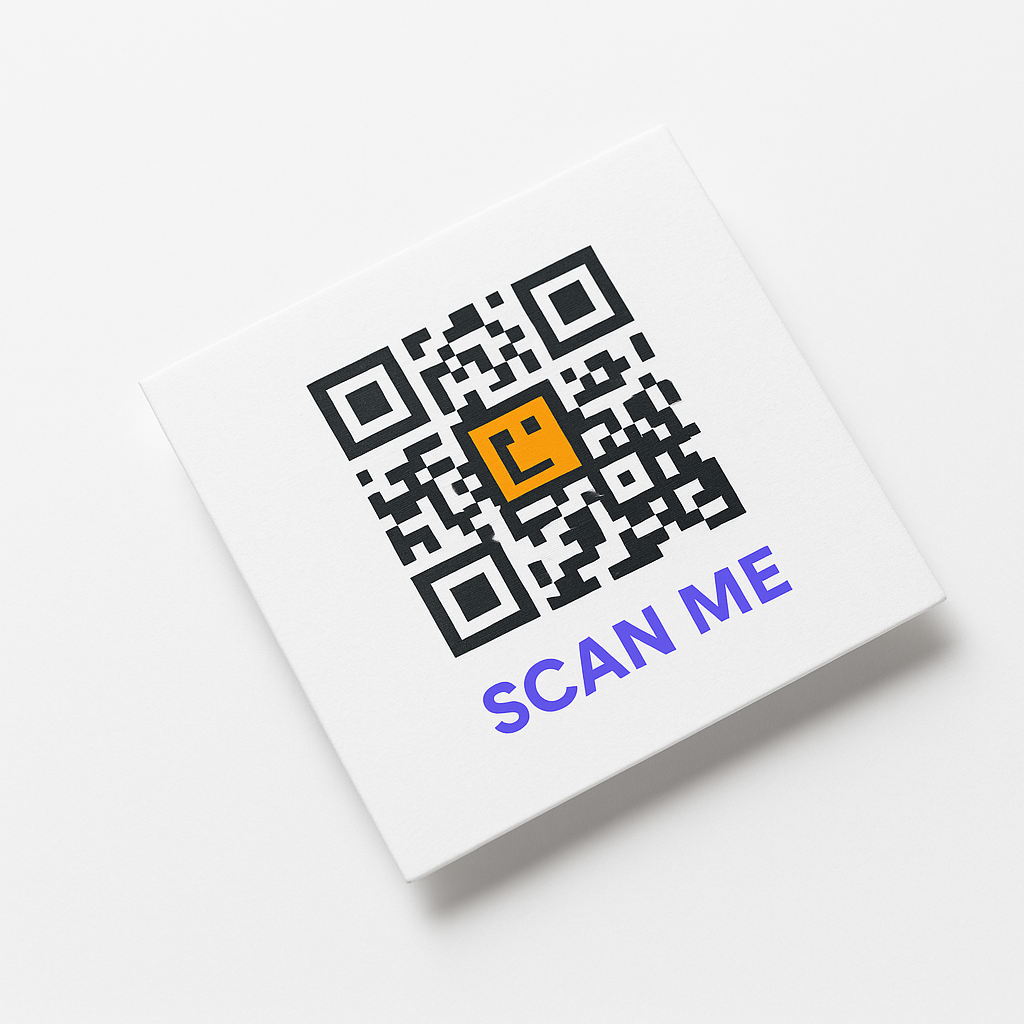
Add vCard QR codes to business cards, letterhead, and promotional materials for instant contact sharing.
Scan vCard QR codes to automatically save complete contact information to your phone.
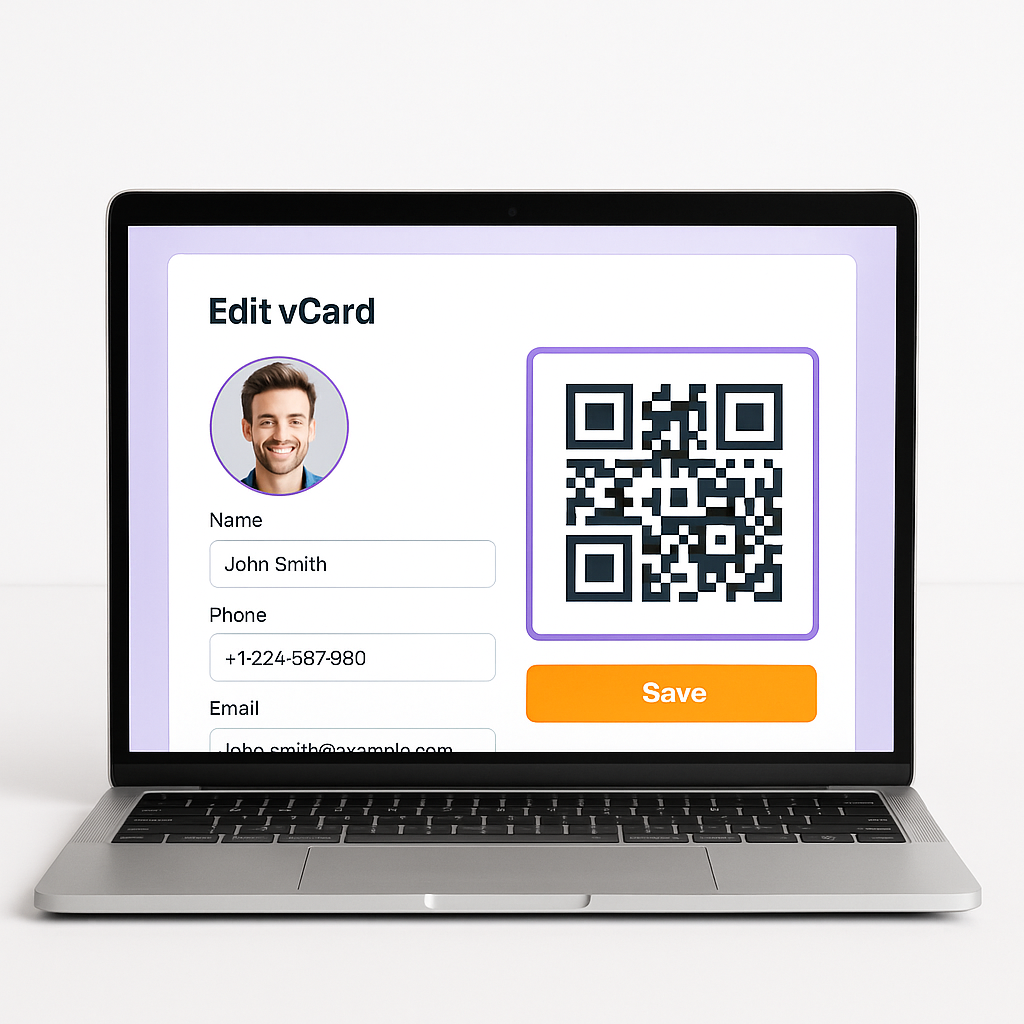
Customize your vCard QR code with your logo, brand colors, and professional styling.
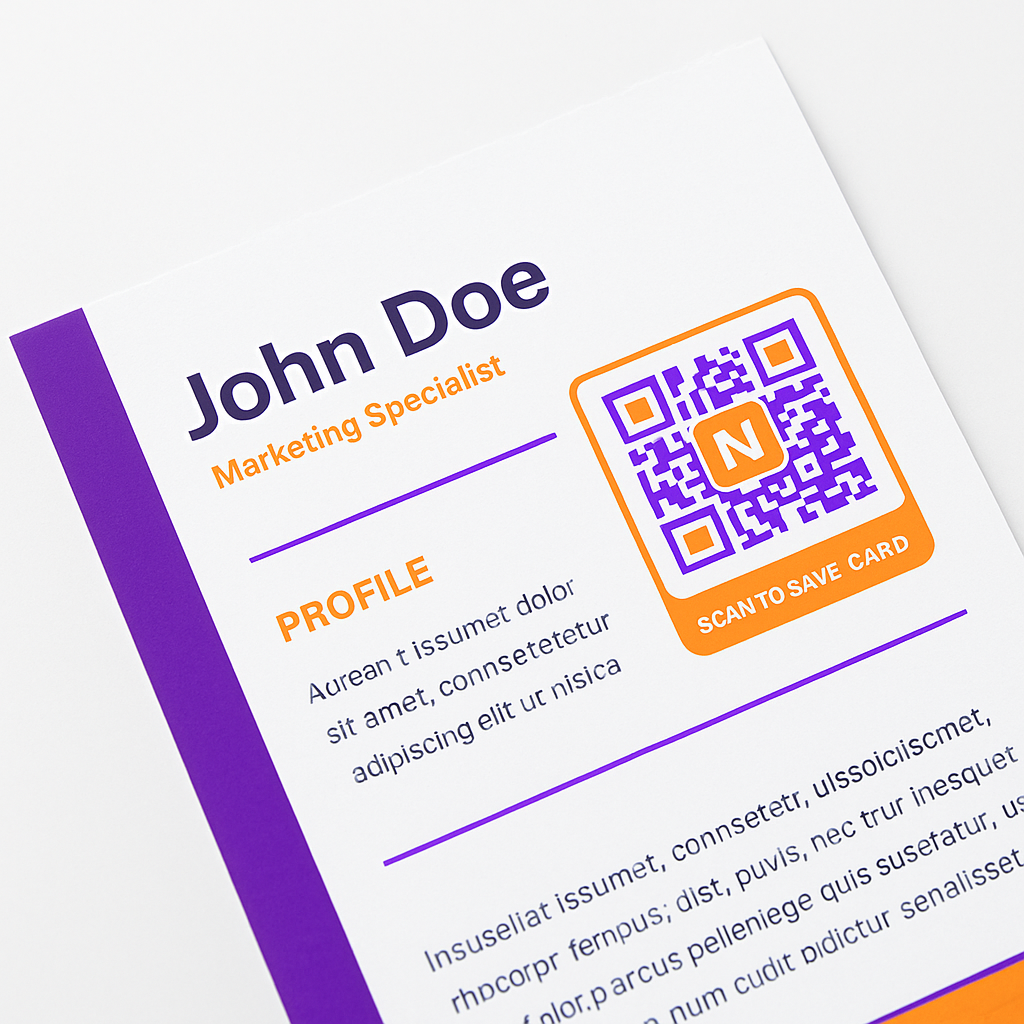
Link to your professional portfolio, resume, or LinkedIn profile directly from your vCard.
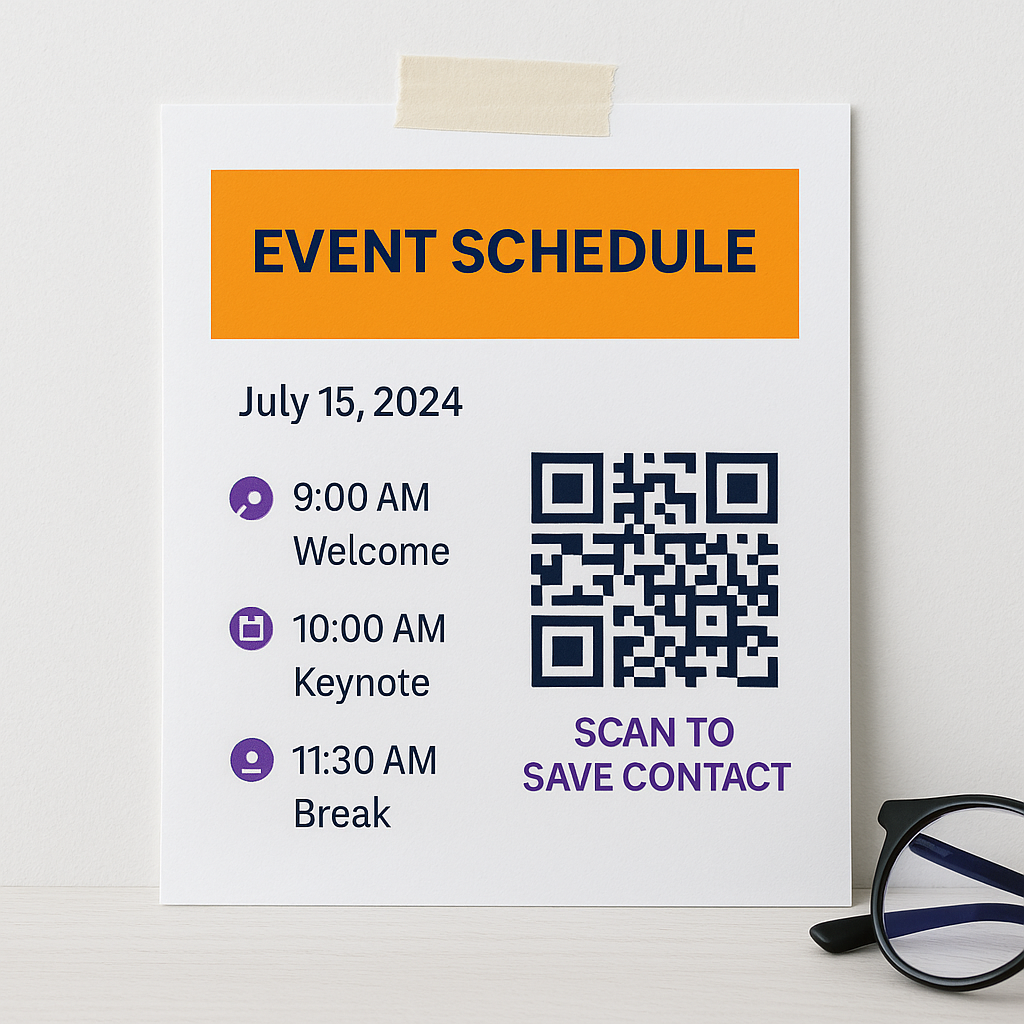
Share your contact information instantly at events, conferences, and networking sessions.
Include your contact details on product packaging, service brochures, and marketing materials.
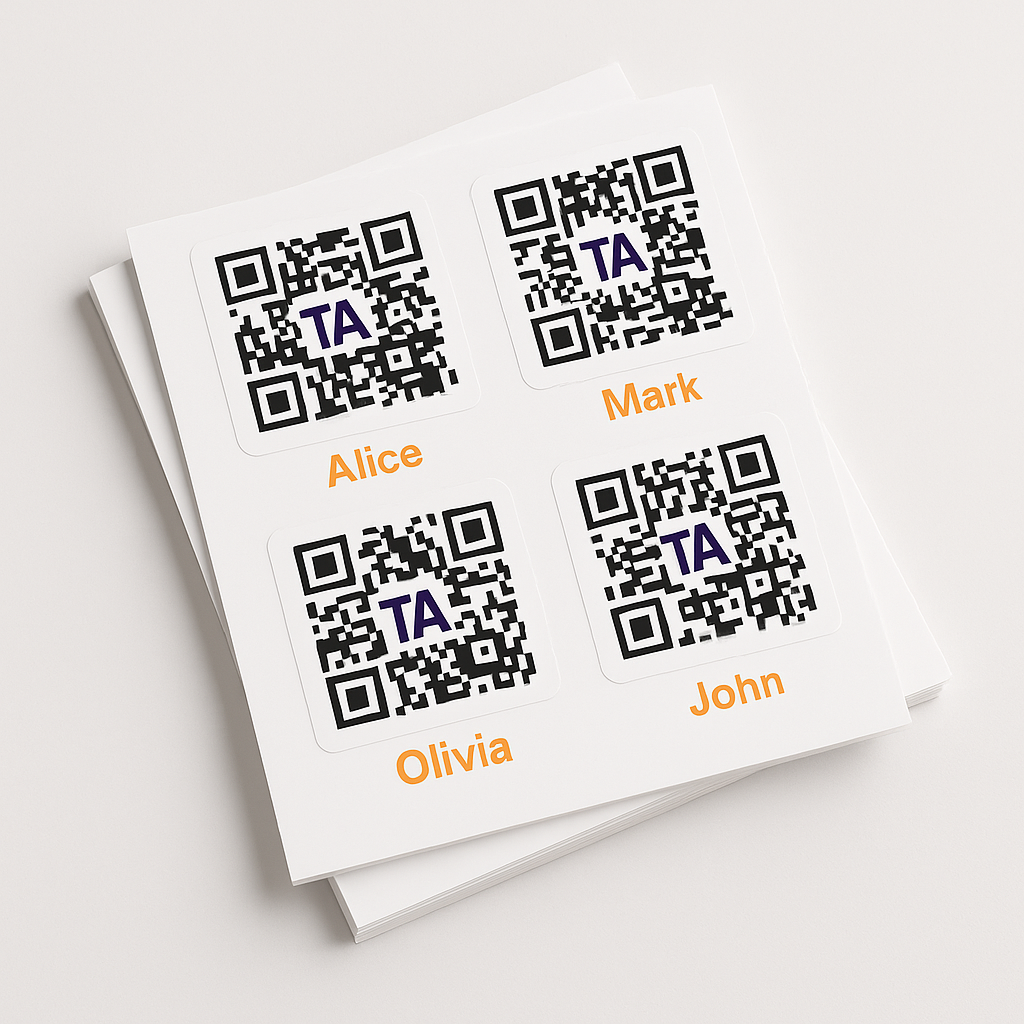
Generate vCard QR codes for entire teams and organizations at once.
Create stunning digital business cards with your company branding and complete contact information.
Create a professional vCard QR code in under 2 minutes. Share your contact information instantly at events, meetings, and online.
Create Your vCard QR CodeA vCard QR code is a scannable code that contains your complete contact information. When scanned with a smartphone camera, it automatically saves your name, phone, email, and other details to the scanner's contacts—no manual typing needed.
Enter your contact information into a vCard QR code generator, customize the design, and download your code. The entire process takes under 2 minutes with no technical skills required.
Yes. A vCard or contact QR code opens a contact preview on a compatible phone. The user reviews the shared details and chooses to add them to Apple Contacts, Google Contacts, or the device's contact app.
Yes, with a dynamic vCard QR code. You can change your phone number, email, job title, or any detail without changing the QR code itself. Your printed materials stay current without reprinting.
Yes. Modern iPhones and Android phones can scan contact QR codes with the built-in camera. The user can review the contact preview before saving it to Apple Contacts, Google Contacts, or the device's default contact app.
Yes. You can customize your QR code with your company logo, brand colors, and custom frames while maintaining scannability.
Use a static contact QR code when the encoded details will not change. Use a dynamic contact QR code for business cards, teams, sales reps, recruiters, consultants, and agents who need editing or scan analytics after printing.
Yes. vCard QR codes support LinkedIn, Instagram, Facebook, Twitter, and other platforms. Recipients get all your professional links when they save your contact.
Yes. Basic vCard QR code creation and download is free. Premium features like analytics, custom branding, and dynamic editing require a paid plan.
A contact QR code is a scannable code that stores contact information such as name, phone number, email, company, website, and social links. When scanned, it prompts the user to save those details directly to phone contacts.
Usually, yes. Contact QR code is the user-friendly name, while vCard is the technical contact-data format commonly used to transfer details into phone contact apps.
Choose the vCard or contact QR code type, enter the details you want to share, customize the design, test the contact preview on iPhone and Android, then download the final code.
Yes. Teams can create branded contact QR codes for sales, support, recruiting, events, and field staff. Dynamic codes make it easier to keep roles, phone numbers, email addresses, and links current.
Yes. Recruiters use contact QR codes at job fairs and interviews so candidates save recruiter phone, email, company, and scheduling links instantly.
You can include name, job title, company, phone, email, website, address, LinkedIn, Instagram, portfolio links, booking links, and other business contact information you are comfortable sharing publicly.
Yes. vCard QR codes support LinkedIn, Instagram, and other social profiles. Recipients can save your contact details and open your professional profiles from one scan.
You can edit the destination or displayed contact information after printing when you use a dynamic contact QR code. Static vCard data is fixed and normally requires a new QR code and reprint.
Yes. A printed business card is one of the most useful placements. Keep the code large enough to scan, preserve a clear quiet zone, and add a label such as Scan to save contact.
Join thousands of professionals who use digital business card QR codes to connect faster and track their networking success. Free to start, no credit card required.
Create Your vCard QR Code NowExplore other professional networking and contact sharing QR code types
Build a branded business page with your company info, contact details, and social links — all accessible through a single QR code scan.
Create QR codes for any URL. Share websites, landing pages, and links instantly with a simple scan.
Create QR codes for your LinkedIn profile. Perfect for networking events and professional materials.
Create QR codes for PDF documents. Share files and brochures digitally.
Share event details, dates, and RSVP links through a single scannable QR code. Useful for conferences, workshops, and private gatherings.
Can't find what you're looking for?
View All QR Code Types
Free vCard QR Code Generator