
Free LinkedIn QR Code Generator

Create a QR code for LinkedIn that opens professional profiles, company pages, newsletters, events, and networking destinations instantly. Add LinkedIn QR codes to resumes, business cards, conference badges, presentations, and recruiting materials to turn offline interactions into professional connections.

Social Media Hub

Combine all your social networks into one QR code. Whether it’s Instagram, TikTok, YouTube, or LinkedIn, your followers can choose their favorite platform in seconds. Great for influencers, businesses, or creators who want to grow their online community faster.

1 / 21

Quick Answer: Why Use a LinkedIn QR Code

  • A QR code for LinkedIn turns business cards, resumes, conference badges, presentations, and recruiting materials into a direct path to your professional profile, company page, or networking destination.
  • Instant connections — attendees scan to view your profile and send a connection request
  • Easier networking — no need to spell your name or search manually on LinkedIn
  • Works everywhere — business cards, resumes, email signatures, conference badges, and slides
  • Always current — your LinkedIn QR code links to your live profile, not outdated print details
  • Track results — see scan activity when you use dynamic QR codes from QR-Build

What is a LinkedIn QR Code?

A LinkedIn QR code is a scannable code that links directly to your LinkedIn profile. When someone scans it with a smartphone camera, they open your professional profile — work experience, skills, endorsements, recommendations, and recent activity — without searching for your name. They can connect, follow, or message you in a few taps. It works on iPhone and Android.

Professionals use a LinkedIn QR code at conferences, career fairs, client meetings, and on printed materials because it removes friction from networking. Instead of typing a URL or hoping someone remembers your name, you give them a direct path to your profile. Recruiters can review credentials quickly. Speakers can turn audience interest into meaningful connections after a presentation.

The code encodes your LinkedIn profile URL (linkedin.com/in/yourname). As you update your profile — new role, skills, certifications, or recommendations — the destination stays current. That makes a LinkedIn profile QR code more useful than a static business card that goes out of date when your job title changes.

With QR-Build, you can create a free LinkedIn QR code, customize colors and logo, and download PNG for digital use, SVG for print, or PDF for documents. Dynamic QR codes let you change the destination URL later without reprinting materials — helpful if you rebrand, change usernames, or run separate campaigns for events and job searches.

LinkedIn also offers a built-in QR code in its mobile app, which is convenient for quick sharing. A dedicated LinkedIn QR code generator like QR-Build adds design control, multiple download formats, analytics, and branding options that professionals need for resumes, business cards, and conference materials.

Why Use a LinkedIn QR Code Instead of Exchanging Business Cards?

Instant LinkedIn connection

Skip the manual search for names and usernames. Your LinkedIn QR code opens your profile where people can connect, follow, or message you with one tap.

Always up-to-date profile

Business cards become outdated when you change jobs or skills. A QR code for your LinkedIn profile always links to your current experience, skills, and recommendations.

Rich professional information

A printed card shows limited details. Your LinkedIn profile QR code reveals work history, endorsements, articles, certifications, and professional achievements recruiters actually review.

Measurable networking results

Track how many people scan your LinkedIn QR code and when. Understand which business cards, badges, or presentation slides drive the most profile visits.

Practical for every professional context

Use the same LinkedIn QR code on resumes, portfolios, speaker bios, trade-show booths, and virtual meeting backgrounds — one consistent way to share your profile.

How to Create a LinkedIn QR Code

  1. Copy your LinkedIn profile URL from your browser or the LinkedIn app

  2. Paste the URL into the QR-Build LinkedIn QR code generator

  3. Customize the design with your logo, brand colors, and frame style

  4. Download your LinkedIn QR code in PNG, SVG, or PDF format

  5. Add it to business cards, resumes, presentations, and networking materials

How to Find Your LinkedIn QR Code

If you searched for how to find a LinkedIn QR code, LinkedIn includes one inside its mobile app. This built-in LinkedIn QR code is designed for quick in-person sharing when you already have the app open. It is useful at meetups, office visits, or casual networking when you want someone to scan your profile immediately.

To find your LinkedIn QR code in the app, use the search area at the top of the LinkedIn mobile app. LinkedIn places a QR code icon near search, which opens the scanner and your personal code. From there, you can view My Code, share it in a message, or save an image to your camera roll. The in-app LinkedIn QR scanner also lets you scan someone else's code to open their profile.

The LinkedIn QR code mobile app feature works well for spontaneous networking, but it has limits for professional marketing. You cannot fully customize colors, add company branding, export SVG for print vendors, or track scan analytics from the native tool alone. That is why many professionals create a LinkedIn QR code with a generator like QR-Build when they need business cards, resume headers, event badges, or presentation slides.

Knowing where the LinkedIn QR code lives in the app helps you choose the right approach. Use LinkedIn's built-in code for quick mobile sharing. Use QR-Build when you need a polished LinkedIn profile QR code for print, brand consistency, PDF resumes, or measurable results from recruiting events and conferences.

  1. Open the LinkedIn mobile app on your phone

  2. Tap the search bar at the top of the home screen

  3. Tap the QR code icon on the right side of the search bar

  4. Select My Code to view your personal LinkedIn QR code

  5. Share the code in a message or download the image to your device

LinkedIn QR Code vs LinkedIn App QR Code

Feature LinkedIn App QR-Build
Profile link Yes Yes
Custom colors Limited Yes
Logo upload No Yes
Download PNG Yes Yes
Download SVG No Yes
Download PDF No Yes
Analytics No Yes
Dynamic updates No Yes
Custom branding No Yes
Separate campaigns for events or resumes No Yes
iPhone and Android camera scanning Yes Yes

Both options create a working LinkedIn QR code that opens your profile. LinkedIn's app QR code is fast and free when you are already on your phone. QR-Build is better when you need professional materials: branded business cards, resume PDFs, conference signage, and scan tracking.

For recruiters, speakers, sales teams, and job seekers, the difference is control. A custom LinkedIn QR code generator lets you match employer or personal branding, export print-ready files, and measure which events or materials generate profile visits. If you only need a quick share at a coffee meeting, the LinkedIn app QR code is enough. If you are investing in professional networking assets, QR-Build gives you more flexibility.

Use a static LinkedIn QR code when the profile URL will not change. Use a dynamic LinkedIn QR code when you want scan analytics, separate codes for resumes and conferences, or the ability to redirect later after a username change, rebrand, or career move.

Common Questions About LinkedIn QR Codes

How do I create a QR code for my LinkedIn profile?

Copy your LinkedIn profile URL, paste it into the QR-Build generator, customize the design, and download. You can also use LinkedIn's built-in QR code in the mobile app under the search bar QR icon.

How do I find my LinkedIn QR code in the app?

Open the LinkedIn mobile app, tap the search bar, then tap the QR code icon. Select My Code to view, share, or save your LinkedIn QR code.

Can people connect with me on LinkedIn by scanning a QR code?

Yes. Scanning opens your profile where they can send a connection request, follow you, or start a message — making in-person networking faster and more reliable.

Where should I use my LinkedIn QR code?

Add your LinkedIn QR code to business cards, resumes, email signatures, conference presentations, speaker bios, portfolios, badge stickers, and virtual meeting backgrounds.

Does a LinkedIn QR code work on iPhone and Android?

Yes. iPhone and Android users can scan it with the built-in camera. The scan opens LinkedIn in the app when available or in a mobile browser.

Can I track scans and edit the link later?

Yes, with a dynamic QR code from QR-Build. You can measure scans by material or event and update the destination URL without reprinting cards, resumes, or badges.

Who Uses LinkedIn QR Codes?

  • Professionals networking at conferences and industry events

  • Job seekers sharing profiles with recruiters and hiring managers

  • Entrepreneurs and freelancers promoting their services

  • Speakers and presenters connecting with audience members

  • Sales professionals building relationships with prospects

  • Recruiters and career coaches showcasing expertise

Best Ways to Use a LinkedIn QR Code

Conference presentations — connect with your audience

Speakers who display a LinkedIn QR code on slides make it easy for attendees to follow up after a session. Pair with a vCard QR code when you also want to share phone and email details.

Business cards — warmer first conversations

Adding a LinkedIn QR code to business cards helps prospects review your background before a meeting. Combine with a business page QR code when you represent a company or agency.

Resumes and portfolios — easier recruiter access

A LinkedIn QR code on a resume header lets hiring managers open your full profile instantly. Add a PDF QR code when you want samples or portfolios one scan away.

Networking events — faster follow-ups

Print a LinkedIn QR code on badges, table tents, or booth signage so contacts can connect without typing. Use an event QR code for schedules and an social media QR hub when you share multiple profiles.

Common LinkedIn QR Code Mistakes to Avoid

  • Using an incomplete or private profile

    Make sure your public profile shows the role, headline, photo, experience, and contact options you want recruiters or prospects to see.

  • Printing a low-resolution screenshot

    Download SVG or high-resolution PNG for business cards, resumes, booth signage, and presentation slides so the code stays sharp.

  • Sending every scan to the same campaign

    Use different dynamic LinkedIn QR codes for resumes, business cards, badges, and slides to see which channel creates profile visits.

  • Forgetting to test before events

    Scan the final printed card or badge with both iPhone and Android devices under normal lighting before ordering a full print run.

LinkedIn QR Code Compatibility

A LinkedIn QR code works with iPhone, Android, tablets, desktop browsers, PDF resumes, email signatures, and printed materials. Scans open the LinkedIn app when installed or the public linkedin.com profile in a browser. Recruiters, prospects, and event attendees do not need a special QR scanner app on modern phones.

LinkedIn QR Code Examples

See how professionals use a LinkedIn QR code on business cards, resumes, and at networking events to share their profile in one scan.
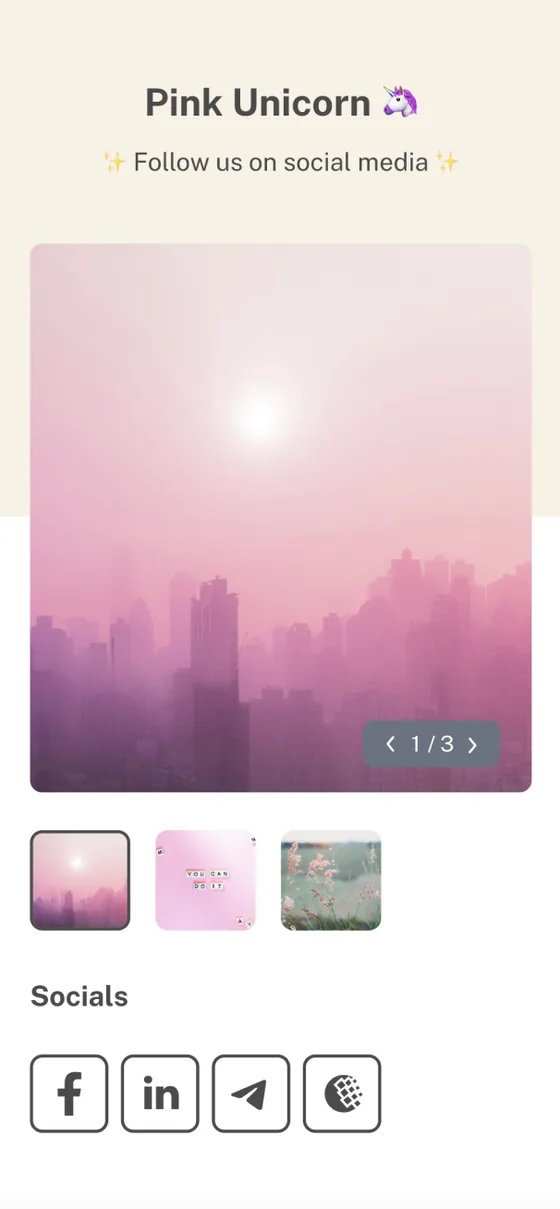
LinkedIn QR code example with custom branding

LinkedIn QR code example

A branded LinkedIn QR code ready to download in PNG, SVG, or PDF for digital and print use.
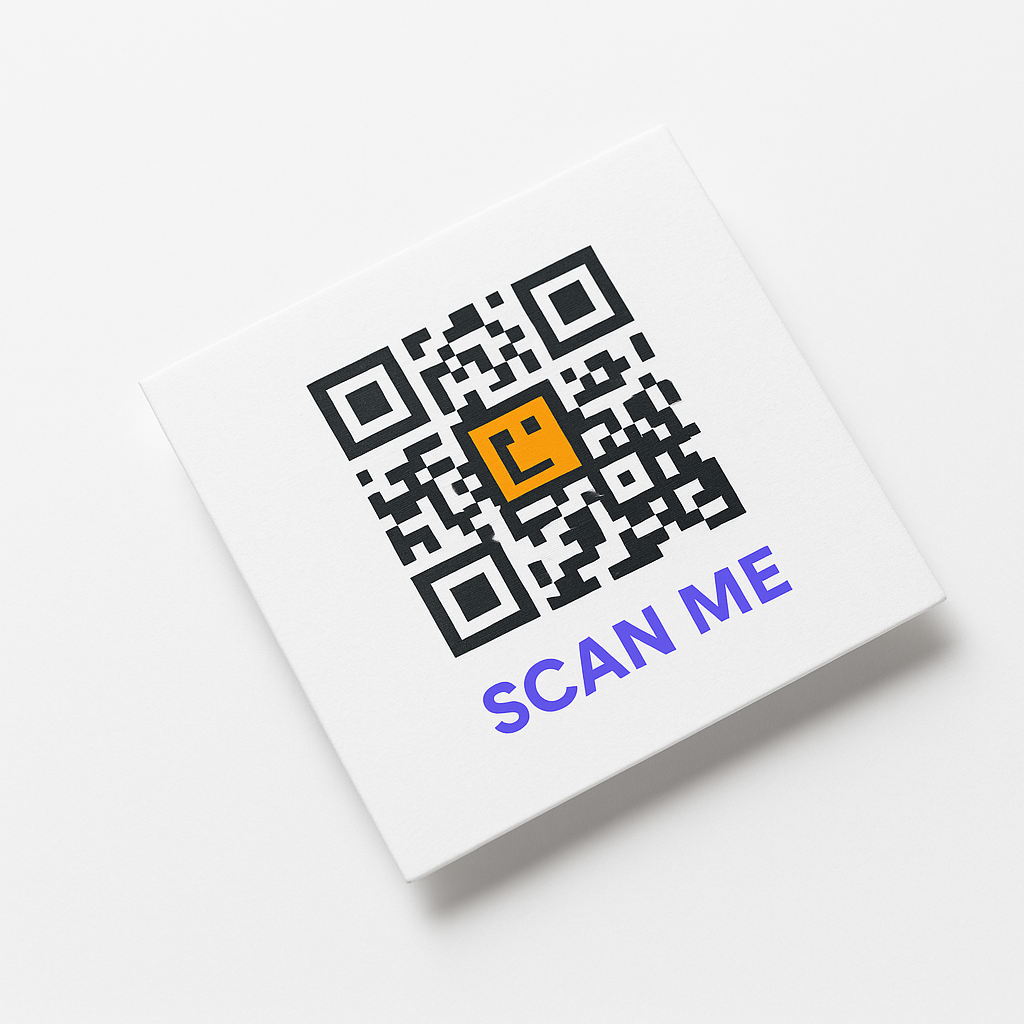
LinkedIn QR code on business card example

LinkedIn QR code on business card

Add a LinkedIn profile QR code to business cards so contacts can connect without typing your name.
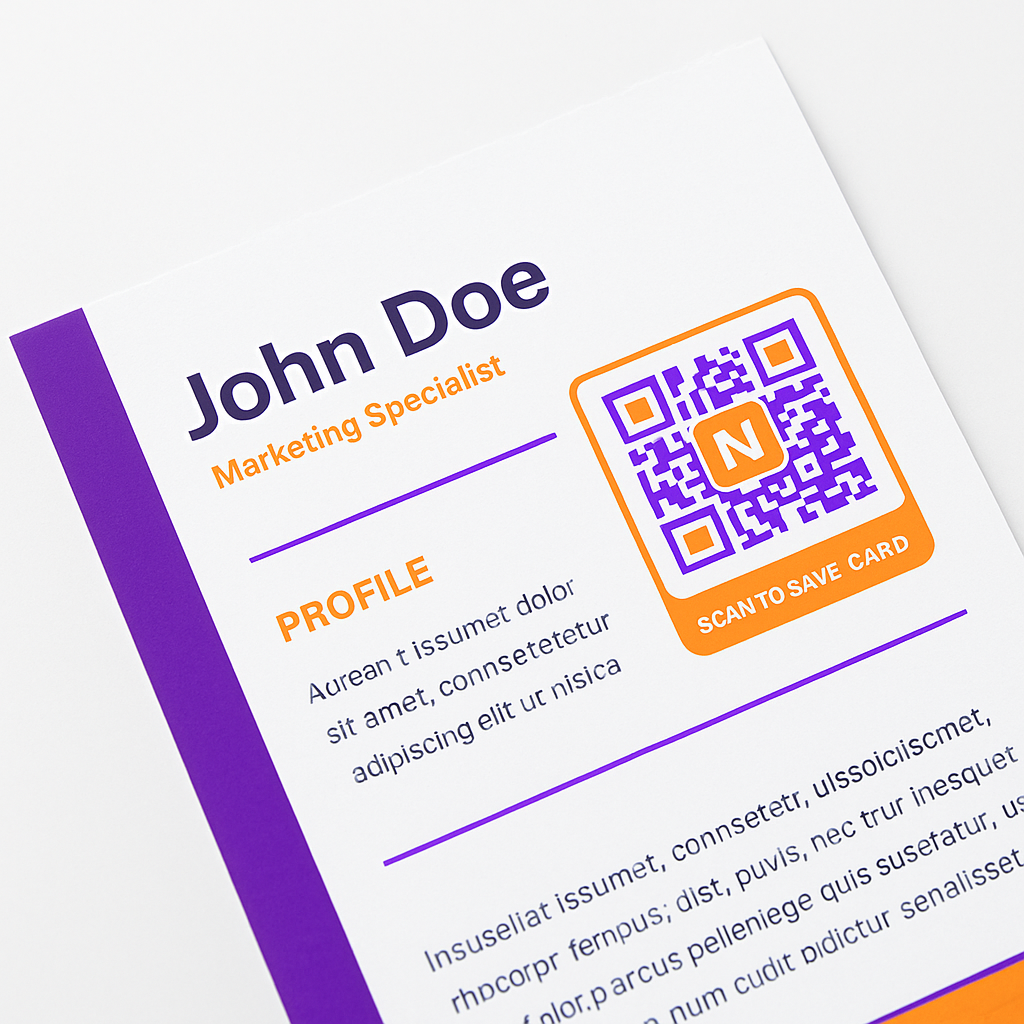
LinkedIn QR code for resume and portfolio

LinkedIn QR code for resume

Place a LinkedIn QR code in your resume header so recruiters open your full profile from a PDF or printout.
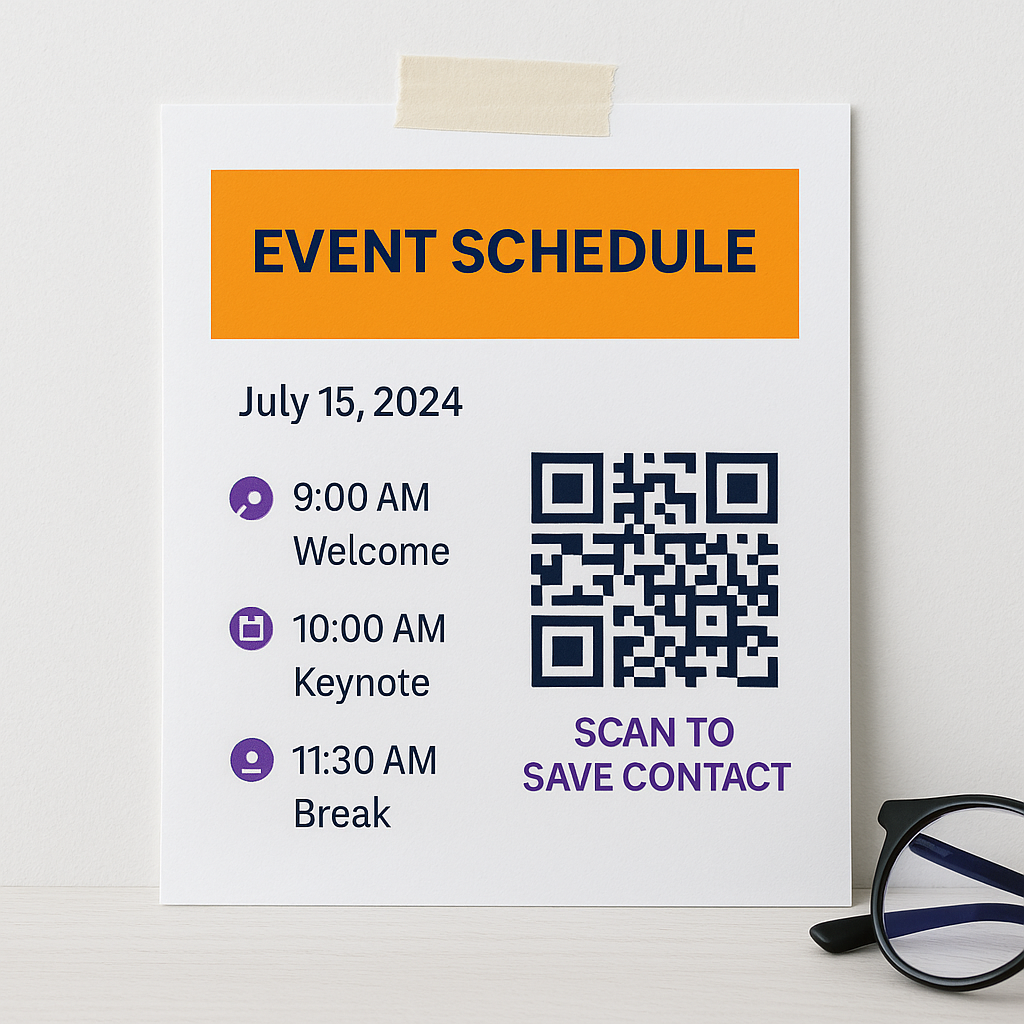
LinkedIn profile QR code for networking events

LinkedIn profile QR code for events

Display a LinkedIn QR code on badges, slides, or booth signage at conferences and career fairs.
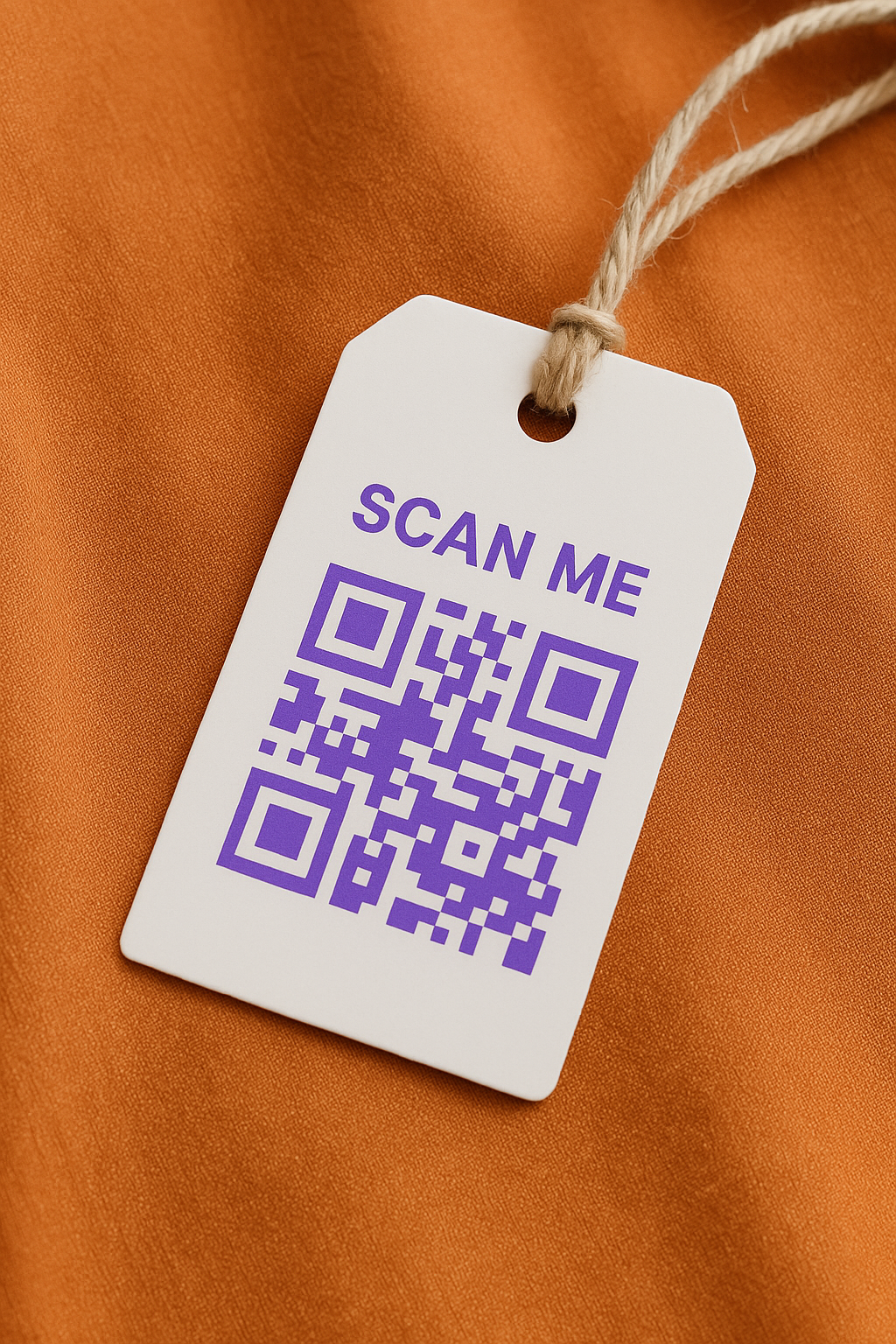
LinkedIn QR code for networking events on conference badge

LinkedIn QR code for networking events

Speakers and attendees use LinkedIn QR codes to turn brief meetings into lasting professional connections.
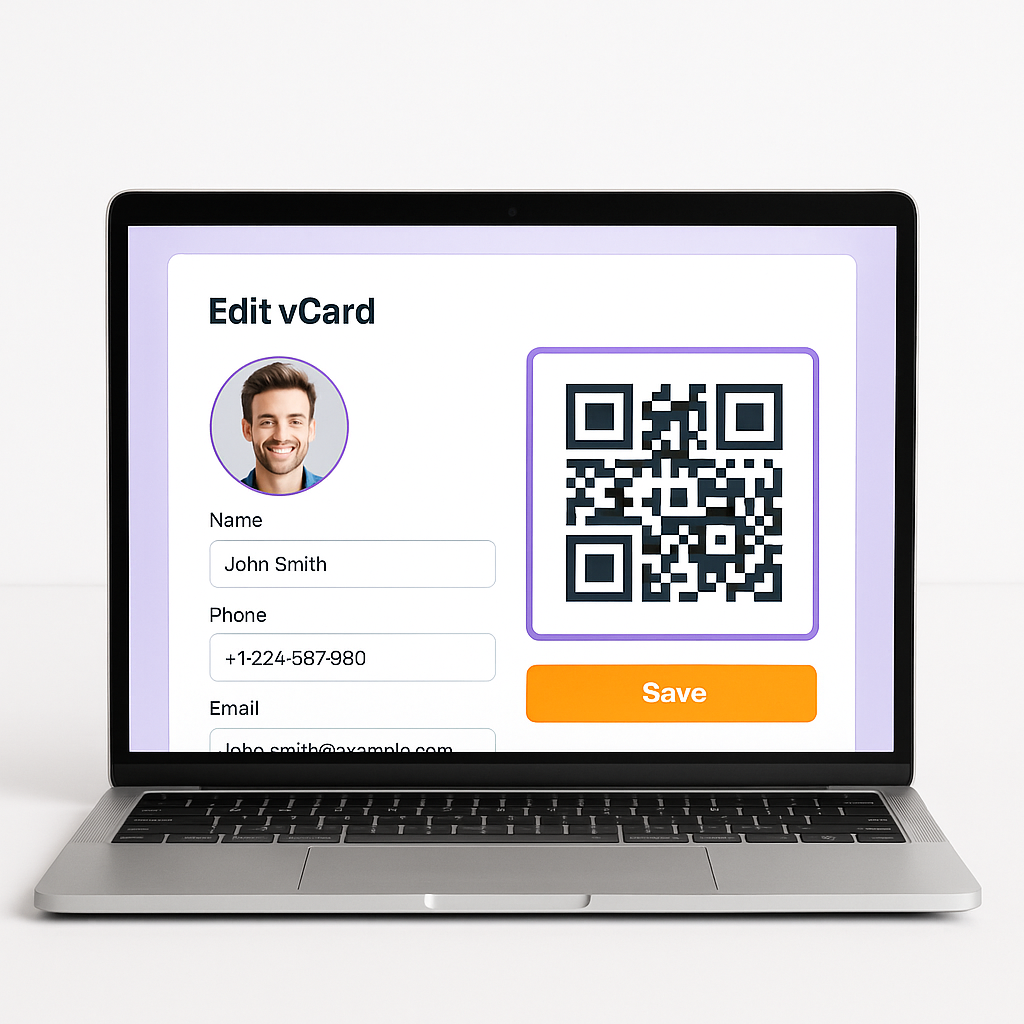
Custom LinkedIn profile QR code design on laptop

Professional customization

Match your LinkedIn QR code to personal or company branding with logo, colors, and frame styles.

Start Growing Your Professional Network

Create a free LinkedIn QR code, customize in minutes, and make it easier for people to connect with you at events and on printed materials. No signup required to get started.

Create Your Free LinkedIn QR Code

Frequently Asked Questions

What is a LinkedIn QR code?

A LinkedIn QR code is a scannable code that links directly to your LinkedIn profile. When scanned, it opens your professional profile where people can connect, follow, or message you.

How do I create a LinkedIn QR code?

Copy your LinkedIn profile URL, paste it into the QR-Build LinkedIn QR code generator, customize the design, and download in PNG, SVG, or PDF. You can also use LinkedIn's built-in QR code in the mobile app.

How do I find my LinkedIn QR code?

In the LinkedIn mobile app, tap the search bar, tap the QR code icon, and select My Code. You can share or save the image from there.

Can I put a LinkedIn QR code on my resume?

Yes. Place a LinkedIn QR code in your resume header or contact section so recruiters can open your profile, recommendations, and endorsements instantly from a printed or PDF resume.

Can recruiters scan my LinkedIn QR code?

Yes. Recruiters and hiring managers can scan the code with any smartphone camera. It opens your public LinkedIn profile where they can review experience and send a connection request or InMail.

Does LinkedIn provide its own QR code?

Yes. The LinkedIn mobile app includes a built-in QR code feature accessible from the search bar. It links to your profile but offers limited customization and no scan analytics.

Should I use LinkedIn's built-in QR code or a custom QR code generator?

Use LinkedIn's app QR code for quick mobile sharing. Use QR-Build when you need custom branding, SVG or PDF downloads, print-ready files, dynamic URL updates, or scan analytics for professional materials.

Can I add a LinkedIn QR code to a business card?

Yes. A LinkedIn QR code on a business card is one of the most common professional uses. Keep the code at least 2 cm × 2 cm and test scanning before printing a full batch.

Will my LinkedIn QR code update automatically?

The code always opens whatever URL it points to. Profile content updates on LinkedIn automatically. With a dynamic QR code from QR-Build, you can also change the destination URL later without reprinting the code.

Is it free to create a LinkedIn QR code?

Yes. QR-Build lets you create and download LinkedIn QR codes for free. Advanced features such as dynamic QR codes and detailed analytics are available on paid plans if you need them.

Advanced Features

  • Dynamic updates — change your LinkedIn URL anytime without reprinting business cards
  • Custom branding — add your company logo and professional brand colors
  • Scan analytics — track conference ROI, networking performance, and traffic sources
  • High-resolution downloads — print-ready PNG, SVG, and PDF for all materials
  • Frame templates — pre-designed "Connect on LinkedIn" call-to-action frames
  • Multiple export formats — PNG, SVG, and PDF for digital and print workflows
  • Bulk generation — create codes for sales teams, speaker lineups, or employee directories
  • Link shortening — clean, professional URLs embedded in your LinkedIn QR code
  • A/B testing — compare designs to see which drives more profile visits
  • Campaign tracking — learn whether business cards, slides, or badges perform best
  • White-label options — remove branding for agencies managing executive profiles
  • API access — automate QR generation for directories and team rosters

Make Professional Networking Effortless

Generate a LinkedIn QR code for conferences, business cards, and presentations. Share your profile in one scan and track engagement with dynamic codes.

Generate Your Free LinkedIn QR Code in Seconds
QR Code - QR-Build

Free LinkedIn QR Code Generator

Create Your Free LinkedIn QR Code
