Мгновенное подключение в LinkedIn
Без ручного поиска имени и username. QR-код LinkedIn открывает профиль, где можно отправить запрос, подписаться или написать одним касанием.
QR-код LinkedIn — это код, который можно отсканировать камерой смартфона и сразу перейти на ваш профиль LinkedIn. Человек видит опыт, навыки, рекомендации, отзывы и последнюю активность без поиска по имени. За несколько касаний можно отправить запрос на подключение, подписаться или написать сообщение. Работает на iPhone и Android.
Профессионалы используют QR-код LinkedIn на конференциях, ярмарках вакансий, встречах с клиентами и в печатных материалах, потому что это снимает трение с нетворкинга. Вместо ввода URL или надежды, что кто-то запомнит ваше имя, вы даёте прямой путь к профилю. Рекрутеры быстрее оценивают опыт. Спикеры превращают интерес аудитории в реальные контакты после выступления.
В код закодирован URL профиля LinkedIn (linkedin.com/in/ваше-имя). Когда вы обновляете профиль — новую должность, навыки, сертификаты или рекомендации — назначение остаётся актуальным. Поэтому QR-код профиля LinkedIn полезнее статичной визитки, которая устаревает после смены должности.
В QR-Build можно бесплатно создать QR-код LinkedIn, настроить цвета и логотип и скачать PNG для цифрового использования, SVG для печати или PDF для документов. Динамические QR-коды позволяют позже изменить URL без перепечатки материалов — удобно при ребрендинге, смене username или отдельных кампаниях для мероприятий и поиска работы.
В LinkedIn также есть встроенный QR-код в мобильном приложении — удобно для быстрого обмена на встрече. Отдельный генератор QR-кодов LinkedIn, как QR-Build, даёт контроль над дизайном, несколько форматов скачивания, аналитику и брендинг для резюме, визиток и материалов конференций.
Без ручного поиска имени и username. QR-код LinkedIn открывает профиль, где можно отправить запрос, подписаться или написать одним касанием.
Визитки устаревают после смены работы или навыков. QR-код профиля LinkedIn всегда ведёт на текущий опыт, навыки и рекомендации.
На карточке — ограниченный объём. QR-код профиля LinkedIn показывает историю работы, рекомендации, статьи, сертификаты и достижения, которые реально смотрят рекрутеры.
Отслеживайте, сколько людей сканируют QR-код LinkedIn и когда. Поймите, какие визитки, бейджи или слайды дают больше всего переходов на профиль.
Один и тот же QR-код LinkedIn — в резюме, портфолио, био спикера, на стендах выставок и в фоне видеозвонков: единый способ поделиться профилем.
Если вы искали, как найти QR-код LinkedIn, он есть в мобильном приложении LinkedIn. Встроенный QR-код LinkedIn предназначен для быстрого обмена на встрече, когда приложение уже открыто. Удобно на митапах, в офисе или при неформальном нетворкинге, когда нужно, чтобы кто-то сразу отсканировал профиль.
Чтобы найти QR-код LinkedIn в приложении, используйте поле поиска вверху мобильного LinkedIn. Рядом с поиском есть иконка QR-кода — открывается сканер и ваш личный код. Далее можно просмотреть Мой код, отправить в сообщении или сохранить изображение в галерею. Сканер QR LinkedIn также позволяет отсканировать чужой код и открыть профиль.
Функция QR-кода в мобильном LinkedIn хорошо работает для спонтанного нетворкинга, но имеет ограничения для профессионального маркетинга: нельзя полностью настроить цвета, добавить бренд компании, экспортировать SVG для типографии или отслеживать аналитику сканирований только встроенным инструментом. Поэтому многие профессионалы создают QR-код LinkedIn в генераторе вроде QR-Build для визиток, шапки резюме, бейджей мероприятий или слайдов.
Знание, где находится QR-код LinkedIn в приложении, помогает выбрать правильный подход. Встроенный код LinkedIn — для быстрого мобильного обмена. QR-Build — когда нужен аккуратный QR-код профиля LinkedIn для печати, единого бренда, PDF-резюме или измеримых результатов с рекрутинговых мероприятий и конференций.
| Функция | LinkedIn App | QR-Build |
|---|---|---|
| Ссылка на профиль | Да | Да |
| Свои цвета | Ограничено | Да |
| Загрузка логотипа | Нет | Да |
| Скачивание PNG | Да | Да |
| Скачивание SVG | Нет | Да |
| Скачивание PDF | Нет | Да |
| Аналитика | Нет | Да |
| Динамические обновления | Нет | Да |
| Свой брендинг | Нет | Да |
Оба варианта создают рабочий QR-код LinkedIn, который открывает профиль. QR-код в приложении LinkedIn быстрый и бесплатный, когда вы уже с телефоном. QR-Build лучше для профессиональных материалов: брендированные визитки, PDF-резюме, оформление конференций и отслеживание сканирований.
Для рекрутеров, спикеров, отделов продаж и кандидатов разница в контроле. Генератор QR-кодов LinkedIn позволяет согласовать бренд работодателя или личный, экспортировать файлы для печати и измерять, какие мероприятия или материалы дают переходы на профиль. Для быстрой встречи за кофе хватает QR в приложении LinkedIn. Для инвестиций в профессиональный нетворкинг QR-Build даёт больше гибкости.
Посмотрите, как профессионалы используют QR-код LinkedIn на визитках, резюме и нетворкинг-мероприятиях, чтобы поделиться профилем одним сканированием.
Брендированный QR-код LinkedIn для скачивания в PNG, SVG или PDF — для цифры и печати.
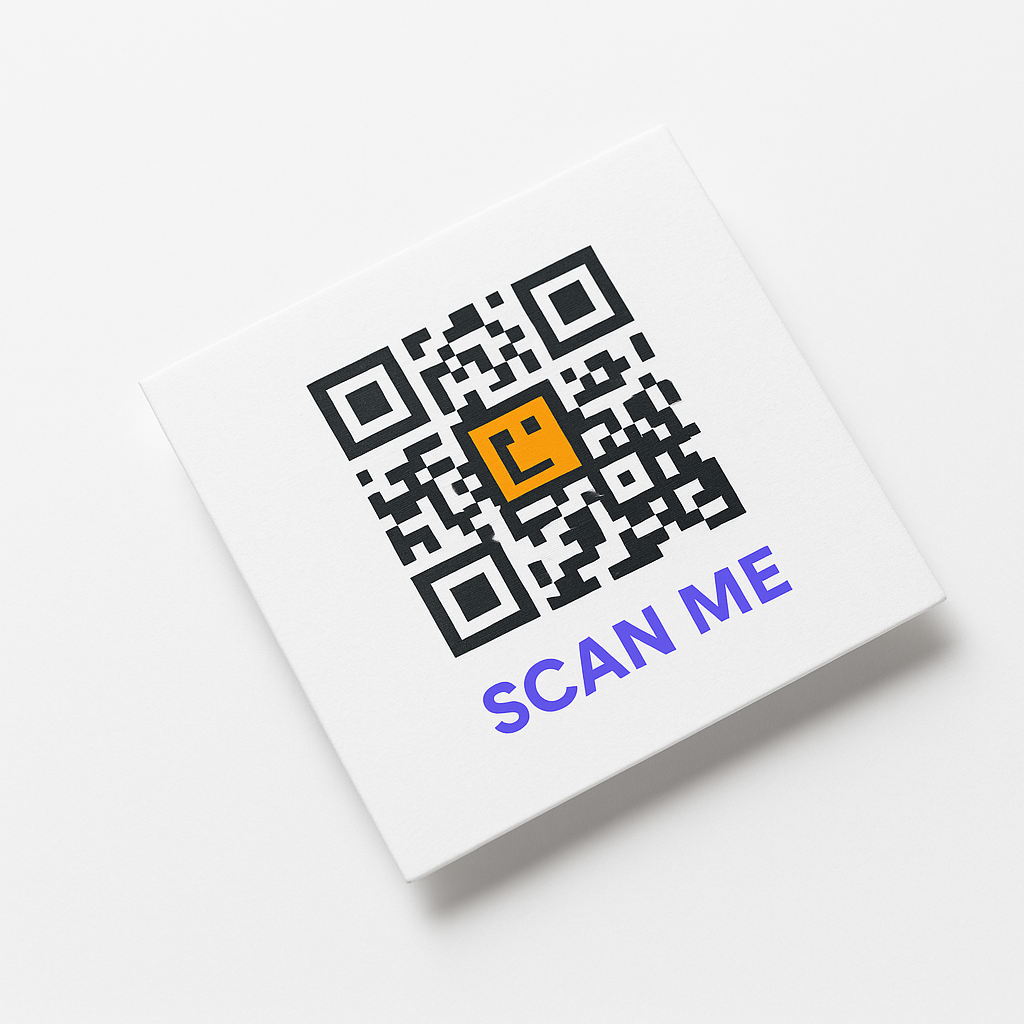
Добавьте QR-код профиля LinkedIn на визитки, чтобы контакты подключались без ввода имени.
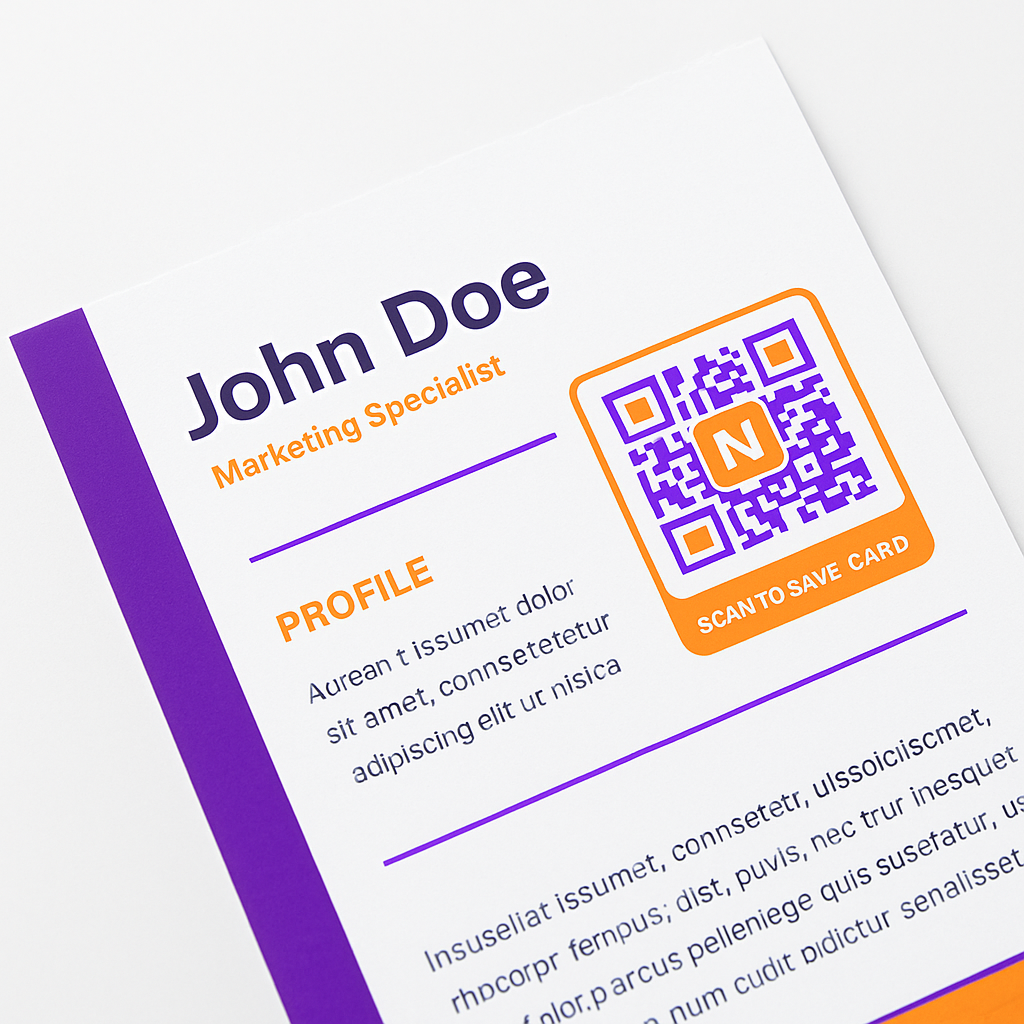
Разместите QR-код LinkedIn в шапке резюме, чтобы рекрутеры открыли полный профиль из PDF или печати.
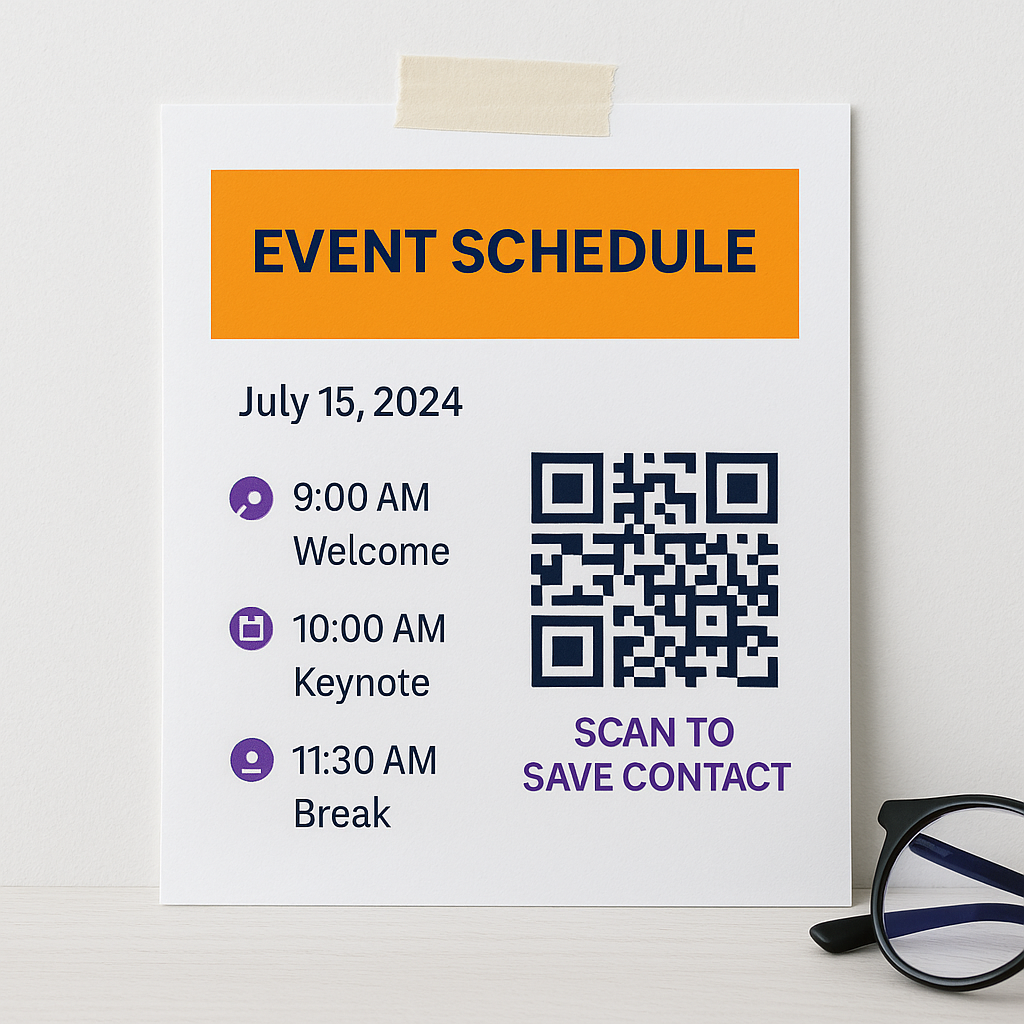
Показывайте QR-код LinkedIn на бейджах, слайдах или стенде на конференциях и ярмарках вакансий.
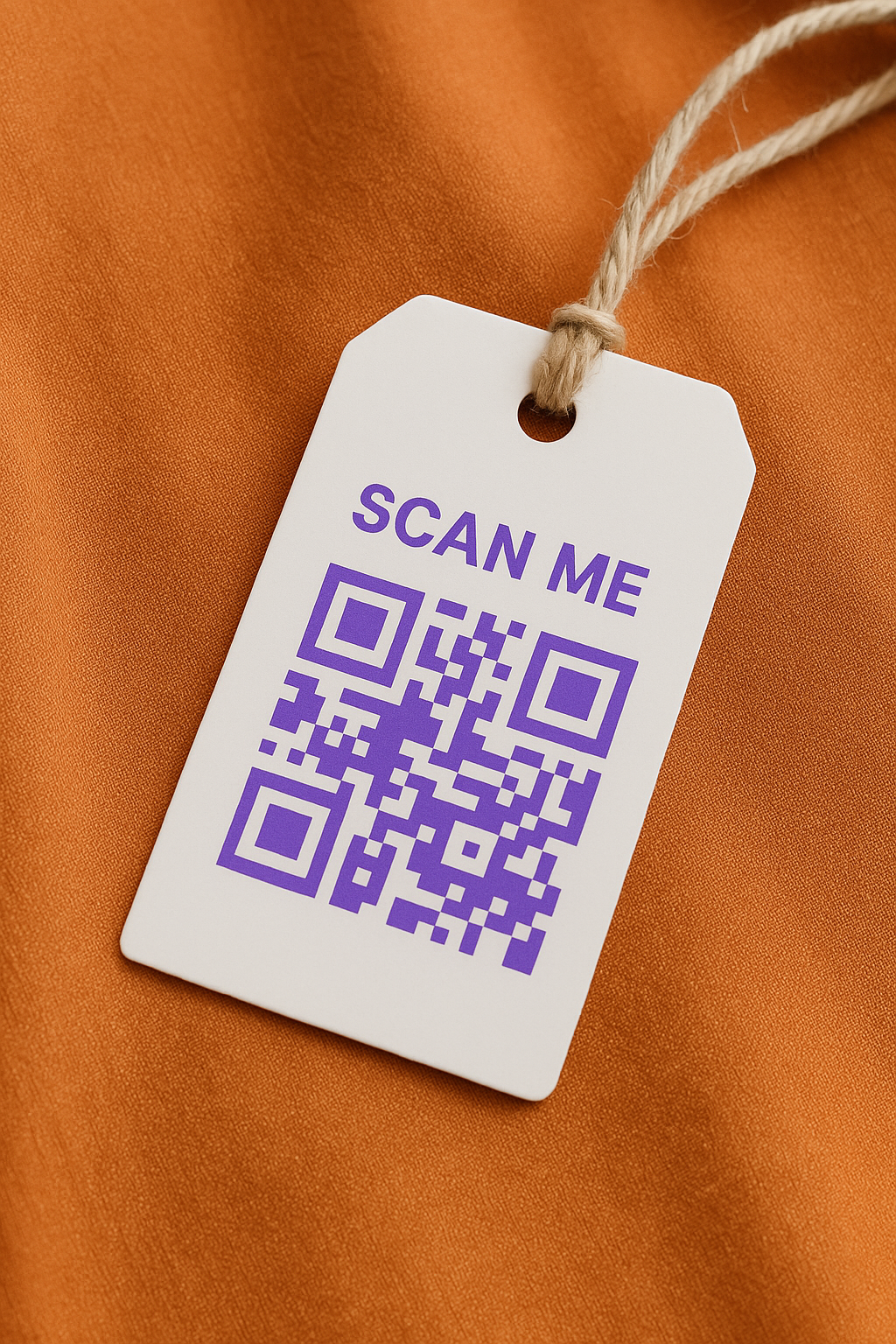
Спикеры и участники используют QR-коды LinkedIn, чтобы превратить короткие встречи в устойчивые профессиональные контакты.
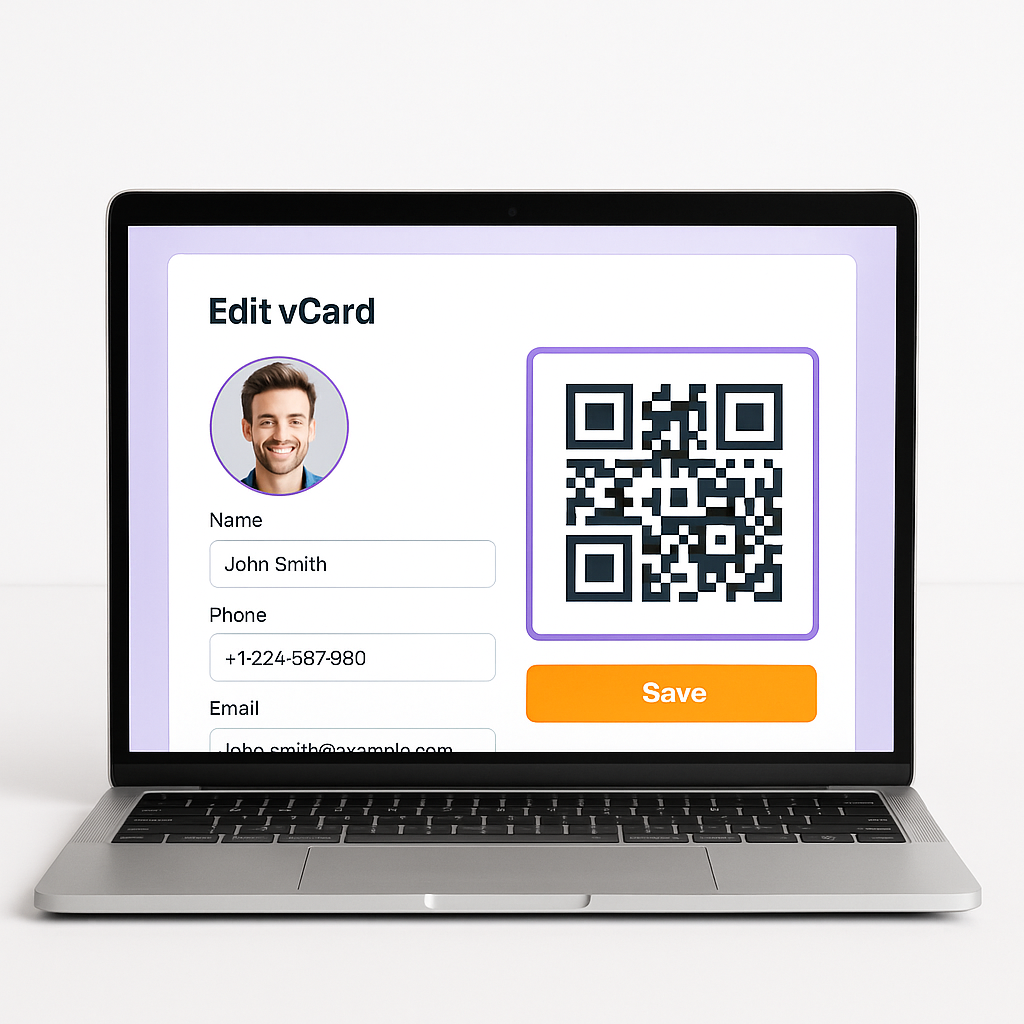
Согласуйте QR-код LinkedIn с личным или корпоративным брендом: логотип, цвета и рамки.
Создайте бесплатный QR-код LinkedIn, настройте за минуты и упростите подключение на мероприятиях и в печатных материалах. Для старта регистрация не нужна.
Сгенерируйте QR-код LinkedIn для конференций, визиток и презентаций. Поделитесь профилем одним сканированием и отслеживайте взаимодействие с динамическими кодами.
Смотрите генератор QR-кодов vCard, QR-коды бизнес-страниц и хаб QR-кодов соцсетей
Создавайте QR-коды для любого URL-адреса. Мгновенно делитесь веб-сайтами, целевыми страницами и ссылками с помощью простого сканирования.
Создайте фирменную бизнес-страницу с информацией о вашей компании, контактными данными и ссылками на социальные сети — все это доступно с помощью одного сканирования QR-кода.
Создавайте QR-коды цифровых визитных карточек. Делитесь контактной информацией мгновенно.
Замените печатные меню динамичной цифровой версией. Обновляйте блюда, цены и специальные предложения в любое время — гости сканируют и просматривают их на своем телефоне.
Не можете найти то, что ищете?
Просмотреть все типы QR-кодов