
How to Create a QR Code for a PDF: A Step-by-Step Guide
Learn how to create a QR code for your PDF documents quickly and easily with QR-Build. Discover the benefits of using a PDF QR code generator and how to edit your QR code
How to Create a QR Code for a PDF: Your Ultimate Guide
In today's fast-paced digital landscape, providing instant access to information is paramount. Whether you're a marketer sharing brochures, a restaurant owner displaying menus, or a business providing user manuals, the goal remains the same: seamless content delivery. This is where a QR code for PDF steps in as an incredibly powerful tool, bridging the gap between physical and digital worlds.
No more asking customers to type in long URLs or navigate complex websites. With a simple scan, a QR code can direct users straight to your PDF document, making information readily available at their fingertips. This guide will walk you through everything you need to know about creating, using, and optimizing QR codes for your PDF files, transforming how you share documents and engage your audience.
What is a QR Code for a PDF?
At its core, a QR code for a PDF is a scannable barcode that, when read by a smartphone or tablet camera, immediately opens a specific PDF document. Instead of embedding the entire PDF file within the QR code itself (which would make the code extremely dense and impractical), the QR code actually stores a URL. This URL points to the location where your PDF file is hosted online. When a user scans the code, their device's browser automatically navigates to that URL and opens or downloads the PDF.
This simple mechanism offers profound advantages, enabling businesses and individuals to distribute detailed information with unprecedented ease and efficiency. It transforms static print materials into interactive portals, linking offline touchpoints directly to rich digital content.
Why Use a QR Code for Your PDFs?
Integrating QR codes into your document distribution strategy offers a multitude of benefits, enhancing user experience and streamlining your operations.
- Instant Accessibility: Users can access documents with a quick scan, eliminating the need for manual searches or typing long web addresses. This convenience significantly improves user engagement.
- Bridge Physical and Digital: QR codes seamlessly connect your physical marketing materials, packaging, or signage with dynamic digital content. A printed flyer can instantly lead to a detailed product catalog PDF.
- Eco-Friendly and Cost-Effective: Reduce printing costs and your environmental footprint by offering digital versions of documents. Updates can be made digitally without reprinting materials.
- Enhanced Interactivity: Make your content more dynamic. A QR code can transform a static poster into a gateway to a multi-page report or a detailed event schedule.
- Trackable Performance (with Dynamic QR Codes): Understand how many times your PDFs are accessed, where scans occur, and which campaigns are most effective. This data is invaluable for optimizing your QR code campaigns.
- Updatable Content (with Dynamic QR Codes): Change the linked PDF document anytime without altering the physical QR code. This flexibility is crucial for documents that require frequent revisions.
These advantages highlight why leveraging a QR code for your PDF documents is not just a trend but a strategic necessity in modern digital marketing.
Static vs. Dynamic PDF QR Codes: Which One Do You Need?
Understanding the difference between static and dynamic QR codes is crucial for effective deployment, especially when it comes to sharing PDFs. While both types serve to link to your document, their capabilities differ significantly.
Static QR Codes for PDFs
A static QR code directly embeds the URL of your PDF into its pattern. Once generated, this link is permanent and cannot be changed.
- Pros:
- No ongoing subscription needed after creation.
- Ideal for documents that will never change (e.g., historical archives, fixed policy documents).
- Cons:
- No Edits: If your PDF's URL changes or you want to update the document, the QR code becomes obsolete, requiring you to print a new one.
- No Tracking: You cannot gather analytics on scan numbers, locations, or device types.
- Higher Density: Can appear more complex due to the direct embedding of a potentially long URL, which might affect scanability for very long URLs.
Static QR codes are suitable for one-off uses where the content is immutable and tracking isn't a priority.
Dynamic QR Codes for PDFs
A dynamic QR code, in contrast, doesn't directly embed your PDF's URL. Instead, it embeds a short redirect URL managed by a QR code generator service. This redirect URL then points to your actual PDF document.
- Pros:
- Updatable Content: The biggest advantage. You can change the linked PDF file anytime, even after the QR code has been printed, without needing to generate or print a new QR code. This is perfect for menus, price lists, and marketing materials that evolve.
- Comprehensive Analytics: A QR code generator with analytics features allows you to track scan data, including the number of scans, time of scans, locations, and devices used. This data is vital for optimizing your QR code marketing efforts. Our QR Code Analytics service provides robust insights.
- Retargeting Capabilities: Some platforms allow you to integrate tracking pixels for retargeting, enhancing your digital marketing reach.
- Error Correction: Often more robust due to shorter embedded URLs, making them more resilient to minor damage.
- Professional Management: Features like custom branding, password protection, and expiration dates are often available.
- Our Dynamic QR Codes feature is designed for this flexibility and power.
- Cons:
- Typically requires a subscription to the QR code generator service to maintain the redirect link and access advanced features.
For virtually all business and marketing applications, dynamic QR codes are the superior choice due to their flexibility, trackability, and long-term utility. They empower you to run sophisticated QR code campaigns that adapt and provide measurable results.
Step-by-Step Guide: How to Create a QR Code for a PDF
Creating a QR code for your PDF is a straightforward process that can be completed in just a few steps. Here’s how you can do it using a reliable PDF QR code generator.
Step 1: Prepare Your PDF Document
Before you create your QR code, ensure your PDF is ready:
- File Size Optimization: Large PDF files can take a long time to load, especially on mobile devices or slower connections. Optimize your PDF for web viewing by compressing images and removing unnecessary elements. Aim for the smallest possible file size without sacrificing quality.
- Mobile-Friendliness: Design your PDF with mobile users in mind. Use a clear, legible font size and a simple layout that's easy to read on smaller screens.
- Proofread Thoroughly: Ensure all information is accurate and free of errors.
- Accessibility: Consider adding alt text to images and ensuring proper tag structures for users with screen readers.
Step 2: Choose a Reliable PDF QR Code Generator
The foundation of a successful PDF QR code campaign starts with selecting the right generator. Look for a service that offers:
- Dynamic QR Codes: Essential for updates and analytics.
- PDF Hosting: Many generators offer to host your PDF directly, simplifying the process. Our dedicated PDF QR Codes tool streamlines this.
- Customization Options: Ability to add logos, change colors, and include frames.
- Analytics: For tracking performance.
- Ease of Use: An intuitive interface.
You can start with a Free QR Code Generator to get a feel for the process, then upgrade to a solution with more advanced features as your needs grow.
Step 3: Upload or Link Your PDF
Once you've selected your pdf qr code generator, the next step is to connect your PDF:
- Direct Upload: Many generators allow you to directly upload your PDF file from your computer. The service will then host the PDF for you and provide the necessary URL. This is often the simplest method.
- Link from Existing URL: If your PDF is already hosted on your website, cloud storage (like Google Drive, Dropbox), or another file-sharing service, you can simply paste its public URL into the QR code generator. Ensure the URL is publicly accessible and not password protected.
Step 4: Customize Your QR Code
To enhance brand recognition and encourage scans, customize your QR code:
- Colors: Change the foreground and background colors to match your brand palette.
- Logo: Embed your company logo directly into the center of the QR code. This makes the code instantly recognizable and more trustworthy.
- Frames and CTAs: Add a frame with a clear call-to-action (CTA) like "Scan for Menu," "Download Report," or "Get Brochure." This tells users exactly what to expect.
- Shape and Pattern: Some generators offer options to change the shape of the QR code modules.
Our Custom QR Design options allow for extensive personalization.
Step 5: Generate and Test Your QR Code
After customizing, generate your QR code. Crucially, test it thoroughly before deployment.
- Scan with Multiple Devices: Use different smartphone models (iOS and Android) and various QR code scanning apps to ensure universal compatibility.
- Check PDF Loading: Confirm that the PDF opens correctly and loads efficiently on all tested devices.
- Varying Distances and Lighting: Test scanning in different lighting conditions and from various distances to ensure reliability.
Step 6: Download and Deploy
Once you're satisfied with your QR code:
- Download in High Resolution: Always download your QR code in vector formats (SVG, EPS) for print materials, as these will maintain quality regardless of size. For digital use, high-resolution PNG or JPG files are suitable.
- Integrate: Place your QR code on your print materials (flyers, posters, business cards), website, email signatures, or digital displays.
By following these steps, you can effectively create a QR code for a PDF that is professional, functional, and ready to engage your audience.
Real-World Business Use Cases for PDF QR Codes
The versatility of a qr code for pdf makes it an invaluable asset across numerous industries and business functions. Here are several practical examples demonstrating its power:
- Restaurant Menus: Instead of printing costly paper menus that need constant updating, restaurants can place a QR code on tables or at the entrance. Scanning the code directs customers to a digital menu PDF. This allows for instant updates of daily specials, out-of-stock items, or price changes without reprinting. Our Restaurant Menu QR Codes are specifically designed for this purpose, linking effortlessly to your digital offerings.
- Product Manuals & User Guides: For complex products, providing a physical manual can be cumbersome. Manufacturers can print a QR code on product packaging or directly on the device itself. A scan provides immediate access to a detailed PDF user manual, troubleshooting guide, or warranty information. This reduces print costs and ensures customers always have access to the latest version.
- Marketing Collateral:
- Brochures and Flyers: Print a basic flyer with a QR code that links to a comprehensive product brochure PDF, case study, or detailed service catalog. This expands the information available without cluttering the physical material.
- Advertisements: Magazine ads or billboards can include a QR code directing potential customers to a whitepaper PDF, a detailed report, or an infographic PDF.
- Event Programs and Agendas: Organizers can include a QR code on event tickets or signage. Attendees can scan to view the full event agenda, speaker bios, venue map, or conference materials in PDF format, making real-time updates possible.
- Real Estate Listings: Real estate agents can place QR codes on "For Sale" signs, property flyers, or business cards. Scanning the code opens a PDF with detailed property specifications, floor plans, high-resolution images, neighborhood information, or virtual tour links.
- Educational Materials: Universities and schools can use QR codes on course syllabi or classroom posters. Students can scan to access supplementary reading materials, homework assignments, lecture notes, or an entire textbook PDF, all instantly updated.
- Business Cards: While a traditional vCard QR code shares contact details, a QR code on a business card can also link to a portfolio PDF, a company profile, or a detailed resume. For general contact sharing, our vCard QR Codes are excellent, but linking to a PDF expands the information significantly.
- Customer Feedback Forms: Instead of paper forms, direct customers to a PDF feedback form, survey, or application form that they can fill out digitally or print if needed.
These examples demonstrate how a qr code for pdf empowers businesses to deliver rich, dynamic content efficiently, enhancing customer experience and operational agility.
Best Practices for Effective PDF QR Code Campaigns
Simply creating a QR code for a PDF isn't enough; maximizing its impact requires strategic implementation. Here are key best practices to ensure your QR code campaigns are successful:
1. Always Use Dynamic QR Codes
This cannot be stressed enough. Dynamic QR codes provide the flexibility to update your PDF content without changing the QR code itself, saving you time and money. Crucially, they enable QR code analytics, giving you invaluable insights into scan rates, locations, and user engagement. This data is fundamental for optimizing your QR code marketing efforts.
2. Provide a Clear Call to Action (CTA)
Don't leave users guessing. Include a concise and compelling CTA near your QR code. Examples include:
- "Scan for our Menu"
- "Download Product Brochure"
- "Get Your Free E-book"
- "Scan for Details"
A clear CTA tells users exactly what they'll gain from scanning, increasing engagement.
3. Optimize Your PDF for Mobile Devices
Remember that most scans will come from smartphones. Ensure your PDF is:
- Responsive: Easy to read and navigate on small screens. Avoid tiny fonts or complex layouts.
- Lightweight: Optimized for quick loading times to prevent user frustration.
- Readable: Use clear fonts, sufficient line spacing, and good contrast.
4. Ensure Optimal Placement and Size
- Visibility: Place the QR code in a prominent location where it's easily seen.
- Accessibility: Ensure it's reachable for scanning (e.g., not too high or low).
- Size: Make it large enough to be easily scannable, typically at least 1 x 1 inch (2.5 x 2.5 cm) for print, and larger for distant scanning (e.g., billboards).
- Clear Space: Leave sufficient clear space around the QR code (quiet zone) to ensure scanners can detect its boundaries.
5. Brand Your QR Code
Customizing your QR code with your brand colors and logo enhances professionalism and trust. A branded QR code is more likely to be scanned than a generic black and white one. Our Custom QR Design tools allow you to make your QR codes truly your own.
6. Track and Analyze Performance
Leverage the analytics provided by your dynamic pdf qr code generator. Monitor:
- Scan Volume: How many times your QR code is scanned.
- Location Data: Where scans are occurring.
- Time of Day: When users are most active.
- Device Types: What devices are being used to scan.
This data from QR Code Analytics will help you understand user behavior, measure campaign effectiveness, and make data-driven improvements for future QR code campaigns.
7. Regularly Update and Maintain Your Content
If you're using dynamic QR codes, take full advantage of their flexibility. Regularly review and update the linked PDF content to keep it fresh, accurate, and relevant. This ensures users always access the most current information.
8. Consider Advanced Features for Large-Scale Use
For businesses managing multiple campaigns or a high volume of PDFs, consider:
- Team Workspace: Collaborate effectively with your team on QR code creation and management. Our Team Workspace allows multiple users to manage campaigns under a single account.
- Bulk Generation: If you need to create many QR codes for different PDFs, a Bulk QR Generator can save significant time.
- API Integration: For developers, our QR Code API allows for seamless integration of QR code generation into existing systems.
By adhering to these best practices, you can transform a simple QR code into a powerful tool for engagement, information dissemination, and measurable marketing success.
Conclusion
The ability to create a QR code for a PDF is a game-changer for businesses and individuals seeking to bridge the gap between their physical and digital assets. From streamlining access to vital documents like menus and manuals to powering sophisticated QR code marketing initiatives, the benefits are undeniable.
By choosing a robust pdf qr code generator and embracing dynamic QR codes, you unlock unparalleled flexibility, trackability, and the power to keep your content perpetually updated. This not only enhances user experience but also provides crucial data insights to refine your strategies.
As you embark on your journey to integrate QR codes into your document sharing, remember the best practices: clear CTAs, mobile optimization, strategic placement, and continuous analytics. By doing so, you won't just be sharing PDFs; you'll be creating engaging, interactive experiences that drive real results. Start leveraging the power of QR codes today and transform how your audience interacts with your valuable content.
Ready to Get Started?
Explore our tools to enhance your QR code workflow
Free QR Code Generator
Create unlimited QR codes for free with our easy-to-use generator. No signup required.
Start CreatingTeam Workspace
Collaborate with your team on QR code projects. Share templates, manage permissions, and track usage.
Explore TeamsQR Code API
Integrate QR code generation into your applications with our RESTful API. Unlimited requests, high performance.
Explore APIAll tools are available with a free plan to get you started
Frequently Asked Questions
Find quick answers to common questions about this topic
What is a QR code for a PDF?
A QR code for a PDF links users directly to a digital document when scanned, providing instant access to manuals, menus, brochures, or reports from a printed QR code.
How do I create a QR code for a PDF?
Use a QR code generator like QR-Build to upload your PDF, select a dynamic QR code type, customize its design, and then download. This process is quick and simple.
Can I update the PDF linked to a QR code after it's printed?
Yes, with dynamic PDF QR codes, you can update or replace the linked PDF document anytime without generating a new QR code or reprinting existing ones.
What are the benefits of using a PDF QR code?
Benefits include easy sharing, real-time content updates, tracking scan analytics, and providing a convenient mobile experience for users accessing your documents.
Are PDF QR codes static or dynamic?
While static PDF QR codes are possible, dynamic QR codes are highly recommended. They allow content updates, track scans, and offer greater flexibility for managing your documents.
Related Articles
Continue exploring QR code strategies and best practices
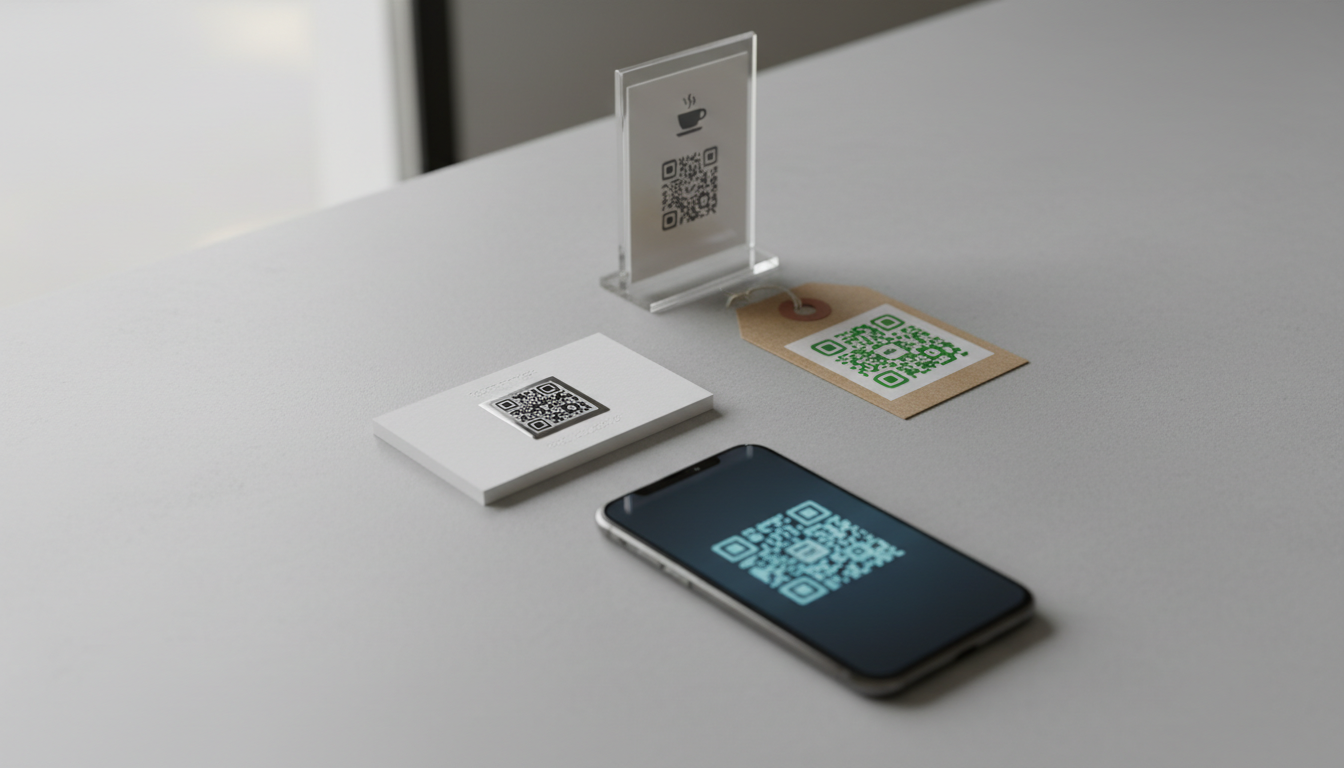
What are the Main QR Code Types? Static, Dynamic & More
Explore the different QR code types, from static to dynamic. Learn their unique features, benefits, and best uses for business with QR-Build.
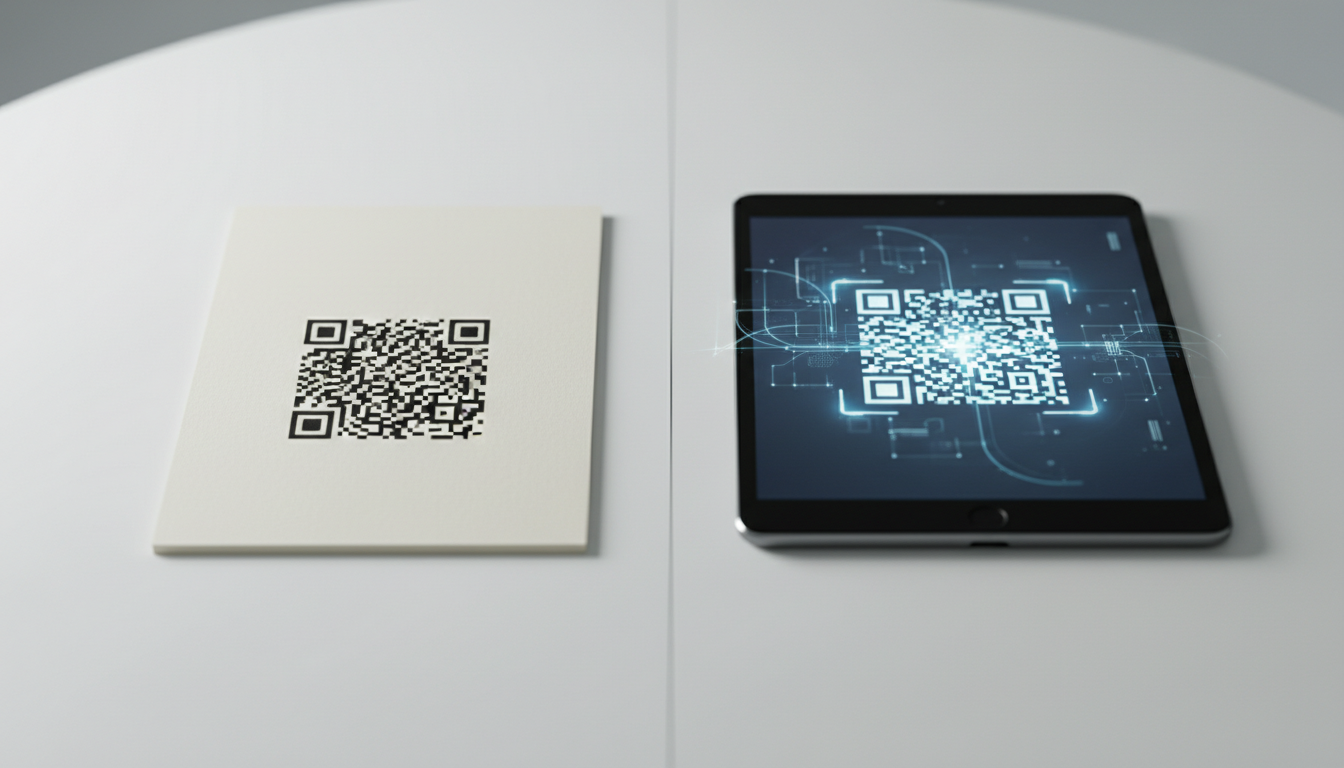
Static vs Dynamic QR Code Explained: Benefits of Dynamic QR
Understand static vs. dynamic QR codes. Learn the benefits of dynamic QR codes for marketing, tracking, and content updates. Essential for modern campaigns.

QR Codes for Restaurant Menus: Create a Contactless Menu in 5 Mins
Discover how to easily create a QR code for your restaurant menu in just 5 minutes. Enhance safety, update quickly, and offer a seamless contactless dining experience.

Unlock Growth: QR Codes in Business for Modern Engagement
Discover how QR codes revolutionize business operations, marketing, and customer engagement. Explore essential QR code business uses to drive efficiency and boost your br

Create a QR Code for Your Website: The Ultimate Guide
Unlock easy access to your website with a QR code. Learn how to create a website QR code, customize it, and deploy it effectively to boost traffic and user engagement. Si

Boost Your Business: Creative QR Code Marketing Ideas for Success
Uncover 15 innovative QR code marketing ideas to transform your campaigns and engage customers. Learn how to leverage QR codes for promotions, lead generation, and enhanc

Technical Writer
David combines his background in software engineering with clear technical writing. He creates comprehensive guides and tutorials for developers.