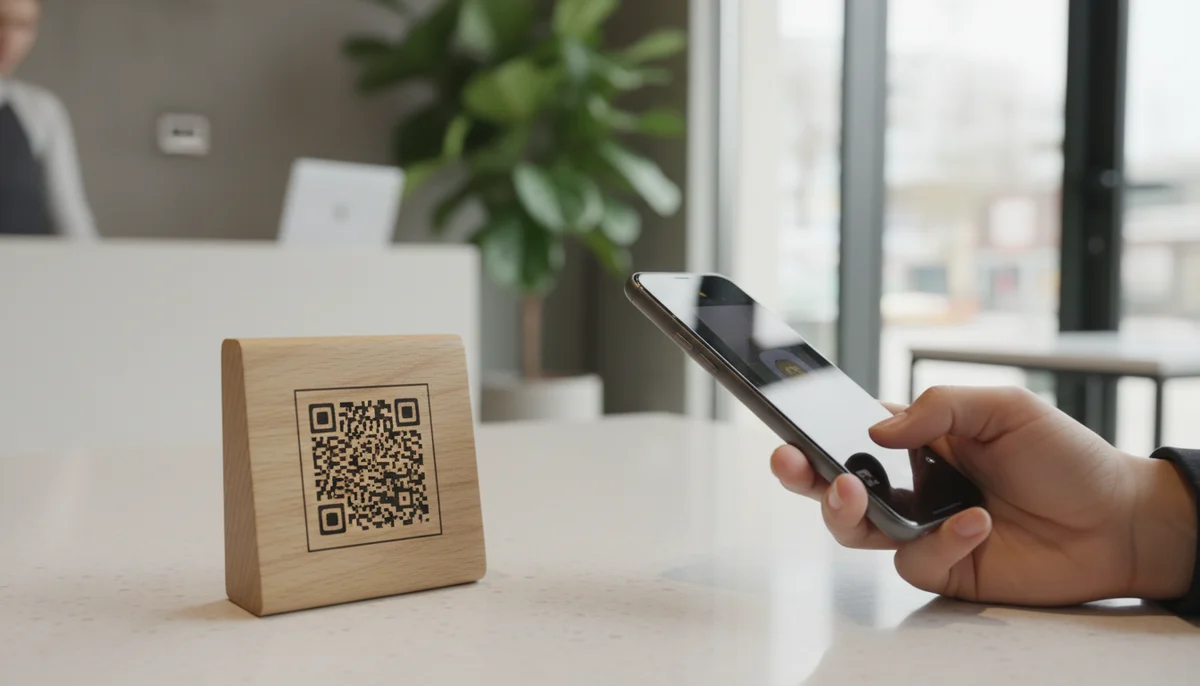
How to Create a WiFi QR Code Using a Free Generator
Learn to easily create a QR code for your WiFi network. Use our free wifi qr code generator to share internet access effortlessly with guests and customers. Get started n
Unlock Seamless Connectivity: Your Ultimate Guide to a WiFi QR Code Generator
In an increasingly connected world, providing seamless access to your WiFi network is no longer a luxury, but a necessity. Fumbling with long, complex passwords or typing out SSIDs manually can be frustrating for guests, customers, and even family members. This is where the power of a wifi qr code generator comes in, transforming a tedious process into an instant, tap-and-go experience.
Imagine a customer walking into your cafe and instantly connecting to your internet with a quick scan. Or a guest arriving at your Airbnb, finding their WiFi access details neatly presented and accessible. This guide will walk you through the simple yet powerful process of creating a QR code for your WiFi, enhancing user experience and streamlining connectivity for everyone.
What Exactly is a WiFi QR Code and How Does It Work?
A WiFi QR code is a special type of Quick Response code that, when scanned by a smartphone or tablet, automatically provides the network name (SSID), password, and encryption type. This eliminates the need for manual input, offering immediate and error-free connection to a wireless network.
At its core, a WiFi QR code stores a specific data string formatted for network connectivity. This string typically looks something like WIFI:S:YourNetworkName;T:WPA;P:YourPassword;;. When your device's camera or a dedicated QR code scanner app reads this, it interprets the data and prompts you to connect to the specified network. It's a remarkably efficient way to bridge the physical and digital divide, making access instant and effortless.
The Underlying Data Structure
Understanding the basic structure helps appreciate its simplicity. A typical WiFi QR code encodes three crucial pieces of information:
- SSID (Service Set Identifier): This is the name of your WiFi network (e.g., "MyCafeFreeWiFi").
- Password: The security key for your network.
- Encryption Type: The security protocol used by your network, commonly WPA/WPA2, WEP, or none (for open networks). WPA/WPA2 is the most common and recommended.
These details are combined into a single, standardized string that the scanner app can easily parse.
Why Choose a WiFi QR Code? The Benefits are Clear
The advantages of using a WiFi QR code extend beyond mere convenience:
- Effortless Connectivity: Guests and customers connect with a single scan, bypassing manual input. This is the primary reason to use a wifi qr code generator.
- Reduced Errors: Manual typing is prone to mistakes, leading to frustration. QR codes ensure accuracy every time.
- Enhanced Security (for passwords): You don't need to verbally share or visibly display your password in plain text. Only those who can scan the code gain access.
- Professionalism: Presenting WiFi access via a QR code demonstrates attention to detail and a modern approach to customer service.
- Time-Saving: For both the network provider and the user, it saves precious time that would otherwise be spent dictating or typing credentials.
Step-by-Step: How to Create a WiFi QR Code
Creating a WiFi QR code is a straightforward process. You'll need access to a reliable QR code generator that supports WiFi network encoding. Here’s a comprehensive guide:
Step 1: Gather Your WiFi Network Details
Before you begin, ensure you have the correct information for your WiFi network:
- Network Name (SSID): This is the name that appears when you search for WiFi networks. Make sure it's exact, including capitalization and spaces.
- Password: The security key for your network. Double-check for accuracy.
- Encryption Type: Most modern networks use WPA/WPA2. If you're unsure, check your router settings or contact your internet service provider. Common options include WPA/WPA2, WEP, or "None" for open networks.
Step 2: Choose a Reliable WiFi QR Code Generator
Several online tools and platforms offer a wifi qr code generator functionality. For a simple and effective solution, you can use our Free QR Code Generator. These tools are designed to make the process intuitive.
Step 3: Select "WiFi" as the QR Code Type
Once you're on the generator page, you'll typically see a list of content types you can encode into a QR code (e.g., URL, Text, Email, vCard, etc.). Select the "WiFi" or "Wireless Network" option.
Step 4: Input Your Network Details
You will be prompted to enter the information gathered in Step 1:
- SSID: Enter your WiFi network name precisely.
- Password: Input your WiFi password.
- Encryption: Select the correct security protocol (WPA/WPA2, WEP, or None).
Important Note: For hidden SSIDs, some generators might offer an option to mark the SSID as hidden. If your network is hidden, make sure to enable this.
Step 5: Generate the QR Code
After entering all the details, click the "Generate QR Code" or similar button. The generator will instantly create your unique WiFi QR code.
Step 6: Customize Your QR Code (Optional but Recommended)
While a basic black and white QR code is functional, customization can significantly improve its aesthetic appeal and brand recognition. Many QR code generators allow you to:
- Change Colors: Match your brand's palette or your home's decor.
- Add a Logo: Embed your company logo or a small WiFi icon in the center of the QR code.
- Choose Frame and Shape: Experiment with different patterns and frames.
For advanced customization, our platform offers extensive Custom QR Design options, allowing you to create visually striking QR codes that align perfectly with your brand identity.
Step 7: Download and Test Your QR Code
Once satisfied with the design, download your QR code in a suitable format (PNG, JPG, SVG, etc.). Before deploying it, always test your QR code.
- Use multiple devices (different phone models, operating systems) to scan the code.
- Ensure it connects immediately and correctly to your WiFi network without any manual input.
Testing is a critical step to guarantee a smooth user experience.
Practical Applications and Business Use Cases for WiFi QR Codes
The versatility of WiFi QR codes makes them invaluable in various settings. Here are some real-world examples and business applications:
1. Hospitality Sector (Cafes, Restaurants, Hotels, Airbnb)
- Cafes and Restaurants: Place a neatly designed WiFi QR code on tables, at the counter, or on your menu. Customers can quickly connect while waiting for their order or enjoying their meal. This small convenience can significantly enhance customer satisfaction and encourage longer stays. Consider integrating it with Restaurant Menu QR Codes for a unified customer experience.
- Hotels and Guesthouses: Include a WiFi QR code on welcome cards, in guest rooms, or at the reception desk. This immediately makes guests feel welcome and valued, avoiding the common frustration of finding and typing passwords after a long journey.
- Airbnb and Vacation Rentals: A WiFi QR code is a must-have for short-term rentals. Print it and place it prominently in the living area or in a welcome binder. This is a simple touch that greatly improves the guest experience and reduces queries to the host.
2. Corporate and Co-working Environments
- Office Visitor Access: Create a separate guest WiFi network with its own QR code. Visitors, clients, and contractors can scan it to access the internet without needing your main network password, enhancing security.
- Meeting Rooms: For presentations or collaborative sessions, a WiFi QR code in meeting rooms ensures attendees can connect instantly, preventing delays.
- Co-working Spaces: For members and day-pass users, a WiFi QR code provides hassle-free access, showcasing efficiency and modern amenities.
3. Events and Conferences
- Exhibitions and Trade Shows: Event organizers can provide WiFi access via QR codes at various points in the venue, ensuring attendees stay connected and can share their experiences online.
- Workshops and Seminars: Handouts or presentation slides can include a WiFi QR code, enabling participants to access online resources or collaborate without connectivity issues.
4. Retail Stores and Salons
- Customer Engagement: Offer free WiFi via a QR code. While customers are connected, they might spend more time in your store, browse your online catalog, or engage with your social media.
- Waiting Areas: In salons, clinics, or car dealerships, a WiFi QR code in the waiting area keeps customers entertained and connected.
5. Personal Use
- Home Guests: Say goodbye to repeatedly sharing your home WiFi password. Print a WiFi QR code and place it discreetly in your living room. Friends and family can connect instantly.
- Parties and Gatherings: Make it easy for everyone to share photos and stay connected during celebrations.
Strategic Implementation and Best Practices for Your WiFi QR Code
Simply creating a WiFi QR code isn't enough; strategic implementation ensures maximum effectiveness and a seamless user experience.
1. Placement and Visibility
- Prominent Locations: Place QR codes where they are easily seen and accessible for scanning. Eye-level on tables, near reception desks, or on notice boards are ideal spots.
- Clear Labeling: Always add a clear call to action, such as "Scan for Free WiFi" or "Connect to Our WiFi." This removes any ambiguity.
- Durable Materials: Print QR codes on sturdy materials like laminated cards, acrylic stands, or stickers, especially in high-traffic commercial environments.
2. Design and Branding
- Consistency: If you have a brand, ensure the QR code's design (colors, logo) aligns with your brand guidelines. Our Custom QR Design service can help you achieve this effortlessly. A branded QR code looks more professional and trustworthy.
- Legibility: While customization is great, don't compromise legibility. Ensure there's sufficient contrast between the QR code and its background.
3. Security Considerations
- Guest Networks: For businesses, it's best practice to provide a separate guest WiFi network. This segregates visitor traffic from your internal business network, enhancing security.
- Password Changes: If you change your WiFi password, you'll need to generate a new QR code. Static QR codes, like those for WiFi, store fixed information.
- Dynamic vs. Static QR Codes: While WiFi QR codes are typically static (meaning the encoded information cannot be changed after creation), understanding the difference is crucial for broader QR code marketing strategies. For something like a URL or a business page that might change, Dynamic QR Codes are essential because they allow you to update the destination content without changing the QR code itself. For WiFi, however, where the network details are unlikely to change often, a static code is usually sufficient.
4. Testing and Maintenance
- Regular Testing: Periodically test your WiFi QR codes, especially after any network changes or system updates, to ensure they remain functional.
- Keep Information Updated: If your SSID or password changes, promptly update or replace the physical QR codes.
5. Leveraging QR Code Analytics (Beyond WiFi)
While a static WiFi QR code doesn't typically offer individual scan tracking, understanding the broader capabilities of QR code analytics is vital for any comprehensive QR code marketing strategy. For example, if you were using QR codes for promotions, events, or product information, tools like our QR Code Analytics provide valuable insights into:
- Scan frequency: How many times a code was scanned.
- Location data: Where scans occurred.
- Device types: What devices were used to scan.
These insights are crucial for optimizing QR code campaigns and understanding user engagement. While not directly applicable to a simple WiFi connection, it's an important consideration for other digital initiatives where a QR code generator might be used to drive traffic or gather data.
Conclusion: Simplify Connectivity with a WiFi QR Code Generator
The era of manually sharing WiFi credentials is quickly fading, replaced by the elegance and efficiency of QR codes. By leveraging a wifi qr code generator, you can provide instant, error-free connectivity that enhances the user experience in homes, businesses, and public spaces alike. This simple technology not only saves time and reduces frustration but also adds a touch of modern professionalism.
Whether you're a small cafe looking to delight customers, a hotel aiming to streamline guest services, or simply want to make it easier for friends to connect at home, creating a WiFi QR code is a smart, accessible solution. Embrace this technology today and unlock a new level of seamless digital interaction. Get started with our Free QR Code Generator and transform how people connect to your world.
Ready to Get Started?
Explore our tools to enhance your QR code workflow
Free QR Code Generator
Create unlimited QR codes for free with our easy-to-use generator. No signup required.
Start CreatingTeam Workspace
Collaborate with your team on QR code projects. Share templates, manage permissions, and track usage.
Explore TeamsRestaurant Menu QR Codes
Create contactless digital menus for restaurants. Update your menu in real-time without reprinting.
Create MenuAll tools are available with a free plan to get you started
Frequently Asked Questions
Find quick answers to common questions about this topic
What is a WiFi QR code and how does it work?
A WiFi QR code encodes your network's SSID and password, allowing users to connect instantly by scanning it with their smartphone camera, without manually typing credentials.
How do I create a QR code for my WiFi network?
You can create a WiFi QR code using an online generator. Simply input your network's name (SSID), password, and encryption type (WPA/WPA2, WEP, or None) to generate the code.
Can I create a free WiFi QR code?
Yes, many online platforms like QR-Build offer a free WiFi QR code generator. You can easily create a static QR code to share your network without any cost.
Is it secure to share my WiFi password using a QR code?
Sharing a WiFi password via QR code is generally secure as it only contains connection details. For enhanced control, consider dynamic QR codes that can be edited or deactivated if your network details change.
What are the benefits of using a WiFi QR code for businesses?
Businesses can streamline guest access, improve customer experience, and reduce staff time spent on network support. It's ideal for cafes, hotels, and retail stores to offer seamless connectivity.
Related Articles
Continue exploring QR code strategies and best practices
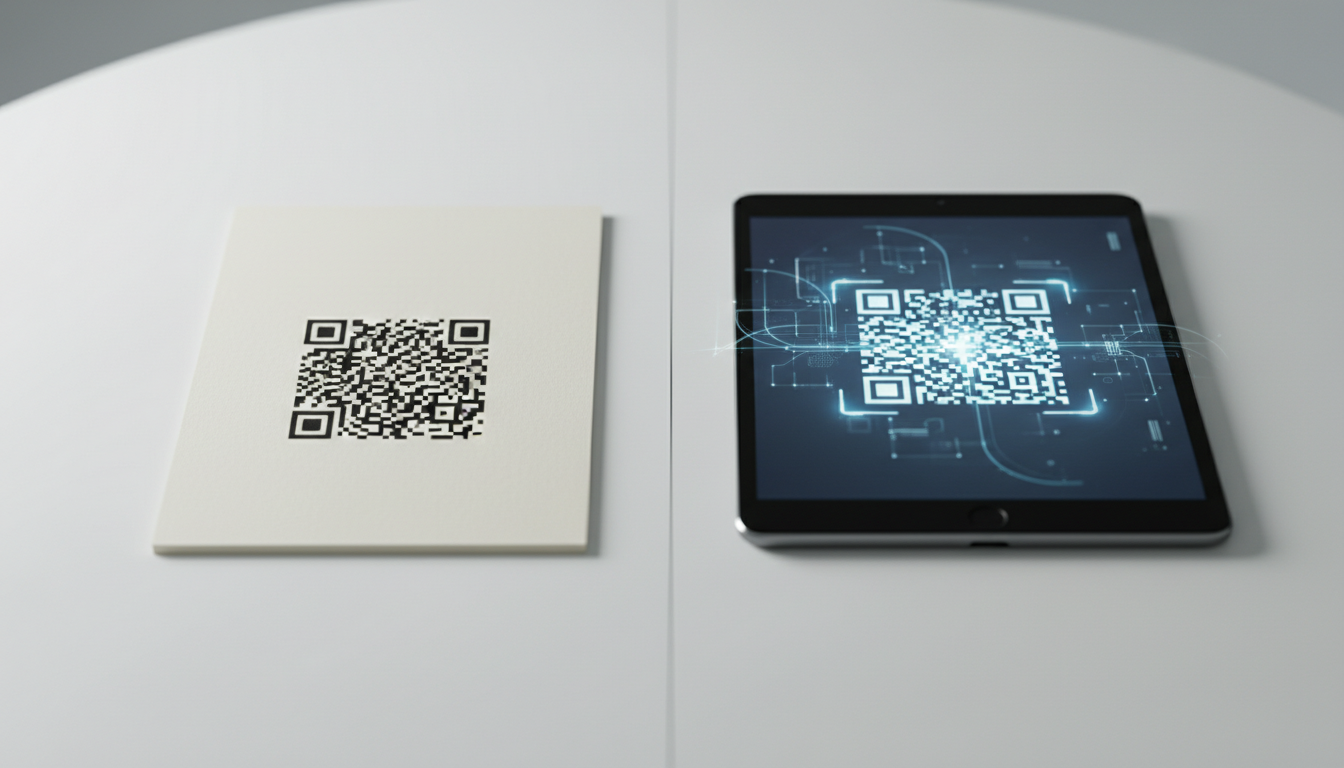
Static vs Dynamic QR Code Explained: Benefits of Dynamic QR
Understand static vs. dynamic QR codes. Learn the benefits of dynamic QR codes for marketing, tracking, and content updates. Essential for modern campaigns.
QR Code Security: Are Your Scans Really Safe?
Explore QR code security risks and how to stay safe. Learn about common threats, best practices, and features in QR-Build that enhance QR code safety for businesses.
Create a QR Code for Your Website: The Ultimate Guide
Unlock easy access to your website with a QR code. Learn how to create a website QR code, customize it, and deploy it effectively to boost traffic and user engagement. Si
Unlock Growth: QR Codes in Business for Modern Engagement
Discover how QR codes revolutionize business operations, marketing, and customer engagement. Explore essential QR code business uses to drive efficiency and boost your br

Boost Your Business: Creative QR Code Marketing Ideas for Success
Uncover 15 innovative QR code marketing ideas to transform your campaigns and engage customers. Learn how to leverage QR codes for promotions, lead generation, and enhanc
Create a QR Code for PDF: The Ultimate PDF QR Code Generator Guide
Unlock easy document sharing! Learn how to generate a QR code for PDF files effortlessly. Our guide covers using a PDF QR code generator to enhance accessibility and dist

Technical Writer
David combines his background in software engineering with clear technical writing. He creates comprehensive guides and tutorials for developers.