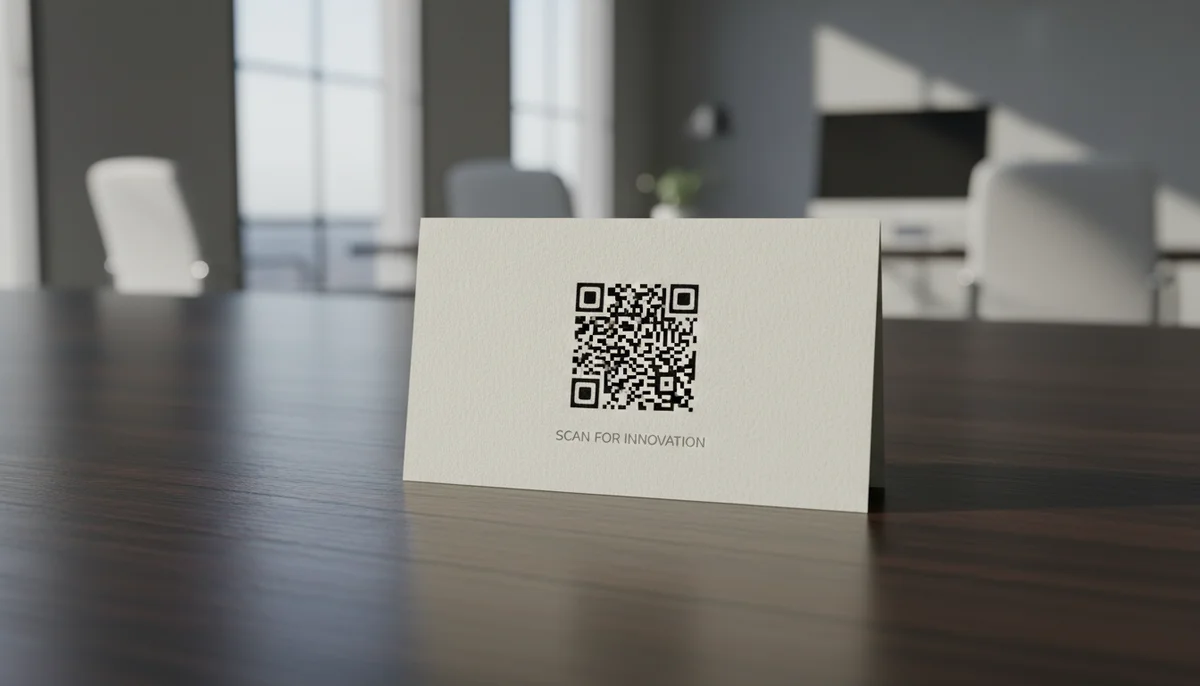
Boost Your Brand: How to Use a Custom QR Code Domain
Discover how a custom QR code domain elevates your brand's professionalism and user trust. Learn to set up and leverage a custom QR code domain for all your marketing and
QR Codes with Custom Domains: Elevate Your Brand and Analytics
In today's competitive digital landscape, every touchpoint with your audience is an opportunity to reinforce your brand. While QR codes have become ubiquitous for bridging the physical and digital worlds, many businesses overlook a crucial element that can significantly impact trust, professionalism, and data insights: the custom QR code domain. Moving beyond generic short URLs is not just an upgrade; it's a strategic imperative that offers profound benefits across multiple facets of your digital presence.
This article delves into why adopting a custom domain for your QR codes is essential for advanced marketers and how you can implement this powerful strategy to enhance your brand's credibility, gain deeper insights, and future-proof your digital campaigns.
The Strategic Imperative: Why a Custom QR Code Domain Matters
Generic, untrustworthy URLs can undermine even the most sophisticated marketing efforts. A custom domain for your QR codes transforms a simple scan into a branded interaction, fostering confidence and consistency.
Building Trust and Credibility
Imagine scanning a QR code on a high-end product, only to see a generic, unfamiliar URL flash across your screen. This discrepancy can breed distrust. A custom QR code domain, like scan.yourbrand.com or qr.yourcompany.co, instantly signals professionalism and authenticity. It assures users they are being directed to a legitimate source, reducing hesitation and increasing engagement rates.
Enhanced Brand Consistency
Your brand identity is built on consistency. Every visual element, every message, and every URL should echo your brand's voice. Utilizing a custom domain ensures that the digital journey initiated by a QR scan remains seamlessly aligned with your overall branding strategy. It transforms a functional tool into a powerful branding asset, allowing for a cohesive experience from print to pixel. Beyond the URL, platforms offering Custom QR Design empower you to integrate your brand's colors, logo, and unique patterns directly into the QR code itself, creating a truly unified aesthetic.
Superior Data Control and Analytics
One of the most compelling reasons to use a custom QR code domain lies in the unparalleled control over data and analytics it provides. When using a third-party's generic short URL, you're reliant on their data collection methods and reporting. With your own domain, combined with Dynamic QR Codes, you gain robust first-party data. This direct data ownership allows for more precise tracking of user engagement, campaign performance, and helps gather invaluable intelligence through sophisticated QR Code Analytics. Understanding scan times, locations, and device types directly from your own domain strengthens your campaign optimization efforts.
Future-Proofing Your QR Code Campaigns
Marketing campaigns evolve, and so do the destinations of your links. One of the greatest advantages of dynamic QR codes with a custom domain is their flexibility. If a landing page URL changes, or you want to redirect users to a new promotion, you simply update the destination URL within your QR code management platform. There's no need to reprint your QR codes, saving significant time, cost, and effort. This agility ensures your QR code campaigns remain effective and relevant for the long term, regardless of underlying digital changes.
Deconstructing the Custom QR Code Domain: How It Works
Understanding the technical foundation behind a custom QR code domain is key to appreciating its power. It primarily hinges on the concept of dynamic QR codes and DNS record management.
Understanding Dynamic QR Codes
At its core, a custom QR code domain works because you are using dynamic QR codes. Unlike static QR codes, which embed the final destination URL directly into the code image, dynamic QR codes contain a short, intermediary URL. This intermediary URL, when scanned, redirects the user to the actual target content.
This redirection mechanism is what allows for flexibility and tracking. When you use a custom domain, that intermediary URL points to your branded domain (e.g., scan.yourbrand.com/campaign-id) which then directs the user to the ultimate content.
The DNS Connection: CNAME Records
The magic behind directing your custom domain to your QR code generator's system lies in a specific DNS (Domain Name System) record called a CNAME (Canonical Name) record.
A CNAME record essentially creates an alias. It tells the internet that your chosen subdomain (e.g., scan.yourbrand.com) should point to another domain (the one provided by your QR code generator platform). When a user scans your QR code, their device looks up scan.yourbrand.com, the CNAME record points it to the generator's servers, and those servers then perform the necessary redirection.
Behind the Scenes: The Redirect Flow
Here’s a simplified breakdown of what happens when a user scans a QR code leveraging a custom domain:
- Scan: A user scans your QR code printed on a poster or product.
- DNS Lookup: Their device attempts to access the URL embedded in the QR code, which is your custom domain (e.g.,
scan.yourbrand.com/promo1). - CNAME Resolution: The DNS system resolves
scan.yourbrand.comto theQR code generatorplatform's domain (e.g.,proxy.qr-generator.com). - Platform Processing: The
QR code generatorplatform receives the request, identifies the unique campaign ID (e.g.,/promo1), logs the scan data, and determines the final destination URL you set up. - Redirection: The platform then redirects the user's browser to the final target URL (e.g.,
https://yourcompany.com/new-product-launch).
This seamless process occurs in milliseconds, providing a branded experience while enabling powerful tracking and flexibility in your QR code marketing.
Setting Up Your Custom QR Code Domain: A Step-by-Step Guide
Implementing a custom QR code domain is a straightforward process when you know the steps. Here’s how you can get started:
Step 1: Choose Your QR Code Management Platform
Select a robust QR code generator platform that supports custom domains and offers the features you need, such as dynamic QR codes, analytics, and bulk generation. A good platform provides the infrastructure to manage your QR code campaigns efficiently. For larger teams, features like a Team Workspace are invaluable for collaborative campaign management and consistent branding efforts.
Step 2: Select Your Domain or Subdomain
You have two primary options for your custom domain:
- A new, dedicated domain: e.g.,
yourbrandqr.com. - A subdomain of an existing domain: e.g.,
qr.yourbrand.comorscan.yourbrand.com. This is often the preferred choice for ease of management and immediate brand recognition.
Consider what will be most recognizable and trustworthy for your audience. A short, memorable subdomain is usually ideal.
Step 3: Configure Your DNS Settings (CNAME Record)
This is the most technical step, but it's manageable. You'll need access to your domain registrar's (e.g., GoDaddy, Namecheap) or DNS provider's settings.
- Log in to your domain registrar/DNS provider account.
- Navigate to your DNS management settings. This section might be labeled "DNS Zone Editor," "Advanced DNS," or similar.
- Add a new CNAME record. You'll typically need to input two pieces of information:
- Host/Name: This is your chosen subdomain (e.g.,
scanif your full domain isscan.yourbrand.com). - Target/Value/Points to: This is the domain provided by your
QR code generatorplatform (e.g.,custom.qr-platform.comorgo.your-qr-provider.net). Your chosen platform will provide this exact value.
- Host/Name: This is your chosen subdomain (e.g.,
- Save the record. DNS changes can take a few minutes to up to 48 hours to propagate across the internet, though it's often much faster.
Step 4: Integrate with Your QR Code Generator
Once your CNAME record is set up and propagated, return to your QR code generator platform.
- Go to the custom domain settings within your account.
- Enter your full custom domain or subdomain (e.g.,
scan.yourbrand.com). - Verify the setup. The platform will typically check if the CNAME record is correctly pointing to its servers.
Step 5: Test and Verify
Before deploying any QR codes, thoroughly test your setup:
- Generate a new dynamic QR code using your custom domain.
- Scan it with multiple devices (different phones, operating systems).
- Ensure it redirects correctly to the intended destination URL.
- Check that the URL displayed during the redirect is your custom domain.
This step is critical to prevent broken links and ensure a smooth user experience.
Practical Applications and Business Use Cases
A custom QR code domain significantly enhances the utility and impact of QR codes across various industries. Here are some real-world examples:
Retail and E-commerce
- Product Packaging: Embed
qr.yourbrand.com/productIDon packaging to direct customers to product details, instructional videos (Video QR Codes), warranty registration, or reorder pages. This elevates the post-purchase experience. - In-Store Promotions: Use custom domain QR codes on shelf talkers or window displays to link to flash sales or exclusive Coupon QR Codes, providing a seamless journey from physical store to online offer.
- Customer Feedback: Create a QR code that links to
feedback.yourstore.comto collect valuable customer insights, building trust with your audience.
Marketing Campaigns and Advertising
- Print Advertisements: Replace long, clunky URLs in magazines, flyers, and billboards with
go.yourcampaign.com. This is visually cleaner and more brand-aligned. For large-scale print runs or multi-location promotions, a Bulk QR Generator can efficiently produce numerous branded QR codes for different SKUs or branches. - Event Marketing: Promote events with
event.yourbrand.com/registerQR codes. Attendees can quickly register, view schedules (Event QR Codes), or access event information. - Outdoor Advertising: On bus stops or posters, a branded QR code is more likely to be scanned than one leading to an unfamiliar URL. Measure the effectiveness of these diverse
QR code campaignsusing robust analytics tied to your custom domain.
Digital Publishing and Media
- Magazines and Brochures: Enhance engagement by linking to supplementary content like extended articles, photo galleries, or downloadable PDF QR Codes directly from your publication.
- Educational Materials: Link
learn.youracademy.comQR codes in textbooks or online course materials to quizzes, external resources, or additional explanations.
Business Cards and Networking
- Professional Networking: Instead of a generic
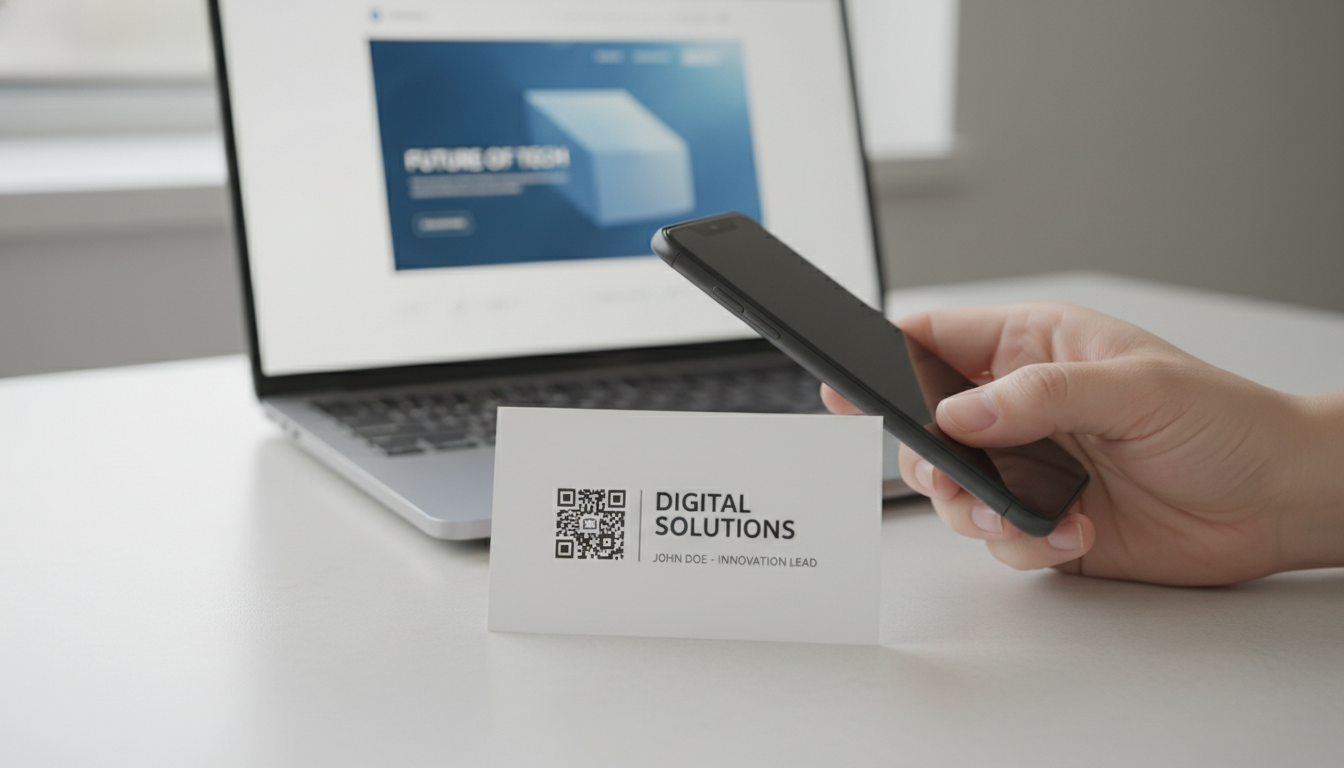
linktr.eeor similar, brand your digital business card with a vCard QR Code that links toconnect.yourname.comorcard.yourcompany.com, presenting a highly polished and professional image. This directs contacts to your contact information, portfolio, or LinkedIn profile.
Maximizing Your Custom QR Code Domain Strategy
Implementing a custom domain is just the first step. To truly leverage its potential, integrate it deeply into your broader QR code marketing strategy.
Consistent Branding Across the Journey
Your custom domain sets the stage, but the user experience doesn't end there. Ensure that the landing pages your QR codes link to also maintain consistent branding, design, and messaging. This holistic approach reinforces trust and provides a seamless journey. Beyond the domain, leverage Custom QR Design options to fully integrate your brand's visual identity into the QR code itself, enhancing recognition and professional appeal.
Leveraging QR Code Analytics for Insights
A custom domain unlocks the full potential of QR Code Analytics. Use the data collected—scans over time, geographical location of scans, device types, and most popular QR codes—to refine your campaigns. A/B test different calls to action or landing pages and monitor which versions perform best. These insights are invaluable for optimizing your digital marketing spend and improving ROI.
Scalability for Growth
As your business grows, so will your need for efficient QR code campaigns. A custom domain provides a centralized, branded ecosystem for all your QR codes. Whether you're launching a new product line, expanding into new markets, or running multiple simultaneous promotions, managing dynamic QR codes under a single custom domain simplifies oversight and ensures brand consistency. For generating a large volume of QR codes quickly and efficiently, a Bulk QR Generator becomes an indispensable tool, seamlessly integrating with your custom domain.
Security and Trust
In an age of heightened cybersecurity awareness, a custom domain acts as a crucial trust signal. Users are increasingly wary of unfamiliar links. Your branded domain reassures them that the destination is secure and legitimate, mitigating concerns about phishing or malicious sites. This builds a stronger, more reliable relationship with your audience.
Conclusion
Embracing a custom QR code domain is no longer an optional upgrade for businesses serious about their digital presence. It's a fundamental step toward building a more credible, consistent, and data-rich marketing ecosystem. By aligning every QR scan with your brand identity, gaining granular control over your analytics, and future-proofing your campaigns, you transform a simple digital tool into a powerful strategic asset. Elevate your QR code marketing beyond the generic and unlock its full potential.
Ready to take control of your brand's digital journey? Set up your own custom QR code domain and transform your marketing campaigns today. Get started with our Free QR Code Generator to experience the power of branded QR codes.
Ready to Get Started?
Explore our tools to enhance your QR code workflow
Free QR Code Generator
Create unlimited QR codes for free with our easy-to-use generator. No signup required.
Start CreatingBulk QR Generator
Generate hundreds of QR codes at once from CSV files. Perfect for events, inventory, and mass campaigns.
Start BulkvCard QR Codes
Share contact information instantly with vCard QR codes. Add to business cards, email signatures, and more.
Create vCardAll tools are available with a free plan to get you started
Frequently Asked Questions
Find quick answers to common questions about this topic
What exactly is a custom QR code domain and how does it work?
A custom QR code domain allows your QR code links to use your brand's URL instead of a generic one. For example, instead of 'qrbuild.co/xyz', your QR codes link to 'scan.yourbrand.com/xyz'. This provides a professional and trustworthy experience for users and strengthens brand identity.
What are the main benefits of using a custom domain for my QR codes?
Using a custom domain significantly boosts brand recognition and user trust. It ensures consistency across all marketing materials, allows for better control over your data, and projects a highly professional image to your audience, leading to increased engagement.
How does a custom QR code domain enhance marketing campaigns?
A custom domain makes your QR codes look more legitimate, increasing scan rates and engagement. It strengthens brand recall and provides a seamless brand experience from scan to destination, improving overall campaign performance and analytics data attribution.
Is it difficult to set up a custom domain for QR codes on platforms like QR-Build?
Setting up a custom domain with QR-Build is designed to be straightforward. Typically, it involves adding a CNAME record in your domain's DNS settings, then configuring it within the QR-Build platform, often with guided steps and support.
Can a custom QR code domain be used with both static and dynamic QR codes?
Yes, a custom domain can be applied to both static and dynamic QR codes. While static codes are fixed, dynamic QR codes especially benefit as their destination URLs can be updated after printing, all while maintaining your branded custom domain and analytics capabilities.
Related Articles
Continue exploring QR code strategies and best practices
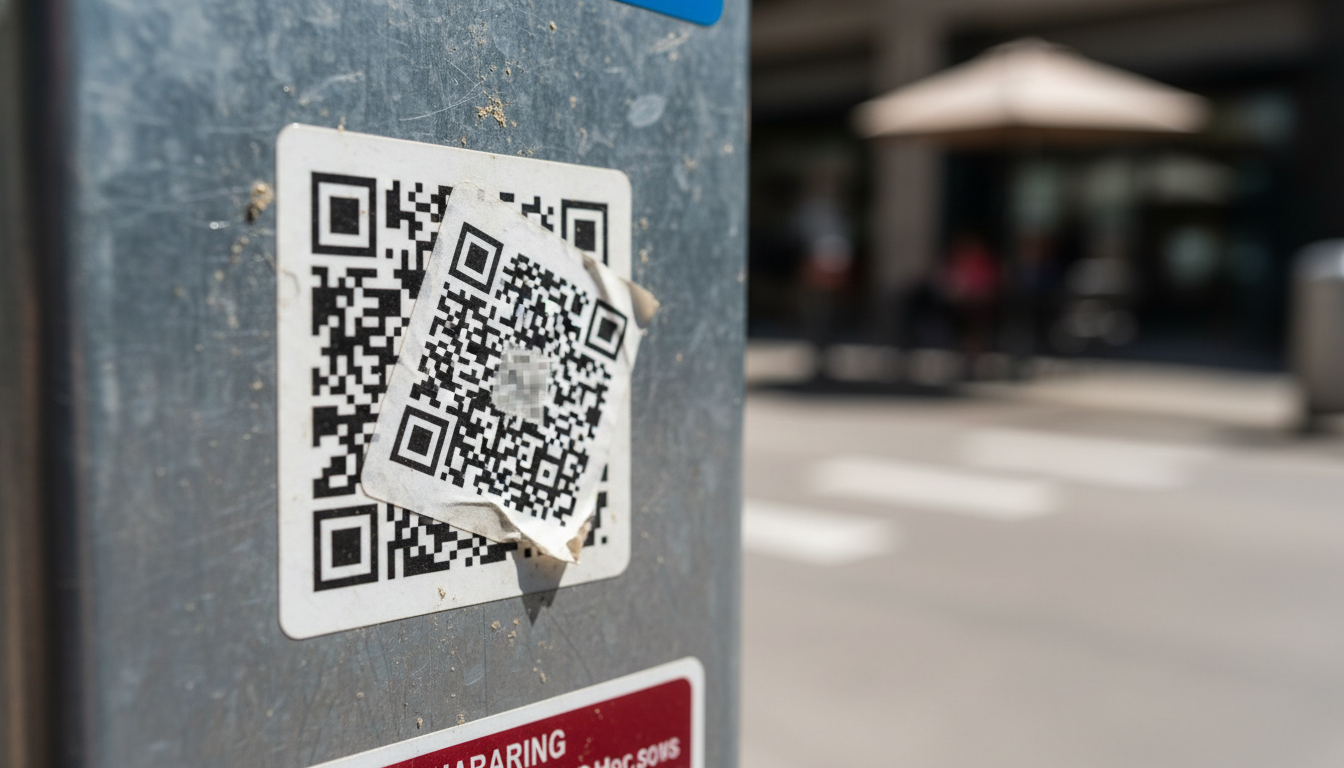
QR Code Security & Safety: Protecting Yourself from Malicious Scans
Discover essential tips for QR code security and safety. Learn how to identify malicious QR codes and protect your personal data from phishing and malware attacks. Stay s
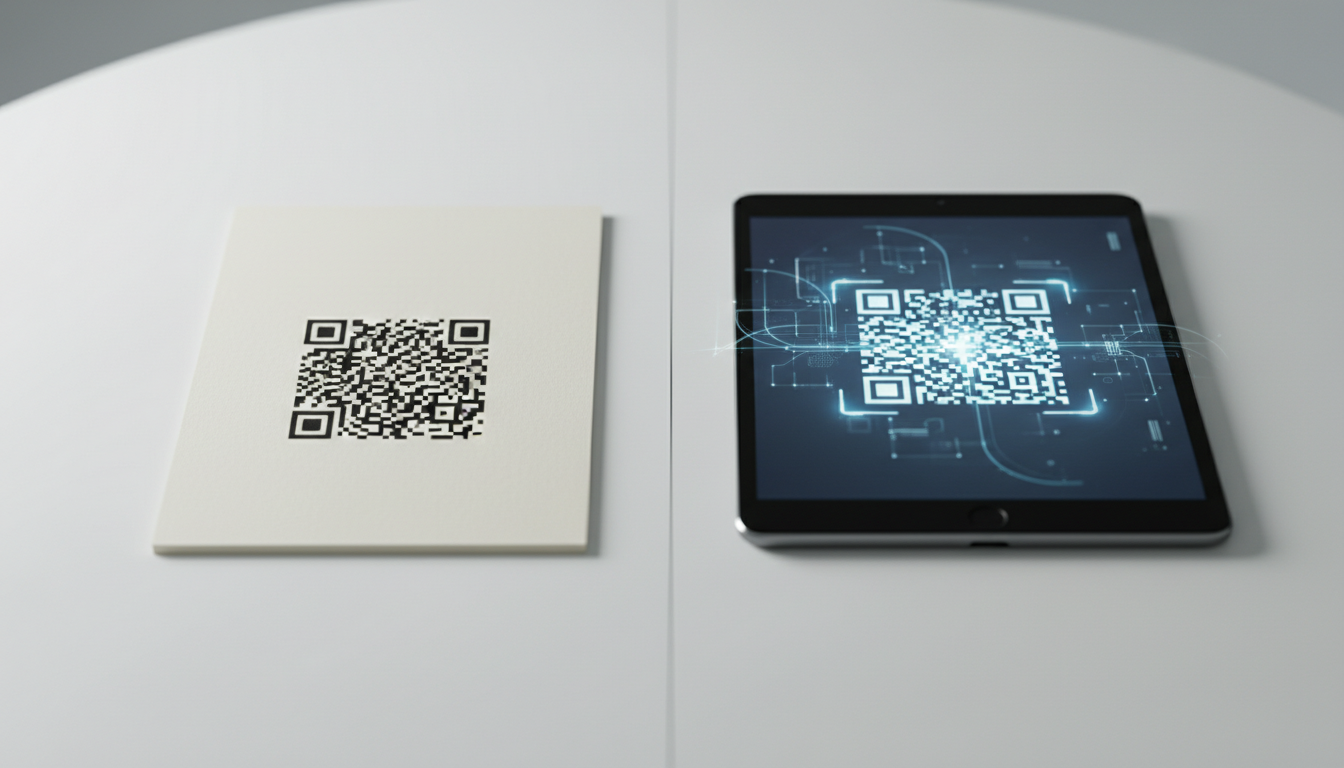
Static vs Dynamic QR Code Explained: Benefits of Dynamic QR
Understand static vs. dynamic QR codes. Learn the benefits of dynamic QR codes for marketing, tracking, and content updates. Essential for modern campaigns.

Boost Your Business: Creative QR Code Marketing Ideas for Success
Uncover 15 innovative QR code marketing ideas to transform your campaigns and engage customers. Learn how to leverage QR codes for promotions, lead generation, and enhanc

How QR Codes Increase Customer Engagement and Loyalty
Discover how dynamic QR codes drive customer engagement, loyalty, and interaction. Track campaign performance with real-time analytics from QR-Build. Start boosting engag
Unlock Growth: QR Codes in Business for Modern Engagement
Discover how QR codes revolutionize business operations, marketing, and customer engagement. Explore essential QR code business uses to drive efficiency and boost your br
Create a QR Code for Your Website: The Ultimate Guide
Unlock easy access to your website with a QR code. Learn how to create a website QR code, customize it, and deploy it effectively to boost traffic and user engagement. Si

Product Marketing Manager
Emma helps businesses leverage QR codes for marketing campaigns. She has worked with over 200 companies to optimize their QR code implementations.