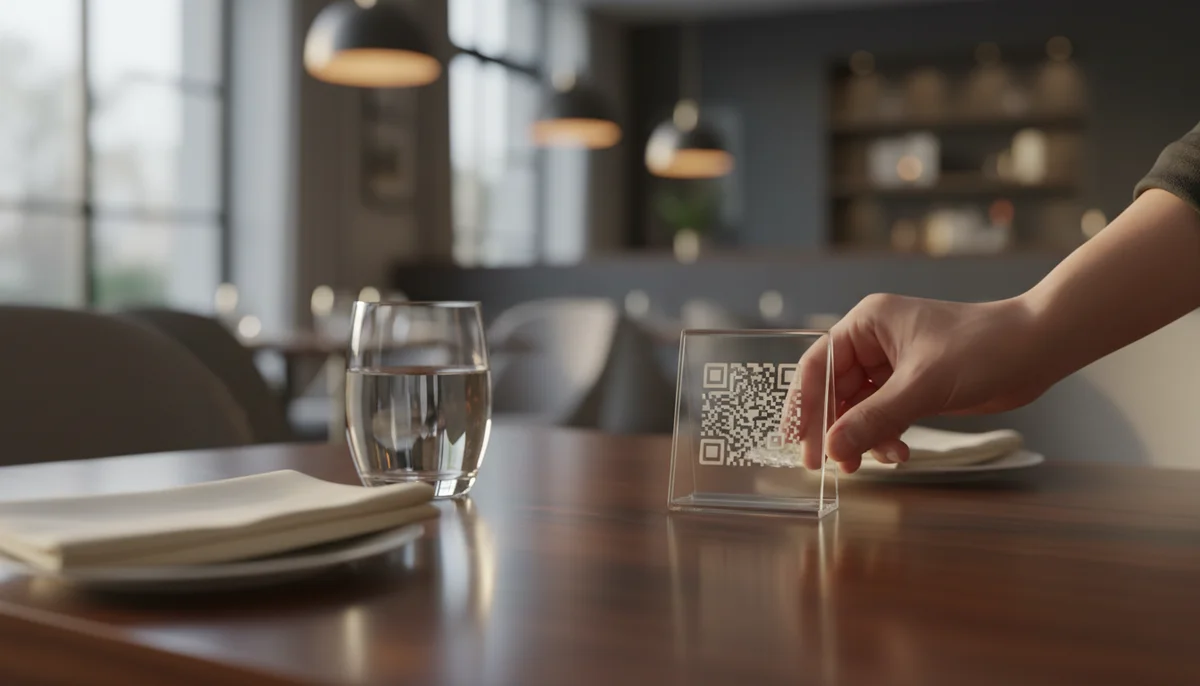
How to Create a QR Code for Your Restaurant Menu
Learn how to easily create a QR code for your restaurant menu using QR-Build. Discover the benefits of dynamic QR codes that allow for updates even after printing. Enhanc
How to Create a QR Code for a Menu
In today's fast-paced dining landscape, traditional physical menus are becoming a relic of the past. From concerns about hygiene to the sheer logistical headache of updating daily specials, restaurants are constantly seeking more efficient, engaging, and cost-effective solutions. Enter the QR code restaurant menu – a game-changer that streamlines operations, enhances customer experience, and provides valuable insights.
This comprehensive guide will walk you through everything you need to know about creating an effective QR code for your menu. We'll cover the 'why,' the 'how,' and the 'what' of successful implementation, ensuring your establishment stays ahead of the curve.
Why Your Restaurant Needs a QR Code Menu
Adopting a digital menu via QR codes isn't just a trend; it's a strategic move that offers a myriad of benefits for both your business and your diners.
- Enhanced Hygiene and Safety: In a post-pandemic world, customers prioritize cleanliness. QR code menus eliminate the need for shared physical menus, reducing germ transmission and instilling confidence.
- Effortless Updates and Flexibility: Say goodbye to reprinting costs and outdated information. With a digital menu, you can instantly update prices, add daily specials, mark items as out of stock, or even introduce seasonal offerings with just a few clicks.
- Cost Savings: The ongoing expense of printing new menus for every change, stain, or wear-and-tear adds up significantly. Digital menus drastically cut these operational costs.
- Improved Customer Experience: Guests appreciate the convenience of scanning a code with their own device to browse your offerings. You can include high-resolution images, detailed descriptions, allergen information, and even links to beverage pairings.
- Environmental Responsibility: Reducing paper consumption aligns with eco-friendly practices, appealing to a growing segment of environmentally conscious consumers.
- Data and Analytics: When using dynamic QR codes, you gain access to valuable insights on how often your menu is scanned, at what times, and even location data. This QR Code Analytics can inform staffing decisions, marketing efforts, and menu optimization.
Understanding QR Code Types for Menus
Before you dive into creation, it's crucial to understand the two main types of QR codes: static and dynamic. Choosing the right one is paramount for a successful qr code restaurant menu.
Static QR Codes
A static QR code directly embeds the destination data (like a URL or text) into its pattern. Once created, the information it points to cannot be changed without generating a completely new QR code.
- Pros: Free to generate, simple to use for unchanging data.
- Cons: No tracking capabilities, fixed content. If your menu URL changes, you'll have to replace all printed QR codes. This is generally not recommended for restaurant menus due to the need for frequent updates.
Dynamic QR Codes
Dynamic QR codes act as a redirect. When scanned, they first point to an intermediate URL on the QR code generator's server, which then redirects the user to your actual menu URL. This allows for incredible flexibility. You can create Dynamic QR Codes that offer adaptability for all your marketing campaigns.
- Pros:
- Editable Content: Change the linked menu URL or content anytime without altering the physical QR code. This is invaluable for seasonal menus, daily specials, or website redesigns.
- Trackable Scans: Access QR Code Analytics to monitor scan frequency, location, and device types, providing data for QR Code Marketing strategies.
- Professional Appearance: Often leads to shorter, cleaner-looking QR codes.
- Cons: Typically requires a subscription to a QR code generator platform.
For a restaurant menu, dynamic QR codes are the undisputed champion. Their flexibility and analytical capabilities far outweigh the minor cost of a subscription, making them an essential tool for modern establishments.
What You Need Before You Create Your Menu QR Code
Preparation is key to a smooth QR code creation process. Gather these essentials before you begin:
- Your Digital Menu: This is the most important component. Your menu needs to exist in a digital format that customers can easily access on their phones. Common formats include:
- PDF File: A well-designed PDF is a popular choice for many restaurants. Ensure it's optimized for mobile viewing (readable text, not too large a file size). You can create PDF QR Codes easily.
- Web Page (URL): If you have a dedicated menu page on your restaurant's website, this is an excellent option. It offers the most flexibility for responsive design and interactive elements. You can link directly using URL QR Codes.
- Online Menu Platform: Services like Toast, Square, or proprietary restaurant platforms often host your menu online.
- Image File: Less ideal for multi-page menus but can work for simple, single-page daily specials.
- A Reliable QR Code Generator: You'll need an online tool to convert your digital menu into a scannable QR code. Look for one that offers dynamic QR codes, customization options, and analytics. Many platforms, like our Free QR Code Generator, provide robust tools for this purpose.
Step-by-Step: How to Create a QR Code for Your Restaurant Menu
Creating a QR code for your menu is a straightforward process. Here's a general guide:
- Choose Your QR Code Generator:
- Navigate to your preferred QR code generator platform. For creating a specific Restaurant Menu QR Codes, look for dedicated solutions.
- Select the Right QR Code Type:
- For menus, you will almost certainly want a Dynamic QR Code.
- Then, choose the content type. This will likely be "URL" (if your menu is on a webpage) or "PDF" (if you're uploading a PDF file).
- Upload or Link Your Digital Menu:
- If using a URL: Copy and paste the exact URL of your online menu page into the designated field. Double-check for typos!
- If using a PDF: Upload your PDF file directly to the generator. The platform will host it for you.
- Customize Your QR Code (Optional but Recommended):
- This is where you make your QR code visually appealing and brand-consistent. Most generators allow you to:
- Change colors to match your restaurant's branding.
- Add your restaurant's logo to the center of the QR code.
- Choose different frame designs and calls to action (e.g., "Scan for Menu," "View Our Specials").
- Consider using our Custom QR Design service for unique branding elements.
- This is where you make your QR code visually appealing and brand-consistent. Most generators allow you to:
- Test Your QR Code:
- Crucial Step! Before downloading or printing, scan the QR code with multiple different smartphones and QR code scanner apps. Ensure it leads to the correct, readable menu. Check on both iOS and Android devices.
- Download and Deploy Your QR Code:
- Download your finished QR code in a high-resolution format (e.g., PNG, SVG, EPS).
- You're now ready to incorporate it into your restaurant environment.
Practical Examples of QR Code Menus in Action
Let's look at how different types of restaurants can implement QR code menus effectively.
Example 1: The Bistro with a Seasonal Menu
- Business Type: A trendy bistro that changes its menu seasonally and offers daily specials.
- Challenge: Constant menu updates, high printing costs.
- Solution: The bistro hosts its full menu on a dedicated page on its website. They generate a single dynamic URL QR code linking to this page. Every time the chef updates the seasonal dishes or adds a daily special, they simply edit the website content. The QR code on the tables remains the same, eliminating reprinting. They also use the QR Code Analytics to see which days have the most scans, helping them plan for busy periods.
Example 2: The Casual Café with a Simple PDF Menu
- Business Type: A local café with a relatively stable menu, but occasionally updates prices or adds new coffee blends.
- Challenge: Keeping printed menus clean and current.
- Solution: The café designed an attractive, mobile-optimized PDF of their menu. They used a QR code generator to create a dynamic PDF QR code, uploading their menu file directly. When they need to update a price, they simply upload a new version of the PDF to their QR code generator account, and the existing QR code automatically directs to the latest file. This prevents the need to redistribute new QR codes.
Example 3: The Multi-Location Fast-Casual Chain
- Business Type: A growing chain with multiple locations, each potentially offering slightly different regional specials or promotions.
- Challenge: Centralized management of menus, ensuring consistency, and tracking performance across locations.
- Solution: The chain utilizes a robust QR code management platform, possibly leveraging a QR Code API for integration with their internal systems. They create dynamic QR codes for each location's specific menu URL. The corporate marketing team can monitor QR Code Analytics for each location, comparing scan rates and identifying popular items or successful QR Code Campaigns. This allows for data-driven decisions on menu offerings and regional promotions.
Strategy and Implementation for Your QR Code Menu
Creating the QR code is just the first step. Effective deployment and ongoing strategy are crucial for success.
Best Practices for Deploying Your QR Code Menu
- Strategic Placement:
- Table Tents/Stickers: The most common and effective placement. Ensure they are visible but don't clutter the table.
- Window Decals: For passersby to view your menu before entering.
- Reception Area/Host Stand: For guests waiting to be seated.
- Digital Screens: If you have screens in your restaurant, integrate the QR code there.
- Takeaway Bags/Receipts: Encourage repeat visits or online ordering.
- Optimal Size and Contrast:
- Ensure the QR code is large enough to be easily scanned from a comfortable distance (e.g., 1x1 inch minimum for table placement).
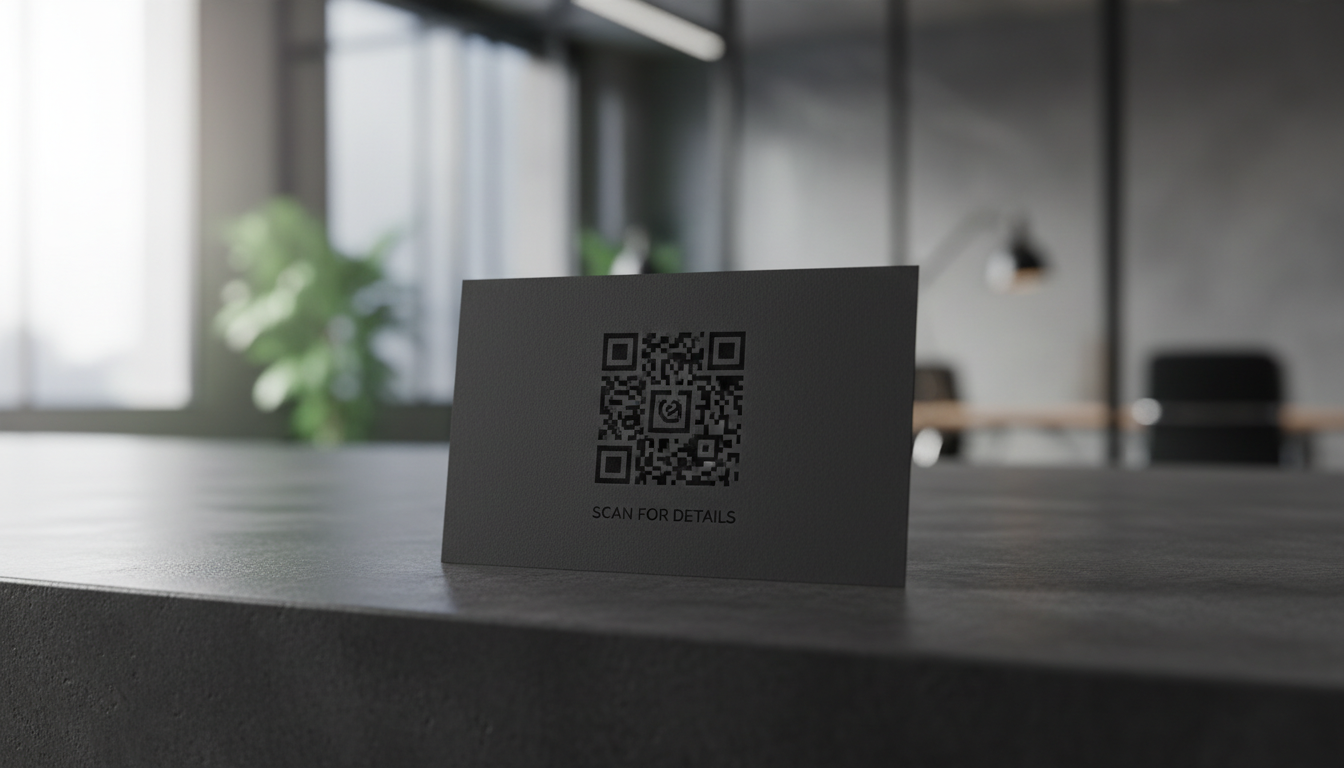
- High contrast between the QR code and its background is essential for reliable scanning. Dark code on a light background is best.
- Clear Call to Action (CTA):
- Don't just place a QR code. Add text like "Scan for Our Menu," "View Today's Specials," or "Browse Our Full Offerings." This guides customers and enhances the user experience.
- Regular Testing:
- Periodically test your QR codes to ensure they still work and link to the correct, updated menu. Check for any broken links or outdated information.
- Branding and Aesthetics:
- Incorporate your restaurant's logo and brand colors into the QR code design using Custom QR Design options. A well-designed QR code reinforces your brand identity.
- Provide Wi-Fi:
- Ensure your restaurant has reliable Wi-Fi for guests. A slow or absent internet connection can frustrate customers trying to access your menu. You can even create WiFi QR Codes to simplify connection.
Leveraging QR Code Analytics for Business Growth
The power of dynamic QR codes extends far beyond simple content delivery. The QR Code Analytics they provide can be a goldmine for your restaurant:
- Peak Scan Times: Understand when your menu is most frequently accessed. This data can inform staffing levels, kitchen prep, and even timing for promotional pushes.
- Location-Based Insights: If you have multiple locations, compare scan data to understand regional preferences or promotional effectiveness.
- Device Usage: See what types of devices your customers use, helping you optimize your digital menu for the most common screen sizes.
- Campaign Performance: If you use QR codes for special promotions (e.g., a "Scan for 10% Off" offer using Coupon QR Codes), analytics will show you the direct impact of that campaign.
Use these insights to:
- Optimize Menu Items: Identify popular days or times for certain dishes.
- Refine Marketing Efforts: Target promotions more effectively based on customer engagement.
- Improve Customer Flow: Understand busy periods to manage seating and service more efficiently.
Advanced QR Code Marketing for Restaurants
Beyond the basic menu, QR codes can be integrated into broader QR Code Campaigns to enhance customer engagement and loyalty.
- Feedback & Reviews: Place QR codes linking to an online survey (Form QR Codes) or review platforms like Google, Yelp, or TripAdvisor.
- Social Media Promotion: Encourage customers to follow your restaurant on social media with Social Media QR Codes.
- Loyalty Programs: Link to a signup page for your loyalty program or a digital punch card.
- Event Promotion: If you host special events, use Event QR Codes on flyers or posters.
- Online Ordering: Integrate QR codes that lead directly to your online ordering system for takeout or delivery.
- Chef's Recommendations/Video Content: Link to a short video from your chef introducing a new dish using Video QR Codes, adding a personal touch.
By strategically incorporating various QR code types, your qr code restaurant menu becomes just one facet of a comprehensive digital engagement strategy.
Conclusion
Creating a QR code for your menu is a fundamental step towards modernizing your restaurant operations, improving hygiene, and delighting your customers. By choosing dynamic QR codes, leveraging their analytical power, and implementing them strategically, you not only streamline your menu management but also unlock a wealth of opportunities for enhanced customer engagement and business growth.
Embrace the future of dining today. Get started with a Restaurant Menu QR Codes solution and transform how your customers interact with your culinary offerings. Your staff, your customers, and your bottom line will thank you.
Ready to Get Started?
Explore our tools to enhance your QR code workflow
Free QR Code Generator
Create unlimited QR codes for free with our easy-to-use generator. No signup required.
Start CreatingTeam Workspace
Collaborate with your team on QR code projects. Share templates, manage permissions, and track usage.
Explore TeamsQR Code API
Integrate QR code generation into your applications with our RESTful API. Unlimited requests, high performance.
Explore APIAll tools are available with a free plan to get you started
Frequently Asked Questions
Find quick answers to common questions about this topic
What is a QR code menu?
A QR code menu is a digital menu accessible by scanning a QR code with a smartphone. It allows customers to view your latest offerings, specials, and allergen information directly on their device without touching physical menus.
How do I create a QR code for my restaurant menu?
You can easily create a QR code for your menu using a platform like QR-Build. Simply upload your menu PDF or link to an online version, customize your QR code's appearance, and then download it for printing.
Can I update my QR code menu after printing?
Yes, with dynamic QR codes from QR-Build, you can update your menu content anytime, even after the QR codes have been printed and distributed. This saves reprinting costs and ensures customers always see the latest information.
What are the benefits of using QR codes for menus?
Using QR codes for menus improves hygiene, allows for instant updates, reduces printing costs, and provides valuable insights through scan analytics. It offers a modern and convenient experience for your diners.
Are dynamic QR codes better for menus than static ones?
Dynamic QR codes are significantly better for menus as they allow you to change the menu content without generating a new QR code. Static QR codes, once printed, cannot be altered, making them impractical for frequently updated menus.
Related Articles
Continue exploring QR code strategies and best practices
Static vs Dynamic QR Code Explained: Benefits of Dynamic QR
Understand static vs. dynamic QR codes. Learn the benefits of dynamic QR codes for marketing, tracking, and content updates. Essential for modern campaigns.
What are the Main QR Code Types? Static, Dynamic & More
Explore the different QR code types, from static to dynamic. Learn their unique features, benefits, and best uses for business with QR-Build.
Create a QR Code for Your Website: The Ultimate Guide
Unlock easy access to your website with a QR code. Learn how to create a website QR code, customize it, and deploy it effectively to boost traffic and user engagement. Si
Unlock Growth: QR Codes in Business for Modern Engagement
Discover how QR codes revolutionize business operations, marketing, and customer engagement. Explore essential QR code business uses to drive efficiency and boost your br

Boost Your Business: Creative QR Code Marketing Ideas for Success
Uncover 15 innovative QR code marketing ideas to transform your campaigns and engage customers. Learn how to leverage QR codes for promotions, lead generation, and enhanc
unpacking-qr-code-adoption-statistics-why-they're-back-in-business

QR Technology Specialist
Sarah has over 8 years of experience in digital marketing and QR code technology. She specializes in helping businesses implement effective QR code strategies.