Everyday sharing
URL, social profile, email, SMS, and phone examples show the formats most people use for simple digital handoffs.
Updated June 2026
Use this gallery to see what finished QR codes look like before you create one. Every QR code example was generated with QR-Build, reviewed as a real output, and organized by the job it helps someone complete.
Methodology: We generated these examples with QR-Build and tested representative codes on iOS 17 and Android 14 before publication.
A QR code, short for Quick Response code, is a two-dimensional matrix barcode that a smartphone camera can read. A good example does more than show a square pattern: it explains what happens when someone scans it.
This page is intentionally visual-first. Instead of only defining QR formats, it shows example outputs for business campaigns, contact sharing, Wi-Fi access, events, education, nonprofit campaigns, and payments.
In our review, static QR code examples and dynamic QR code examples can look identical to a scanner and to the human eye. The practical difference is the data behind the pattern: static codes store the final payload, while dynamic codes use a redirect layer that can be edited and measured later.
URL, social profile, email, SMS, and phone examples show the formats most people use for simple digital handoffs.
PDF, menu, event, inventory, and feedback examples show how QR codes move customers from printed material into a digital workflow.
Dynamic QR examples connect a QR code to a redirect layer, which enables destination edits and scan analytics after publishing.
Logo and color examples show how customization can make a QR code fit a campaign while preserving contrast and quiet zone spacing.
Size, quiet zone, and contrast examples help designers check whether a QR code will survive packaging, signs, flyers, and labels.
The comparison tables explain when a free static QR code is enough and when a dynamic QR code is worth using.
For business use, a QR code should connect a physical touchpoint to a measurable digital action. We tested these formats as practical campaign outputs rather than decorative graphics.
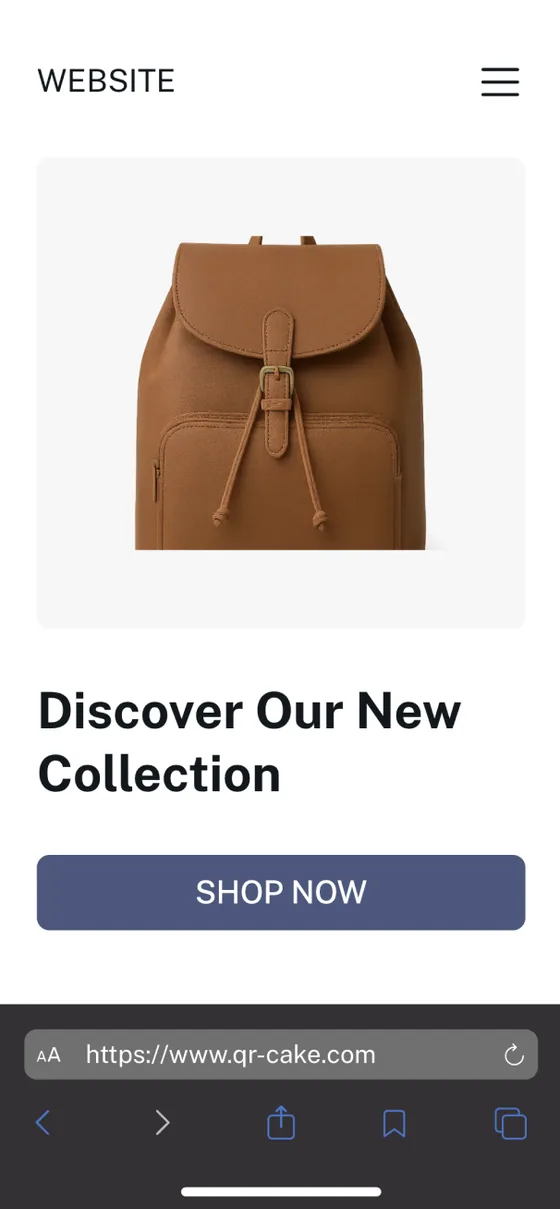
Scanning this URL QR code opens a website or landing page.
What happens when scanned: The phone opens a browser tab with the linked website.
Create this QR code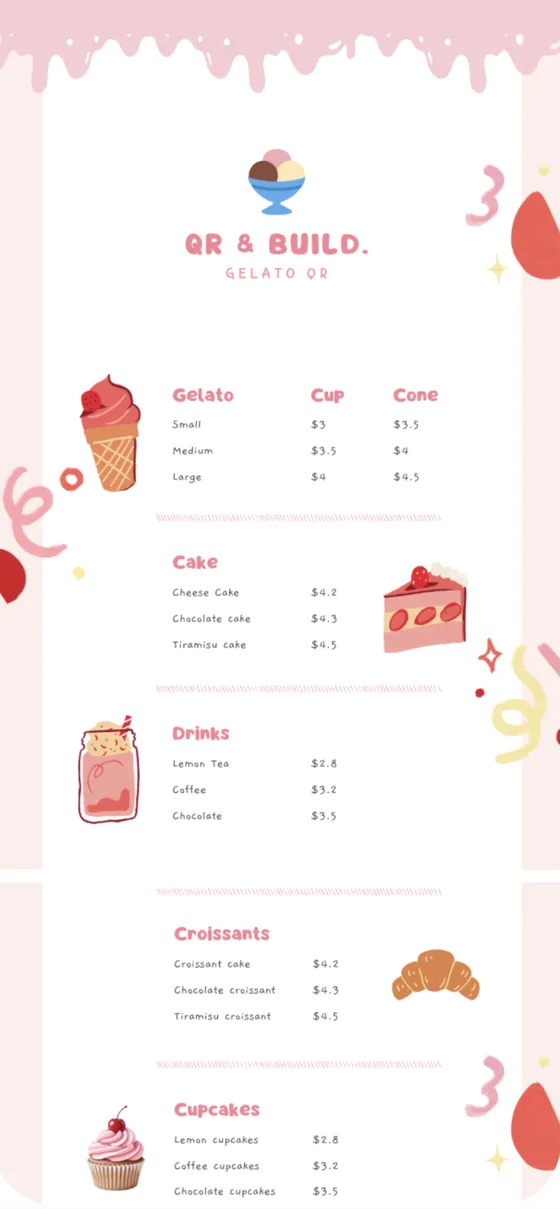
Scanning this PDF QR code opens a brochure, menu, catalog, or document.
What happens when scanned: The phone opens a hosted PDF that can be updated later when the code is dynamic.
Create this QR code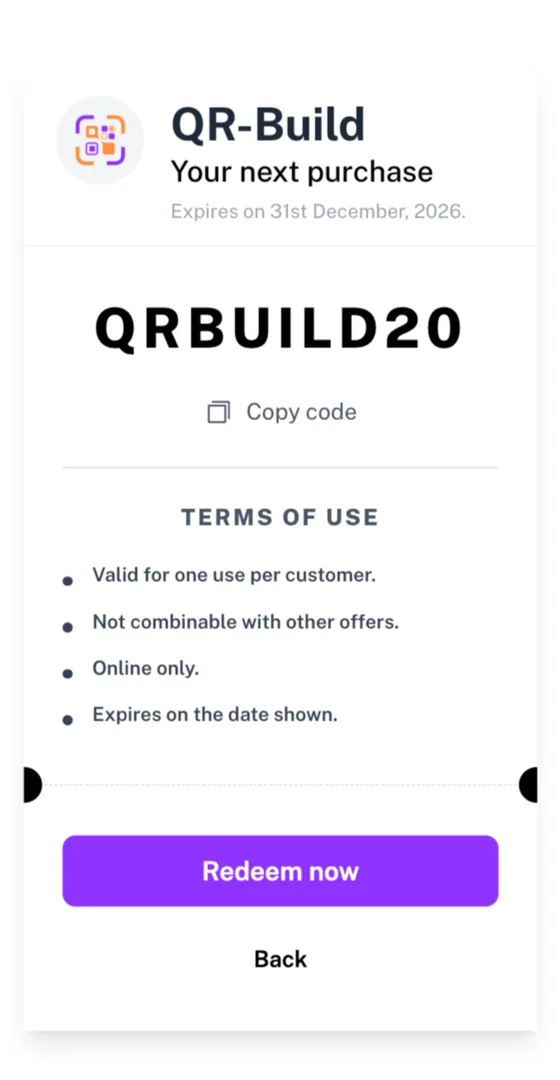
Scanning this coupon QR code opens a promotion page or redeemable offer.
What happens when scanned: The scanner lands on a campaign page with the current coupon details.
Create this QR code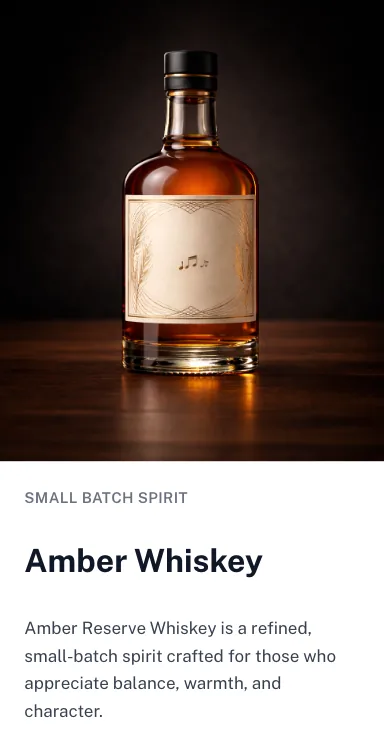
Scanning this inventory QR code opens an asset record, product detail, or maintenance page.
What happens when scanned: A staff member sees the current product or asset information without searching a database manually.
Create this QR codeThese examples are useful when the scanner already wants to contact a person or follow a profile. The value is speed: no typing, no search, and fewer transcription errors.

Scanning this vCard QR code prompts the phone to save a digital business card.
What happens when scanned: The phone displays a save-contact prompt with name, company, phone, email, and website fields.
Create this QR code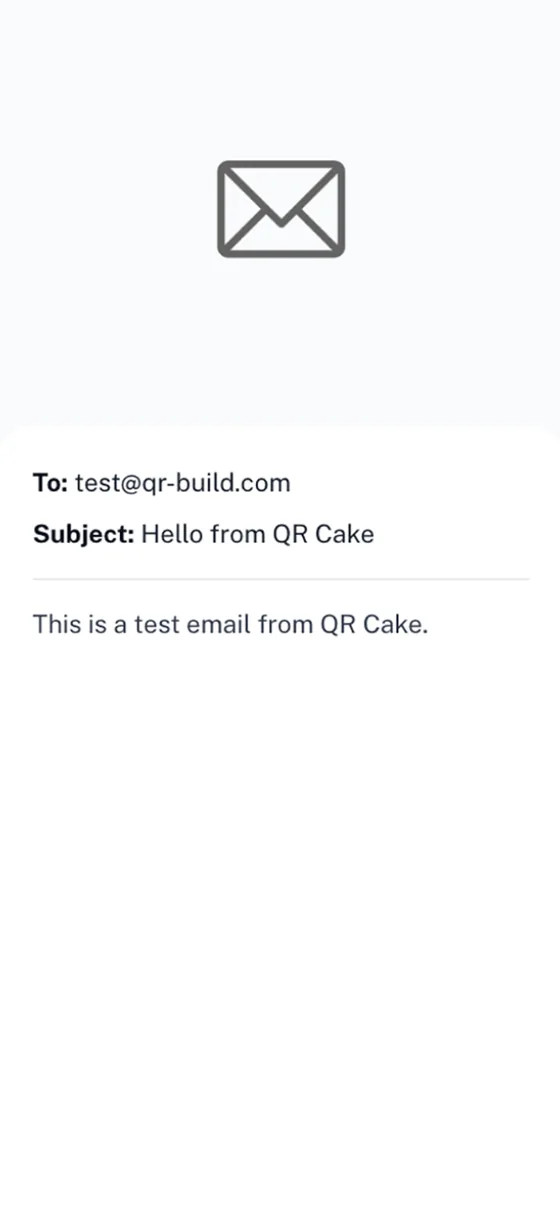
Scanning this email QR code opens a pre-addressed email draft.
What happens when scanned: The mail app opens with a recipient, subject, or message already filled in.
Create this QR code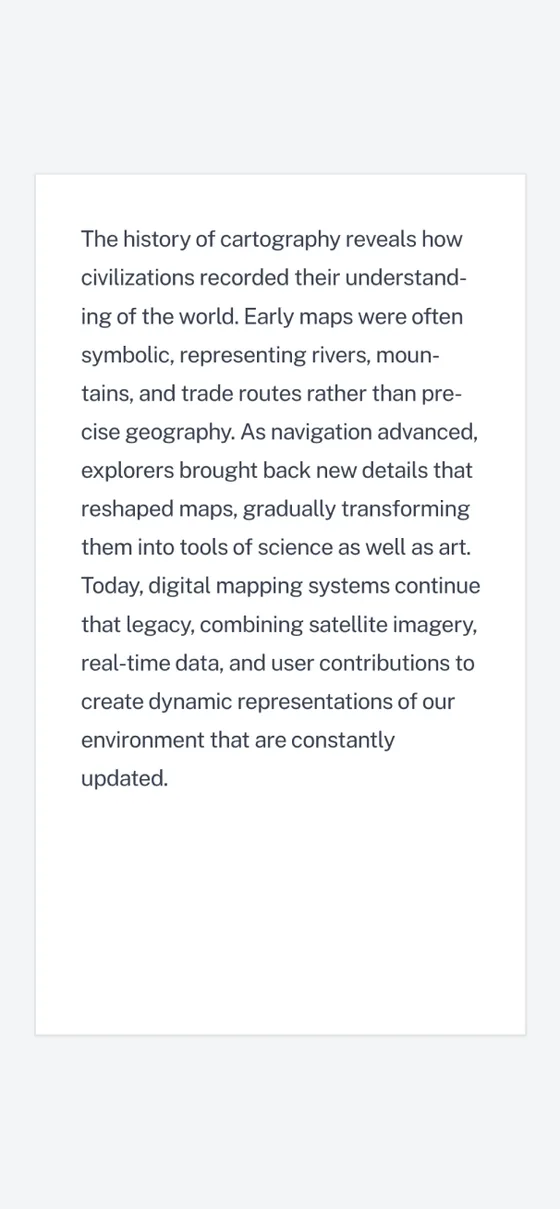
Scanning this plain text QR code displays a fixed note stored in the code.
What happens when scanned: The scanner shows the encoded text without needing to open a website.
Create this QR code Scanning this phone QR code starts a call prompt for a saved phone number.
What happens when scanned: The phone asks whether to call the encoded number.
Create this QR code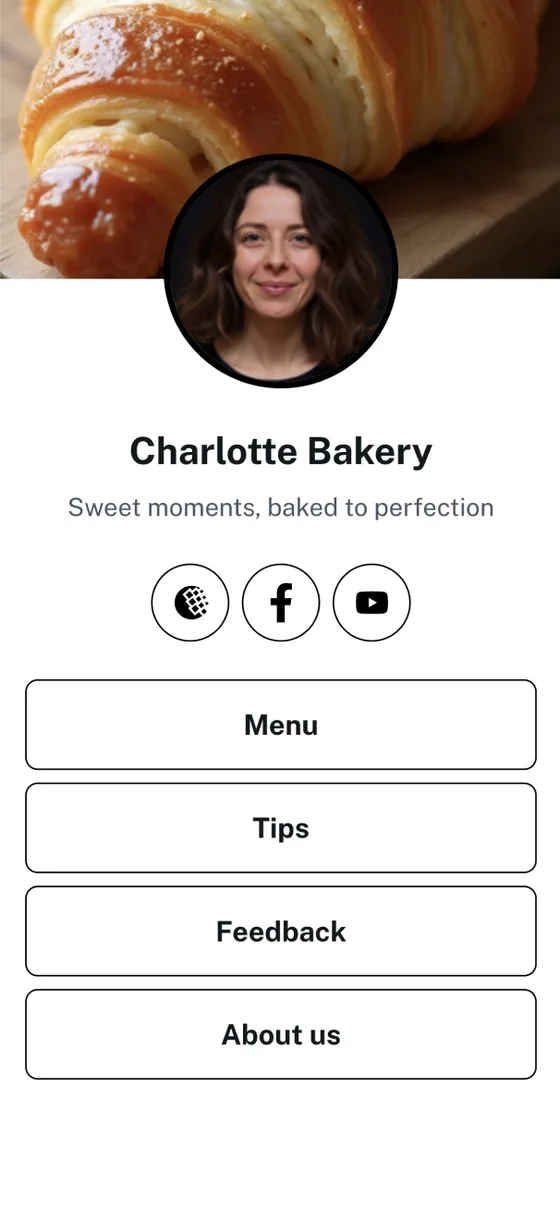
Scanning this social QR code opens a link-in-bio page with several social links.
What happens when scanned: The scanner sees a mobile landing page with profile links, videos, shops, or booking links.
Create this QR codeThese formats are especially useful in offices, rentals, classrooms, device packaging, and onboarding flows where speed matters more than persuasion.

Scanning this Wi-Fi QR code joins a network using the encoded SSID and password.
What happens when scanned: Supported phones offer to join the guest network without typing the password.
Create this QR code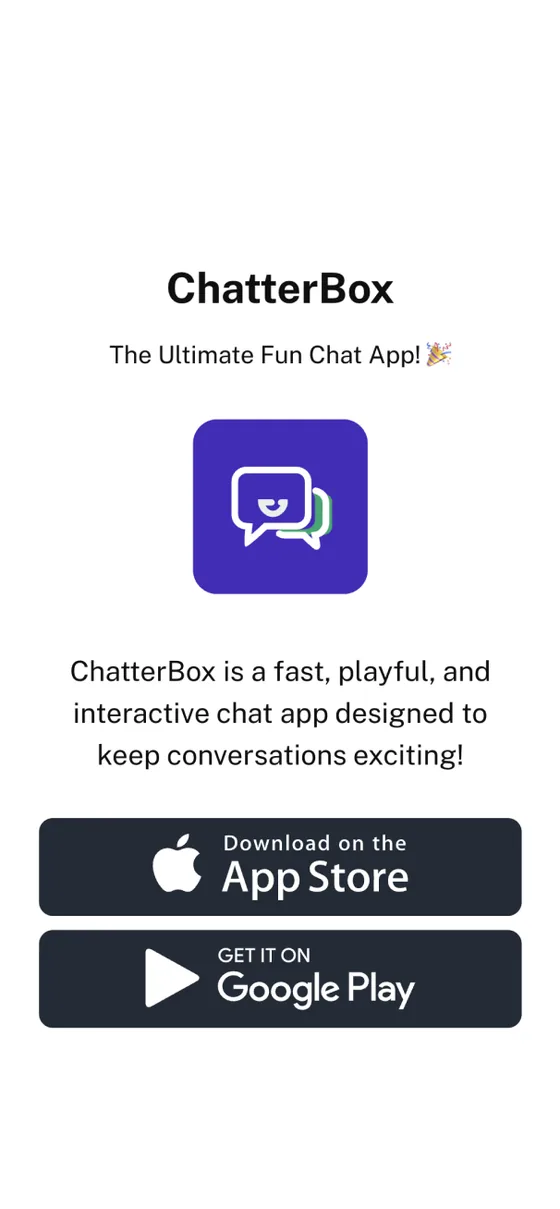
Scanning this app QR code opens the correct download page for a mobile app.
What happens when scanned: The scanner lands on an App Store, Google Play, or device-aware download page.
Create this QR code Scanning this setup QR code opens device instructions, pairing text, or a support page.
What happens when scanned: The scanner sees the setup instructions needed for a router, appliance, or connected device.
Create this QR codeThese examples are strongest when printed in context: table tents, wristbands, reception desks, room cards, posters, and event signage.
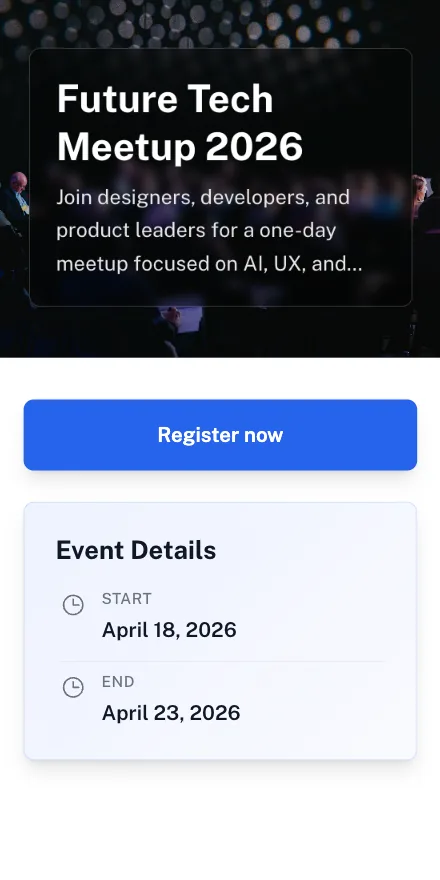
Scanning this event QR code opens event details, ticket validation, or check-in instructions.
What happens when scanned: The guest sees the event page or check-in flow for the current event.
Create this QR code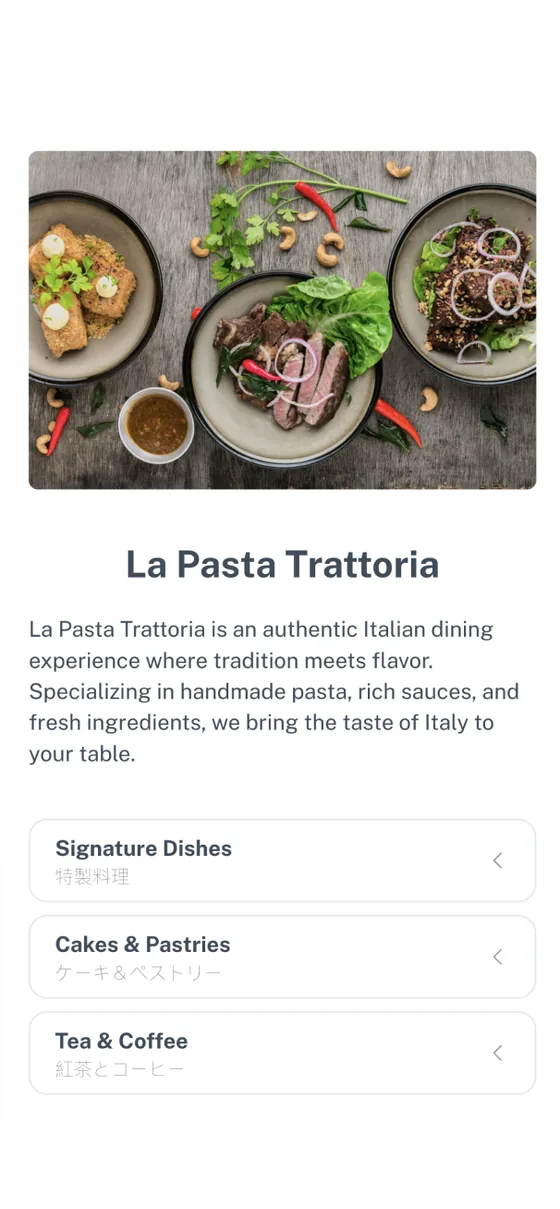
Scanning this menu QR code opens a digital restaurant menu.
What happens when scanned: The guest views the latest menu without waiting for a printed copy.
Create this QR code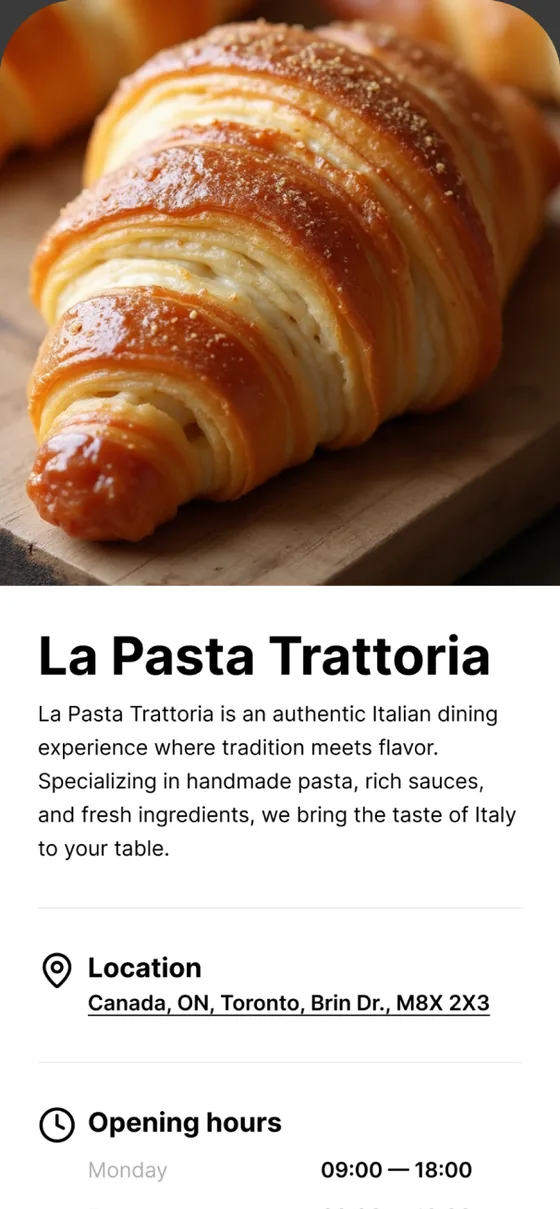
Scanning this hotel QR code opens check-in instructions, amenities, or guest services.
What happens when scanned: The guest lands on a mobile page with check-in, Wi-Fi, breakfast, and support details.
Create this QR code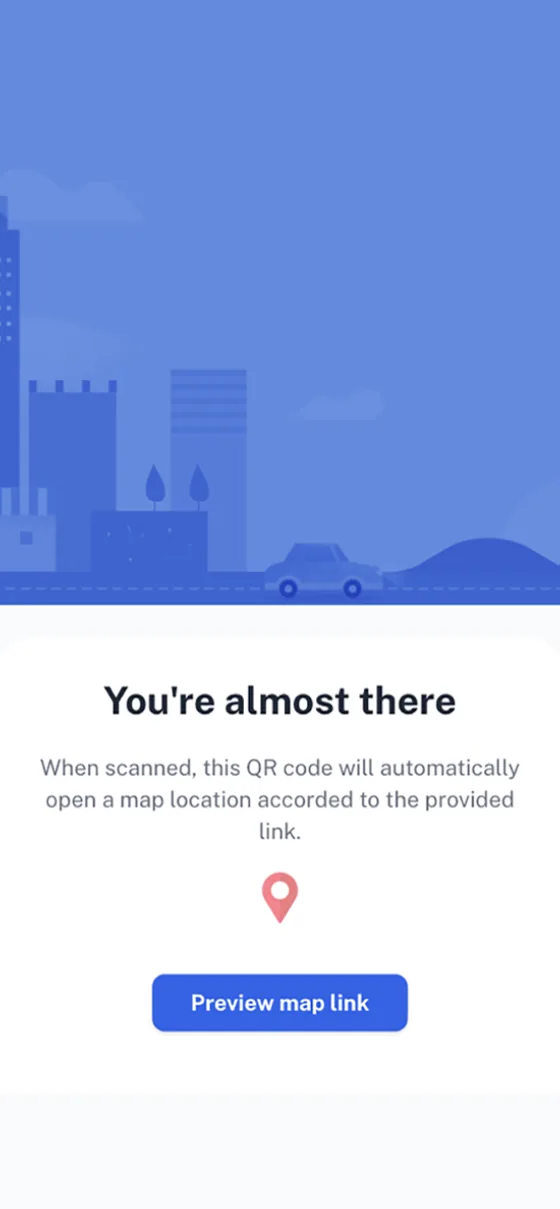
Scanning this tour guide QR code opens a map, audio guide, or stop-specific page.
What happens when scanned: The visitor gets context for the exact location or exhibit they are viewing.
Create this QR codeTeachers, student groups, and nonprofit teams often need a simple bridge from a poster, worksheet, or event sign to a digital action.
Scanning this form QR code opens a Google Form, survey, or registration form.
What happens when scanned: The scanner answers questions in the browser without typing the form URL.
Create this QR code Scanning this feedback QR code opens a customer, class, or event survey.
What happens when scanned: The scanner lands on a feedback form tied to a specific location, event, or lesson.
Create this QR code Scanning this donation QR code opens a fundraising page or checkout link.
What happens when scanned: The donor reaches the active donation page with fewer steps from the printed appeal.
Create this QR code Scanning this classroom QR code opens a worksheet, reading list, or resource folder.
What happens when scanned: Students or parents open the resource directly from a handout or classroom display.
Create this QR codePayment QR codes are convenient, but they require extra trust checks because money changes hands. Use clear labels and avoid placing payment codes where they can be covered by another sticker.
Scanning this payment QR code opens a PayPal.me or payment request link.
What happens when scanned: The payer reviews the payment destination before confirming in the payment app or browser.
Create this QR code Scanning this checkout QR code opens a product, invoice, or hosted checkout page.
What happens when scanned: The customer lands on the active checkout link for the selected product or invoice.
Create this QR code Scanning this crypto QR code displays or imports a wallet address.
What happens when scanned: The wallet app can read the encoded address, but the sender should verify the address before sending funds.
Create this QR code This static example stores the final website URL directly in the QR pattern.
This dynamic example uses a redirect layer so the destination can change later.
| Comparison point | Static QR code | Dynamic QR code |
|---|---|---|
| Visual appearance | Looks like a normal QR matrix. | Looks like a normal QR matrix. |
| Destination editing | The destination is fixed after generation. | The destination can be edited through the redirect layer. |
| Scan analytics | No scan analytics are available from the code itself. | Scan analytics can record time, device, location approximation, and total scans. |
| Best fit | Use for permanent information such as a Wi-Fi password or simple contact card. | Use for campaigns, menus, PDFs, and anything that may need updates. |
| Pricing expectation | Static QR codes are commonly free across generators. | Dynamic QR codes are usually tied to a paid plan; verify current terms on the vendor's website. |
Source note: This table is based on QR-Build output behavior and common QR generator architecture as of 2026. Pricing and plan limits can change, so verify current vendor terms before buying.
A standard black-and-white QR code is often the safest option for small print sizes.
A branded QR code can include a logo and color treatment when the design preserves scannability.
| Design factor | Unbranded QR code | Branded QR code |
|---|---|---|
| Recognition | Looks familiar and functional. | Can reinforce a brand or campaign identity. |
| Risk level | Lowest design risk when contrast and quiet zone are preserved. | Needs testing because logos, colors, and rounded modules can reduce scanning margin. |
| Best use | Small labels, receipts, utility stickers, and dense packaging. | Flyers, posters, business cards, social campaigns, and proposals. |
| Generator evaluation | Most QR code generators can produce equivalent static output. | Compare export quality, logo controls, color handling, and scan testing before choosing a generator. |
Source note: We tested branded QR output by keeping logo coverage below 30%, preserving a quiet zone, and checking scans on mobile cameras. Always verify final artwork in its actual print size.
Enter an email address to continue to QR-Build and use the examples checklist while you create your own code.
You can also create static QR codes without downloading the PDF.
Select the QR code type that matches your content: URL, vCard, Wi-Fi, PDF, app, video, form, menu, or another QR-Build format.
Add your logo, choose a foreground color, and select a module style. Keep contrast high and keep the quiet zone visible on all sides.
Download the QR code as PNG or SVG, then scan it with both iOS and Android cameras before printing or publishing.
Bad example: a 1 cm code printed on a counter sign that customers scan from arm's length.
Use at least 2 cm x 2 cm for close-range print and scale up as the viewing distance increases.
Bad example: a pale gray QR code on a cream background.
Use a dark foreground on a light background and test the final color values after print or export.
Bad example: a QR code placed flush against a photo, border, or package edge.
Keep a clear white margin around the QR code so scanner software can locate the pattern.
Bad example: a dynamic QR code printed before the final redirect destination is verified.
Scan the final exported code and confirm the destination works on mobile data as well as Wi-Fi.
The quiet zone is the white border around a QR code. It should be at least four modules wide so a scanner can identify where the code begins and ends.
Dark modules on a light background are the most reliable. Colored QR codes can work, but the foreground should remain clearly darker than the background.
A QR code on a business card can be small because it is scanned close up. A poster, window sign, or billboard needs a much larger code.
Test the downloaded file, not only the preview. Scan it on iOS and Android and test it under the lighting conditions where it will be used.
SVG export keeps the QR pattern sharp at any print size. PNG works well for digital placement and small print when exported at sufficient resolution.
Dynamic QR codes add a redirect layer, scan analytics, and destination editing. That matters when a campaign URL may change after the code is printed.
| Scanning distance | Minimum QR code size | Typical placement |
|---|---|---|
| 20-30 cm | 2 cm x 2 cm | Business cards, labels, receipts, and handouts |
| 50 cm | 5 cm x 5 cm | Table tents, menus, shelf signs, and packaging |
| 1 m | 10 cm x 10 cm | Posters, storefront signs, classroom displays, and event signage |
| 3 m | 30 cm x 30 cm | Large wall signs, trade show booths, and directional signage |
| Your use case | Recommended QR type | Free or paid expectation | Next step |
|---|---|---|---|
| Share a permanent website link | URL - Static | Free | Create a URL QR code |
| Share an updatable campaign link | URL - Dynamic | Paid on most platforms | Track scans with QR-Build analytics |
| Share Wi-Fi access | Wi-Fi | Free | Create a Wi-Fi QR code |
| Share contact information | vCard | Free | Create a vCard QR code |
| Share a restaurant menu or PDF | PDF - Dynamic | Paid on most platforms | Create a PDF QR code |
| Add logo and campaign colors | Any branded QR code | Free limited or paid depending on vendor | See QR-Build pricing |
Decision note: Static QR codes are functionally similar across generators. QR-Build is most useful when you need branded design, editable dynamic destinations, or scan analytics; verify current pricing and feature limits before purchase.
Start with the example that matches your use case, then customize the destination, design, and export format in QR-Build.
